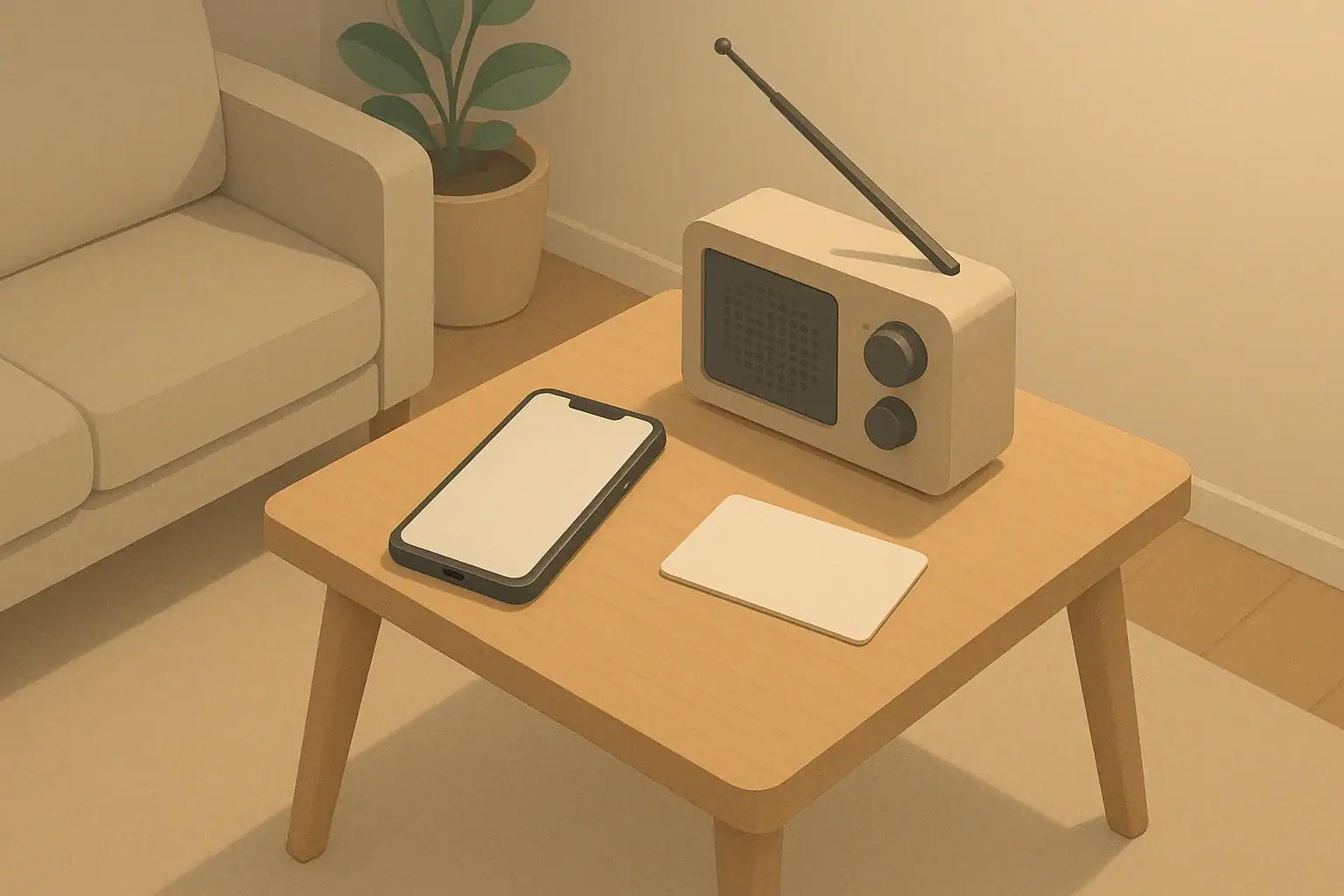
Why Home Internet Backup Matters During Outages
Power outages are usually short, but they often arrive with bad weather, school closures, or transportation delays. In those moments, keeping your home internet running for a few extra hours can make life noticeably easier.
For most households, the goal is modest: keep the modem and Wi‑Fi router online long enough to:
- Check local outage maps and weather updates
- Send messages to family, coworkers, or schools
- Use low-bandwidth apps for work or homework
- Stream audio or basic video for kids or seniors without relying on cellular data
Two common ways to power your network equipment during a blackout are:
- A small uninterruptible power supply (UPS) dedicated to the modem and router
- A portable power station that can run the router plus a few other devices
This article walks through how each option works, what it can reasonably do, and how to choose a setup that fits a typical home or apartment without going overboard.
Understanding Your Home Internet Power Needs
Before comparing a router UPS and a power station, it helps to estimate how much power your internet equipment actually uses. Home network gear usually draws much less power than people expect.
Step 1: Identify the devices you want to keep online
Most homes have a few core pieces of equipment:
- Modem or gateway: The box that connects to the internet service (cable, fiber, or DSL).
- Wi‑Fi router or mesh hub: The device that creates your wireless network.
- Optional extras: Network switch, signal booster, or mesh satellites.
For backup planning, many people focus on the modem and main Wi‑Fi router only. Extra components can be unplugged during the outage to extend runtime.
Step 2: Check power-draw in watts or amps
You can usually find power information on a small label on the device or on its power adapter. Look for:
- Watts (W) directly, or
- Volts (V) and Amps (A), which you can multiply (V × A) to estimate watts.
Most home modems and routers use low-voltage DC power (for example, 9–24 V). Many draw only dozens of watts or less. For planning, many households find that their modem and router together use well under 100 watts in typical operation.
Step 3: Estimate backup runtime
To get a rough idea of how long a backup solution might run your equipment, you can use this simple approach:
- Estimate total router + modem power draw in watts.
- Look at the backup device’s battery size in watt-hours (Wh) if available.
- Divide battery watt-hours by total watts to get an ideal runtime in hours, then reduce for losses and inefficiency.
Real-world runtimes will be lower than paper calculations, but even a small battery can often keep internet gear up for a few hours if it is the only load connected.
Example values for illustration.
| Situation | Router UPS may fit better if… | Power station may fit better if… |
|---|---|---|
| Living space | Small apartment, limited storage, only need internet | Larger space or household wants to power several items |
| Budget | Lower upfront budget and simple installation | Willing to pay more for flexibility and capacity |
| Devices during outage | Just modem and Wi‑Fi router | Router plus phones, a small fan, or small appliances |
| Portability | Mostly stays plugged in by the router | Want something that can also be used in other rooms or on trips |
| Ease of use | Prefer a plug‑and‑forget device that switches automatically | Comfortable manually plugging devices into a power station |
| Future expansion | No major plans to add backup for more items | Considering adding solar or extra capacity later |
Option 1: Using a Router UPS for Internet Backup
A router UPS is a small uninterruptible power supply meant specifically for low‑power electronics like modems and routers. It usually stays plugged in full‑time and switches to battery power automatically when the grid goes down.
How a router UPS works
Most consumer UPS devices follow the same basic pattern:
- The UPS plugs into a regular wall outlet.
- Your modem and router plug into the UPS.
- The UPS charges its internal battery while power is available.
- When power fails, the UPS switches to battery and keeps your devices running for a limited time.
Some UPS models offer regular AC outlets. Others are designed for low-voltage DC output with barrel connectors that can plug directly into routers and modems, reducing wasted energy.
Pros of a router UPS
- Automatic switchover: You usually do not have to do anything during an outage; the router stays online seamlessly.
- Compact footprint: Small and easy to tuck near your modem.
- Simpler setup: Designed for this exact purpose; once installed, it often just works.
- Noise and emissions: No exhaust and usually very quiet.
Limitations of a router UPS
- Limited capacity: Typically sized for hours, not days. You are focusing on communications, not whole-home power.
- Less flexible: Often not ideal for running larger devices like fans or small appliances.
- Battery wear over time: Internal batteries gradually lose capacity and may need replacement after several years.
Estimating runtime with a router UPS
While exact numbers depend on the specific unit and devices, many households find that a modest UPS can keep a modem and router online for several hours during a typical outage when those are the only items plugged into it.
To stretch runtime further, you can:
- Unplug nonessential network gear like extra mesh satellites.
- Turn off high-bandwidth activities such as 4K streaming or large downloads.
- Reduce the number of connected devices when possible.
Option 2: Using a Portable Power Station for Internet Backup
A portable power station is a larger, rechargeable battery with built‑in outlets. Many models include AC outlets, USB ports, and DC outputs. While often used for camping or outdoor power, they can also keep your home internet running during an outage.
How a power station fits into home internet backup
Instead of leaving it permanently wired to your router, a power station is usually stored charged and brought out when the power goes out:
- Keep the power station charged in a safe, dry location.
- During a blackout, plug your modem and router into it using AC or appropriate DC adapters.
- Add other low‑power devices if there is capacity, like phone chargers or a small lamp.
This approach is more manual than a dedicated UPS, but it offers flexibility when you want to power more than just your router.
Pros of a portable power station
- Flexible usage: Can power your network plus other essentials like phones, small lights, or a small fan.
- Higher capacity options: Larger batteries can support longer runtimes, especially if you only run low‑draw devices.
- Portability: Useful for outdoor activities or as a shared household backup resource.
- Multiple charging methods: Many can be charged from wall outlets, vehicle outlets, or compatible solar panels (follow manufacturer instructions).
Limitations of a portable power station
- Higher cost: Usually more expensive than a small UPS focused only on networking gear.
- Manual switchover: You need to plug devices into it once the power goes out, so there may be a brief internet interruption.
- Size and weight: Larger capacity units are bulkier and must be stored somewhere accessible and safe.
Using a power station safely indoors
Portable power stations designed as indoor-friendly batteries do not produce exhaust the way fuel-based generators do. Even so, it is important to:
- Follow all manufacturer guidance for ventilation and temperature.
- Keep the unit on a stable surface, away from water sources and flammable materials.
- Use only appropriately rated cords and avoid overloading any outlet.
- Store and charge it in line with the recommended temperature range.
Choosing Between a Router UPS and a Power Station
Both options can keep your home internet running in a power outage. The better choice depends on your space, budget, and how broadly you want to cover other household needs.
Questions to help you decide
Consider the following when deciding what to purchase or prioritize:
- What is your typical outage length? If most blackouts last under a few hours, a smaller router UPS often covers basic needs.
- Do you need to power more than internet gear? If you want to run a lamp, charge several phones, or power a small fan, a power station offers more flexibility.
- How much storage space do you have? Apartment dwellers may prefer a compact UPS; those with more storage might be comfortable with a larger unit.
- What is your budget? A router UPS can be a lower‑cost entry into backup power. Power stations can be more of an investment but cover more uses.
- Are automatic switchover and simplicity important? If you do not want to think about anything during an outage, a UPS is more hands‑off.
Combining both options
Some households eventually end up using both:
- A small UPS permanently connected to the modem and router for seamless internet continuity.
- A portable power station for other essentials like lighting, phone charging, or small devices in any room.
This layered approach can make sense for families, remote workers, or anyone in an area with seasonal storms where outages are more common.
Placement, Safety, and Maintenance Tips
Whichever backup option you choose, a few simple practices can help it work when you actually need it.
Where to place your backup power
- Near your modem and router: For a UPS, place it within easy reach of both devices and their cables.
- Accessible but out of the way: Avoid blocking airflow or emergency exits with equipment.
- Dry, cool, and stable: Keep units off the floor if flooding or leaks are a concern, and away from heat sources.
Routine checks and maintenance
Backup power only helps if it works when the lights go out. Set a simple routine:
- Quarterly checks: Confirm indicator lights look normal, cords are intact, and plugs are snug.
- Test run: Once or twice a year, unplug the UPS or briefly run devices from the power station to make sure they still power on.
- Battery health: Many units gradually lose capacity; watch for noticeably shorter runtimes and follow guidance for battery service or replacement.
- Dust control: Gently wipe vents and surfaces to help prevent overheating.
Safety reminders
- Do not use fuel-based generators indoors or in enclosed spaces because of exhaust hazards.
- Do not cover backup units with cloth or store items directly on top of them.
- Avoid overloading outlets or daisy‑chaining power strips into UPS units.
- Keep backup power equipment out of reach of small children and pets when possible.
Integrating Internet Backup Into a Simple Home Readiness Plan
Keeping your home internet running is just one piece of everyday readiness. A short outage can also disrupt lighting, communication, and basic routines. You can make a simple, low‑stress plan that fits an apartment or a house without turning your home into a storage project.
Plan for communication first
When the power goes out, many people reach for their phones. If cell networks are busy, home internet—when available—can give you another way to reach family or get information. Consider planning for:
- Charged phones and power banks: Keep a small rotation of charged power banks in the same area as your modem, UPS, or power station.
- Non‑internet options: A basic battery‑powered or hand‑crank radio can provide local updates if both grid power and internet service are down.
- A simple contact list: Write down a few key numbers and keep them in a known spot in case a device battery dies.
Layer internet backup with lighting and safe movement
Reliable lighting makes it easier to plug in devices, check the router, and move around safely. Alongside your UPS or power station, keep a small, easy‑to-find box with:
- Flashlights or headlamps with fresh batteries
- A small lantern for shared spaces
- Spare batteries in original packaging
- Night‑light style lights that can run from USB power banks if desired
Store this kit near a central location—such as a hall closet or near your router—so it is easy to grab in the dark.
Coordinate with water and basic comfort
Internet access helps you check boil-water notices, service updates, and cooling or warming center locations during heatwaves or winter storms. Even simple steps can make these situations easier:
- Keep some stored drinking water where it stays cool and out of direct sunlight.
- Store a small supply of ready‑to‑eat pantry foods that do not require cooking.
- During hot weather, consider whether a power station could run a small fan on low speed.
- During cold snaps, focus on layers of clothing and safe, non-electric heating options as recommended by local authorities.
If you live with kids, pets, or seniors, think about any extra comfort items—like familiar snacks, a favorite toy, or simple activities—that help pass the time while the power is out and screens are used more sparingly.
Example values for illustration.
| Device type | Typical power draw range (watts) | Planning notes |
|---|---|---|
| Modem + Wi‑Fi router | 20–80 | Often the first priority; a modest battery can keep these running for several hours when they are the only load. |
| Smartphone charging | 5–15 | Short, occasional charges use relatively little energy; combine with router backup for communication. |
| Small LED desk lamp | 5–10 | Efficient lighting; a small lamp can run for many hours on the same power that runs your router. |
| Small USB or tabletop fan | 5–30 | Helpful during heatwaves; higher speeds and larger fans use more power and shorten runtime. |
| Laptop charging | 30–90 | Charging while powered off or in sleep mode can use less energy than while running intensive tasks. |
| TV for news (moderate size) | 40–150 | Occasional use for brief updates may be practical; continuous viewing reduces available hours for other devices. |
Simple Next Steps for Everyday Households
You do not need a large system to be ready for a routine power outage. For many homes, a small router UPS or a compact portable power station, paired with some basic lighting and a short written plan, is enough to get through a few dark hours more comfortably.
A practical way forward is to:
- Check how much power your modem and router use.
- Decide whether you mainly want to cover internet alone (UPS) or several devices (power station).
- Choose a backup solution that fits your space and budget.
- Test it once, label the cords if helpful, and add a quick reminder on your calendar to check it a couple of times a year.
With a small amount of planning, you can keep your home connected, informed, and calmer the next time the lights flicker.
Authoritative sources
Safety recommendations can change. Confirm critical details with current official guidance and local authorities.
- CDC: Carbon Monoxide Poisoning Basics
- US EPA: Emergency Disinfection of Drinking Water
- USDA FSIS: Keep Food Safe During Emergencies
Frequently asked questions
How long will a typical router UPS keep my modem and router online?
Runtime depends on the UPS’s battery capacity (watt-hours) and your equipment’s power draw; many modest router UPS units keep a modem and router running for several hours when they are the only load. Battery age, efficiency losses, and adding extra devices will reduce real-world runtime.
Can I use a portable power station to keep my internet online without interruption?
A portable power station can power your modem and router, but most require manual plug-in when the grid fails, which can cause a brief interruption. For seamless switchover you would need an automatic transfer arrangement or a UPS designed to switch instantly.
How do I estimate the battery capacity (Wh) needed for home internet backup?
Add the watt ratings of your modem and router to get total watts, multiply by the number of hours you want to run them to get required watt-hours, and then increase that total by about 20–30% to account for inverter and system losses. Compare that adjusted number to the battery Wh rating of a UPS or power station to choose a suitable unit.
Are there indoor safety concerns when using a power station for internet backup?
Indoor-rated power stations do not produce exhaust, but you should still follow manufacturer instructions: store and charge in a cool, dry place, keep the unit on a stable surface away from water and flammable materials, and avoid overloading outlets or using damaged cords. Regular inspection and adherence to temperature and ventilation guidance will reduce risk.
How often should I test and maintain a UPS or power station so it will work during an outage?
Perform quick visual checks quarterly, and do a short live test (run your modem/router from the backup) once or twice a year to verify operation. Monitor battery runtime over time and plan for battery service or replacement when you notice significantly shorter runtimes.
- Simple checklists and realistic planning
- Water, power, lighting, and pantry basics
- Family plans (kids, pets, seniors) and seasonal prep
Affiliate disclosure
As an Amazon Associate, we earn from qualifying purchases. Some links on this site may be affiliate links. If you buy through these links, we may earn a small commission at no extra cost to you. This helps support our content. Learn more.