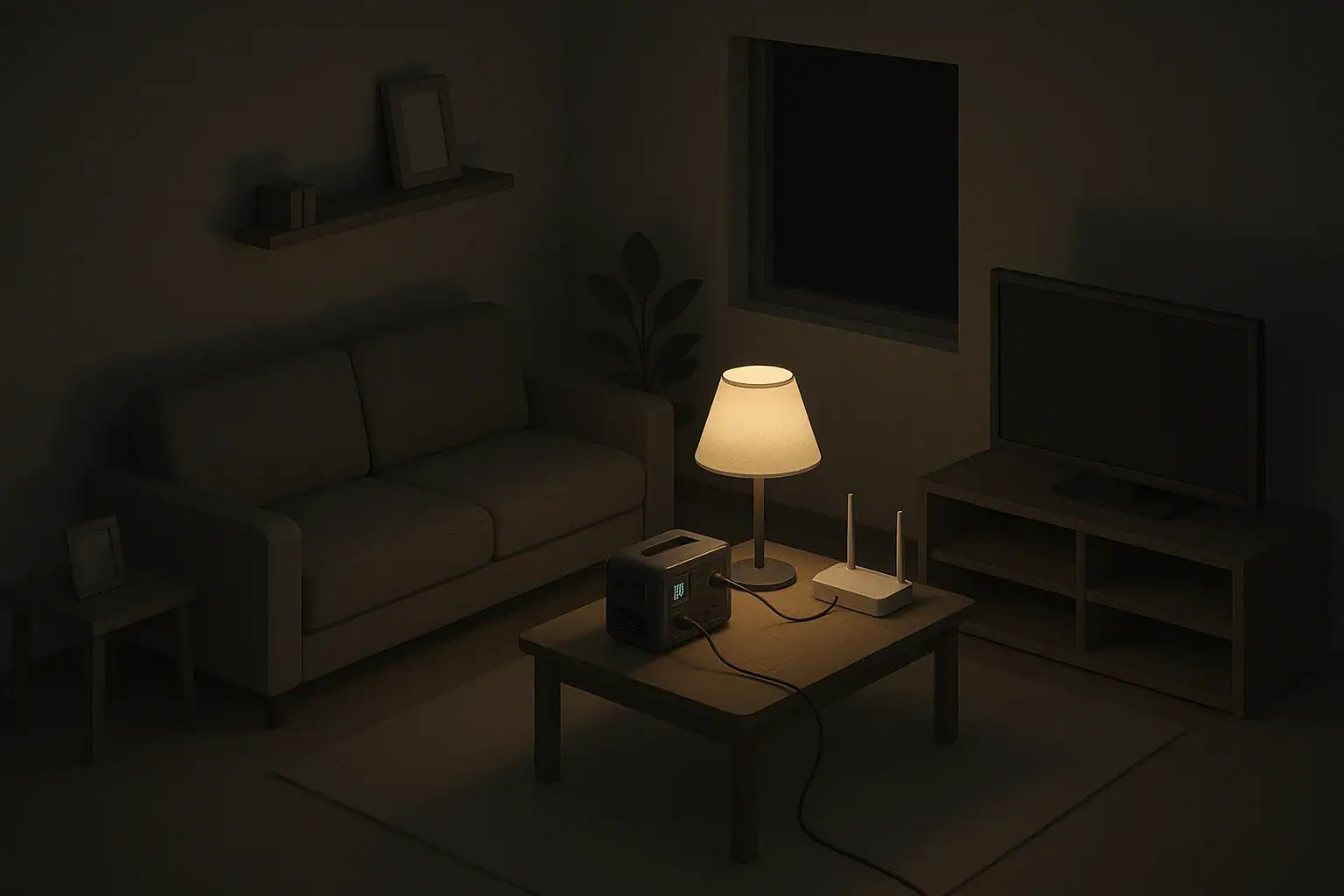
Why Plan Internet Backup for a Blackout?
Power outages are usually short, but they can be disruptive. Keeping your internet connection available, even for a few hours, can help you:
- Receive emergency updates and weather information
- Communicate with family, work, and school
- Use maps and local outage information
- Stream news or entertainment to keep kids calm
Unlike heating or refrigeration, home internet usually draws relatively low power. That makes it one of the easiest parts of your home to keep running on backup power, especially if you focus only on your modem and router instead of the whole house.
This guide explains common backup options for your router and modem, how to size them, and what to expect in real-world outages, with an emphasis on simple, practical setups for apartments and houses.
Step 1: Understand What Actually Needs Power
Before buying or setting up any backup, list every device that has to be on for your internet to work. In many homes, it is fewer devices than you might think.
Typical home internet components
- Modem: Connects your home to your internet provider (cable, fiber, or DSL).
- Router/Wi‑Fi access point: Creates your home network and Wi‑Fi.
- Network switch or mesh nodes (if any): Extra devices for more ports or better coverage.
Each of these usually has a small power adapter. The label on the adapter lists its voltage and maximum current. You can multiply those values to estimate the maximum watts, but real usage is often lower. For planning, keep your estimates simple and on the safe side.
Apartment vs house vs rural setups
Your backup options also depend on how your internet service reaches your home:
- Apartment (cable/fiber in hallway or basement): Your modem and router are often all you control. The building’s infrastructure may have its own backup, but you cannot count on it.
- Single-family house (overhead or underground line): If the local internet provider equipment loses power, your modem and router may stay on but the internet connection itself could still drop.
- Rural or wireless fixed internet: If you have an outdoor antenna or powered equipment on the roof or pole, that gear may also need backup power.
In every case, backing up your modem and router still has value. If the wider network stays up, you will have internet. If it goes down, you can still use your Wi‑Fi locally to share files or communicate over local apps between devices.
| If this sounds like you… | Then consider… | Why it may fit |
|---|---|---|
| Short outages under 1–2 hours | Small UPS for modem and router | Simple install, automatic switchover, minimal space needs |
| Apartment with limited outlets and space | Compact UPS or DC battery pack | Quiet, can sit on a shelf, easy to move |
| Frequent storms and 4–8 hour outages | Mid-size portable power station | Longer runtime and can also charge phones |
| Need to keep medical or work gear running too | Larger portable power station | Enough capacity for internet plus a few other essentials |
| Want minimal conversion losses | 12 V or USB‑C battery with DC outputs | Can be more efficient if matched to modem/router input |
| Live where cell service is unreliable in outages | UPS + small backup for phone charging | Supports both wired internet and mobile devices |
Option 1: Use a UPS (Uninterruptible Power Supply)
A UPS is a plug-in device with a built-in battery and outlets. You plug your modem and router into the UPS, and the UPS into the wall. During normal operation, it passes power through and keeps its battery charged. During an outage, it switches to battery and keeps the outlets powered.
Benefits of a UPS for internet backup
- Automatic switchover: No need to plug or unplug anything when the lights go out.
- Built-in surge protection: Helps protect your equipment from spikes when power returns.
- Simple to use: Most models work like a power strip with a battery.
Estimating runtime on a UPS
Runtime depends on the UPS battery size and the total watts drawn by your gear. For example-only planning, many home routers and modems together might draw somewhere in the range of a few tens of watts. A modest UPS can often keep that load going for at least a short period, sometimes longer.
To stretch runtime:
- Plug in only the modem and router, not computers or TVs.
- Turn off Wi‑Fi features you do not need (such as guest networks).
- Place the router centrally so you do not need extra mesh nodes powered.
Limitations to consider
- Most small UPS units are designed for shorter outages, not full days.
- Batteries age over time and lose capacity; expect to replace them periodically.
- They are usually not designed for outdoor use or damp areas.
Option 2: Portable Power Stations and Battery Packs
Portable power stations are larger rechargeable units with AC outlets and sometimes DC and USB outputs. Smaller DC battery packs can also be set up to power your network equipment directly at low voltage.
Portable power stations for multi-use backup
Portable power stations can power your modem and router plus other low-watt devices such as phones, a small fan, or a low-power light. Capacity is often described in watt-hours, which indicates roughly how many watts the unit can deliver for one hour in ideal conditions.
To estimate example runtime for planning, divide the capacity by your total load in watts and then reduce that number to account for conversion losses and real-world conditions. This gives a ballpark idea rather than a precise prediction.
Benefits include:
- Flexible use: Can be moved to other rooms, used for camping, or kept in a closet for emergencies.
- Multiple outputs: Can charge phones, tablets, and other essentials at the same time.
- Recharge options: Often can be recharged from wall power, vehicle outlets, or solar panels, if you have them.
Direct DC battery solutions for higher efficiency
Many modems and routers use low-voltage DC power (such as 9 V or 12 V). DC battery systems and some portable stations can supply DC power directly, reducing losses from converting DC to AC and back to DC.
Examples of DC-focused approaches include:
- Using a 12 V battery with an appropriate adapter cable to your router and modem
- Using a battery box with DC output ports matched to your devices
- Using a USB‑C power delivery source with the correct adapter for routers that support it
If you explore these options, confirm voltage and polarity carefully. Using the wrong voltage or connector can damage equipment. When in doubt, use AC outlets on a UPS or portable station, which are more forgiving but slightly less efficient.
Solar recharging for longer outages
For areas with frequent, longer outages or for seasonal events like hurricanes or extended heatwaves, you may want a way to recharge your backup without grid power. A modest solar panel paired with a portable power station can gradually recharge it during daylight.
Keep in mind:
- Solar output varies with weather, season, and shading.
- Panels need safe placement where they will not blow away or create hazards.
- It can take many hours of sun to refill a partially drained battery.
Option 3: Cellular Hotspots and Phone Tethering
Even if your home internet goes down, cell towers in your area may stay powered. Using a smartphone hotspot or a dedicated cellular hotspot can give you a backup path to get online.
Using your smartphone as a hotspot
Most smartphones allow you to share your cell data connection with other devices by creating a Wi‑Fi hotspot or using USB or Bluetooth tethering. This can be a simple way to stay online during a blackout if:
- Your cell network stays up
- You have sufficient data coverage and a plan that supports tethering
- You can keep your phone charged from a battery or power station
For data usage, prioritize essential tasks such as messaging, email, and checking outage maps or weather updates. Video streaming quickly consumes data and battery capacity.
Dedicated cellular hotspot devices
Some households use a small, dedicated hotspot device or a home LTE/5G router as a backup or even primary connection. These devices often run from low-watt adapters and can be powered from the same UPS or battery system used for your main router.
If you rely on a cellular hotspot as your primary backup, consider:
- Keeping it charged and stored with your other emergency items
- Testing its coverage in different parts of your home in advance
- Knowing how to connect key devices to it quickly when needed
Practical Runtime Planning: How Long Do You Really Need?
Planning around realistic outage lengths and your household’s needs can prevent overspending on backup gear you rarely use.
Common outage scenarios
- Blips and brief outages (minutes to 1 hour): Often caused by local switching or short weather events.
- Neighborhood outages (1–8 hours): Common after storms or localized equipment failures.
- Regional events (many hours to a day or more): More likely after major storms, wildfires, severe ice, or grid stress.
Think about which scenarios you want to be prepared for and what level of connectivity you truly need. A family in an apartment might mainly want a few hours of Wi‑Fi for updates and communication. Someone working from home may aim for longer and prioritize backup plans with their employer as well.
Cutting non-essential loads
To stretch your backup power further:
- Power only your modem, router, and possibly one phone or laptop.
- Turn off smart home accessories, streaming boxes, and game consoles.
- Lower Wi‑Fi power or shut off extra bands if your router allows it and coverage remains adequate.
Even small reductions in wattage can noticeably extend runtime on smaller battery systems.
| Device type | Illustrative watts range | Planning notes |
|---|---|---|
| Cable or fiber modem | 5–15 watts (example) | Often one of the lowest draws; keep it powered first |
| Wi‑Fi router | 8–20 watts (example) | Combined with modem, still manageable on small backups |
| Laptop charging lightly | 30–60 watts (example) | Charge when needed, then unplug to save battery |
| Smartphone charging | 5–15 watts (example) | Top up briefly instead of leaving plugged in constantly |
| Small LED lamp | 3–10 watts (example) | Efficient lighting option from the same backup source |
| Extra mesh node or switch | 5–15 watts (example) | Turn off unless coverage is truly needed during outage |
Safety and Simple Maintenance Tips
Backup power setups for your modem and router are generally low risk, but safe habits still matter, especially in small spaces or homes with kids or pets.
Basic safety practices
- Place UPS units and power stations on stable, dry surfaces with ventilation space.
- Do not cover vents or store them where heat can build up.
- Use only the provided or compatible charging cables and adapters.
- Keep extension cords short and avoid running them under rugs or doors where they can overheat or be damaged.
Care and maintenance
- Keep batteries topped up: Many devices recommend staying plugged in or being recharged after use.
- Exercise the battery occasionally: Some users choose to run a small load from their backup for a short time a few times a year to confirm operation.
- Label cables: Clearly label which power adapter goes to which device, so family members can set things up quickly in the dark.
- Store instructions: Keep a basic step-by-step note near your router explaining how to use the backup system.
These small steps help ensure that when the power does go out, your home can smoothly shift to battery power for internet access without confusion or stress.
Authoritative sources
Safety recommendations can change. Confirm critical details with current official guidance and local authorities.
- U.S. CPSC: Battery Safety
- CDC: Guidelines for Cleaning Safely After a Disaster
- Ready.gov: Prepare Your Pets for Disasters
Frequently asked questions
How long will a small UPS keep my modem and router running during an outage?
Runtime depends on the UPS battery capacity and the combined watts of your modem and router; many modest UPS units can provide anywhere from about 30 minutes to a few hours for a typical home networking load. To estimate, add the device wattages and compare to the UPS watt-hour rating, then reduce the result for conversion losses and aging. For planning, assume less than the factory runtime spec to allow margin for battery wear.
Can I power my modem and router directly from a 12 V battery or DC pack?
Yes, if your modem or router accepts the battery voltage or you use an appropriate regulated adapter; powering them directly from DC can be more efficient than using an AC inverter. Confirm the exact voltage, current, and plug polarity required and include overcurrent protection or a fuse to prevent damage or fire risk.
Is a smartphone hotspot a reliable substitute for home internet during blackouts?
A smartphone hotspot can be a convenient short-term backup if local cell towers remain operational and your data plan supports tethering, but it has limits in coverage, data allotment, and battery life. It’s best for messaging, email, and basic browsing rather than sustained high-bandwidth tasks like large uploads or streaming.
Should I connect mesh nodes and network switches to the same backup as my modem and router?
Only include additional nodes or switches in your backup if you really need the extra coverage during an outage, since each device reduces overall runtime. For most users, powering just the modem and primary router gives the best balance of connectivity and battery life.
How should I test and maintain backup batteries used for router and modem backup power?
Keep batteries charged per the manufacturer’s recommendations, run occasional short discharge tests to verify operation, and store units in a cool, dry place to slow capacity loss. Replace batteries as they show reduced runtime or at the interval recommended by the device maker to ensure reliable performance during outages.
- Simple checklists and realistic planning
- Water, power, lighting, and pantry basics
- Family plans (kids, pets, seniors) and seasonal prep
Affiliate disclosure
As an Amazon Associate, we earn from qualifying purchases. Some links on this site may be affiliate links. If you buy through these links, we may earn a small commission at no extra cost to you. This helps support our content. Learn more.