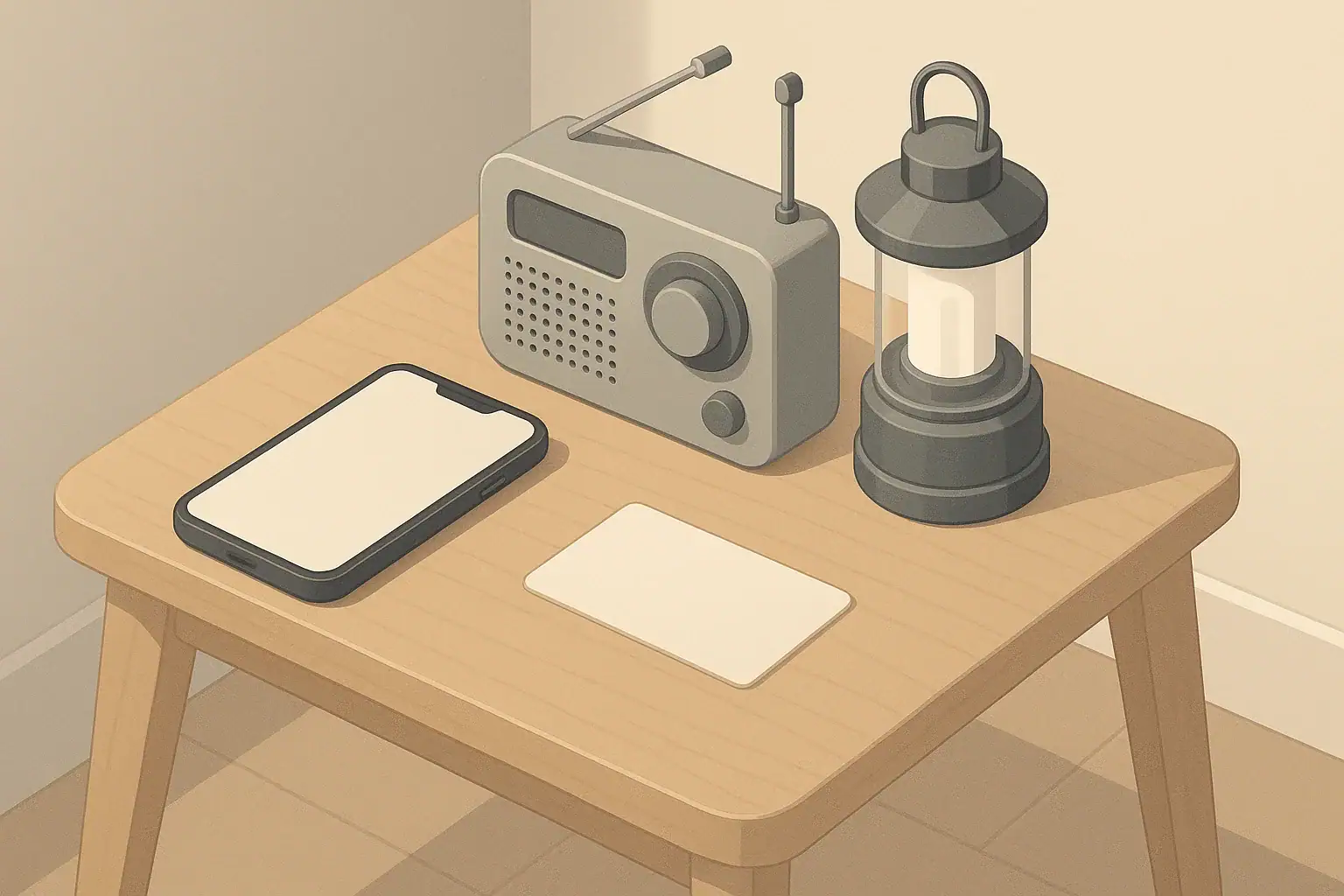
Why You Need a Device Rotation Plan
Most people assume their phones, flashlights, and small radios will simply work during a power outage or storm. The reality is that batteries slowly drain in drawers, power banks lose charge, and light batteries can leak or die without warning. A device rotation plan is a simple routine that keeps your everyday communication and lighting tools tested, charged, and ready.
This type of planning is not about extreme scenarios. It is about common interruptions: a winter storm, a blown transformer, or a heatwave that causes rolling blackouts. For renters and homeowners in small or large spaces, a low-effort rotation habit can make a short outage much easier to handle.
Instead of buying more gear, a rotation plan focuses on:
- Knowing what devices you actually rely on
- Giving each device a “home” where you can find it in the dark
- Charging, testing, and rotating batteries on a simple schedule
- Practicing how you will use devices during an outage
Step 1: Map Your Essential Devices
Start by identifying the tools you would use during a short-term power or communication disruption. Consider your household: families with kids, seniors, or pets may need extra lights or backup communication options.
Core categories to list
Walk through your home and note devices under these categories:
- Communication: smartphones, basic backup phone, battery-powered or hand-crank radio
- Lighting: flashlights, headlamps, lanterns, nightlights with battery backup
- Power support: power banks, small backup battery power stations, plug-in rechargeable lights
- Awareness: weather radio, simple timer or clock that runs on batteries
Match devices to people and rooms
Next, connect devices to who will use them and where they live in your home:
- One primary flashlight for each adult
- Simple, easy-to-use light for kids, if applicable
- One lantern or area light for the main living space
- Dedicated light in or near the bathroom
- Phone and charger for each person, plus shared power banks
- At least one radio placed where you can hear alerts (kitchen or living area)
For apartments or small spaces, the same device can serve multiple rooms, but it should have a clear storage spot that everyone knows.
| Device category | Key task | Why it matters | Notes |
|---|---|---|---|
| Smartphones | Confirm emergency contacts and enable alerts | Ensures you receive warnings and can reach family | Check settings during monthly rotation |
| Power banks | Recharge and test with a phone | Verifies stored power before an outage | Top up every 1–3 months as an example |
| Flashlights | Turn on and briefly test brightness | Catches dead or failing batteries early | Store in same visible location after test |
| Headlamps | Check band, switches, and batteries | Hands-free light for cooking or stairs | Adjust fit for current users |
| Lanterns | Test max and low power modes | Helps estimate runtime during outages | Keep near living room or dining table |
| Radios | Power on, tune to local station | Confirms reception and basic operation | Review how to switch to battery power |
| Spare batteries | Visually check for leaks or corrosion | Reduces risk of damage to devices | Replace questionable cells promptly |
Example values for illustration.
Step 2: Create a Simple Charging and Testing Schedule
A device rotation plan works best when it follows your existing routines. The goal is to pick a schedule that is easy to remember and quick to complete.
Choose a rotation frequency
For most households, one of these example patterns works well:
- Monthly: Good if you rely heavily on devices or live in a region with frequent storms.
- Every 2–3 months: Often enough to keep power banks and radios ready in milder climates.
- Seasonally: Align with weather changes, such as before winter storms or summer heatwaves.
Attach the rotation to something you already do, such as rent day, the first weekend of the month, or when you change air filters.
Design a 20–30 minute routine
Use a short, repeatable checklist for your rotation session. A typical example session might look like this:
- Plug in all power banks.
- Check each flashlight and lantern for brightness and flicker.
- Turn on your radio, confirm it works on battery power, and tune to a local station.
- Confirm each person’s phone can charge from at least one power bank.
- Look over spare batteries for corrosion and check that sizes match your devices.
For larger households, consider delegating categories. For example, one person handles phones and power banks while another handles lighting and radios.
Step 3: Phone Readiness Beyond Battery Percentage
Phone batteries are important, but during an outage your phone is also a flashlight, a note pad, and a way to coordinate with others. A rotation plan should keep phones functional even when power and networks are limited.
Prepare for low-connectivity situations
During your rotation, check:
- Emergency contacts: Ensure key numbers are saved locally on the phone, not just in cloud apps.
- Text over calls: Remind family that text messages often work better than calls when networks are busy.
- Offline information: Save important notes (such as meeting locations or apartment gate codes) in a simple notes app.
- Battery-saving habits: Practice turning down screen brightness and closing nonessential apps.
Match phones to backup power
During each rotation cycle, pair phones with charging options:
- Confirm each phone can connect to at least one charging cable in the home.
- Test that every power bank can charge a phone for a few minutes.
- If you have a small backup battery power station, practice plugging in a phone and a lamp at the same time.
For households with kids or seniors, show them how to plug their phone into a charged power bank and where that power bank is stored.
Step 4: Radios, Alerts, and Staying Informed
When power or cell service is disrupted, a simple battery-powered or hand-crank radio can help you stay aware of changing conditions. Many people own radios but rarely test them.
Radio rotation checklist
During your rotation session, run through a short radio routine:
- Turn the radio on and switch to battery mode.
- Tune to a reliable local station to verify reception.
- Adjust volume to a comfortable level for quiet rooms.
- Check that everyone knows where the radio is kept.
If your radio has extra features like built-in light or charging ports, practice using them so you are not learning during an outage.
Decide who is the “information lead”
In families or shared apartments, choose one person who will be responsible for checking the radio during a longer outage. Their role is simply to keep an ear on updates and let everyone know if conditions change, such as a weather warning or local utility notice.
Step 5: Lighting That Actually Works When You Need It
Good lighting reduces trip hazards, helps with cooking, and keeps everyone calmer. A device rotation plan gives you confidence that your lights will work when the power goes out at night.
Plan lights by activity, not just rooms
Instead of thinking only in terms of rooms, match lights to activities you are likely to do in a short outage:
- Moving around safely: Flashlights or headlamps for stairs, hallways, and entryways.
- Cooking and eating: A lantern or two for the kitchen and dining area.
- Bedtime routines: Soft, indirect light for bedrooms and the bathroom.
- Pet care: A small light near where pets eat or go outside.
Rotation tasks for lighting
At each rotation interval:
- Turn on every flashlight and lantern for at least 30 seconds.
- Check that switches, straps, and handles are intact.
- Look for dim output that suggests batteries are nearing the end of their useful life.
- Confirm that each light is in its designated spot after testing.
Some people like to mark rotation dates on masking tape near the battery compartment as a reminder of when the batteries were last checked or replaced.
Step 6: Battery Storage and Rotation Basics
Batteries are the backbone of your device rotation plan. Managing them well is less about technical details and more about simple organization and regular checks.
Keep battery types simple
When possible, standardize on just a few battery sizes for your lights and radios. This makes it easier to stock and rotate spares. For example, you might focus on AA and AAA batteries and choose devices that use those sizes.
Practical battery storage tips
- Store batteries in a cool, dry place away from direct heat sources.
- Keep new and in-use batteries separate to avoid confusion.
- Avoid loose batteries rolling around in drawers; use small containers or dividers.
- Check for any signs of leakage during each rotation and safely dispose of damaged batteries according to local guidance.
Rotation habits for batteries
During your device rotation session:
- Use the oldest batteries in high-use devices first, when safe to do so.
- Move recently purchased batteries to the back of your storage container.
- Note approximately when you last replaced batteries in your most critical devices.
You do not need an exact tracking system; consistent rough rotation is usually enough for short-term home readiness.
Step 7: Planning for Different Homes and Households
Your living situation shapes how you approach device rotation. The goal is to adapt the same basic ideas to your space and family needs.
Apartments and small spaces
In smaller homes, you may not need many devices, but storage is tighter and you may have neighbors close by.
- Favor multi-purpose devices, like a lantern with a built-in hook for hanging.
- Store a small “blackout box” with flashlights, batteries, and a radio in one central cabinet.
- Agree on a single meeting spot indoors if the hallway is dark, such as the living room.
Single-family homes
Larger spaces often benefit from extra lighting and more than one radio.
- Place a flashlight or lantern on each floor and near stairways.
- Keep one radio in the main living area and another in the bedroom area.
- Consider how you would light outdoor areas like porches or steps if power is out at night.
Households with kids, seniors, or pets
Different users have different comfort and safety needs.
- Kids: Choose simple lights with large switches; practice fun “lights out” drills so they know what to do.
- Seniors: Keep lights in predictable, easy-to-reach spots and avoid small, hard-to-open battery compartments.
- Pets: Ensure you have a light source near food and water dishes and any outdoor area you use at night.
| Lighting type | Common battery type (example) | Pros and cons (general) | Storage tip |
|---|---|---|---|
| Handheld flashlight | AA or AAA cells | Easy to find batteries; may need more frequent changes | Store one per person near beds or main doors |
| Headlamp | AAA cells or built-in rechargeable | Hands-free; small switches can be bumped on accidentally | Loosen strap and switch off firmly before storage |
| Tabletop lantern | AA, D cells, or rechargeable pack | Good area light; uses more power at high settings | Store on a low shelf where it will not be knocked over |
| Clip-on task light | AAA cells or small rechargeable | Useful for reading; narrow beam may not light whole room | Keep near favorite chair or workspace |
| Motion-activated nightlight | AA or plug-in with backup | Helps with nighttime trips; may activate often in busy areas | Place in halls or bathrooms used at night |
| Outdoor step or porch light | Rechargeable or replaceable cells | Improves entry safety; weather exposure can shorten life | Check function at dusk during rotation sessions |
Example values for illustration.
Step 8: Practice and Keep It Low-Stress
A device rotation plan should feel like a small household chore, not a major project. The more you practice, the more automatic it becomes.
Short practice drills
Once or twice a year, turn off your main lights in the evening and simulate a brief outage for 15–30 minutes. Use only your planned devices:
- Reach for your flashlights and lanterns in the dark to see how easy they are to find.
- Plug phones into power banks and confirm they begin charging.
- Turn on your radio and adjust volume for normal conversation levels.
These low-key drills reveal weak spots, such as lights that are too dim, chargers stored in the wrong room, or batteries that need earlier replacement.
Adjust as your life changes
Revisit your device list when you move, when a new person joins the household, or when seasons change. The core idea remains the same: keep a small set of phones, radios, and lights in known locations, with batteries checked and charged on a schedule you can maintain. With a calm, realistic device rotation plan, everyday outages become easier to navigate.
Authoritative sources
Safety recommendations can change. Confirm critical details with current official guidance and local authorities.
- U.S. CPSC: Battery Safety
- Ready.gov: Preparedness Tips for People with Disabilities
- Ready.gov: Prepare Your Pets for Disasters
Frequently asked questions
How often should I run my device rotation plan to keep devices reliable?
A practical cadence is monthly, every 2–3 months, or seasonally depending on your local risk and how heavily you rely on devices. Tie the rotation to an existing routine (for example, the first weekend of the month) so it becomes habit. More frequent checks are sensible for households in storm-prone areas or for devices used daily.
What is the simplest way to organize and rotate spare batteries?
Standardize on a small number of battery sizes where possible, store new and in-use batteries separately, and keep them in a cool, dry place. Use the oldest batteries first and move newer purchases to the back of the storage container. Check for corrosion during each rotation and discard damaged cells safely.
How can I make sure phones remain useful if cell networks are congested?
Save emergency contacts locally on each phone, encourage text messages over calls during outages, and store critical info in an offline notes app. Practice basic battery-saving steps like lowering screen brightness and closing nonessential apps, and ensure each phone can connect to at least one power bank. These habits improve the phone’s usefulness even when service is limited.
What’s the best way to test a battery-powered radio during a rotation session?
Switch the radio to battery power, tune to a reliable local station, and confirm reception and volume levels in a typical listening spot. If the radio has extra features such as a light or USB charging port, test those functions too so you know how they work. Mark where the radio is stored and confirm everyone can find it in the dark.
What low-effort drills help identify weak spots in a device rotation plan?
Simulate a short outage for 15–30 minutes and use only your planned devices: find flashlights, test lanterns, plug phones into power banks, and listen to the radio. Assign simple roles (for example, an information lead) and note anything that’s hard to find or not working properly. These brief drills reveal practical fixes without adding stress.
- Simple checklists and realistic planning
- Water, power, lighting, and pantry basics
- Family plans (kids, pets, seniors) and seasonal prep
Affiliate disclosure
As an Amazon Associate, we earn from qualifying purchases. Some links on this site may be affiliate links. If you buy through these links, we may earn a small commission at no extra cost to you. This helps support our content. Learn more.