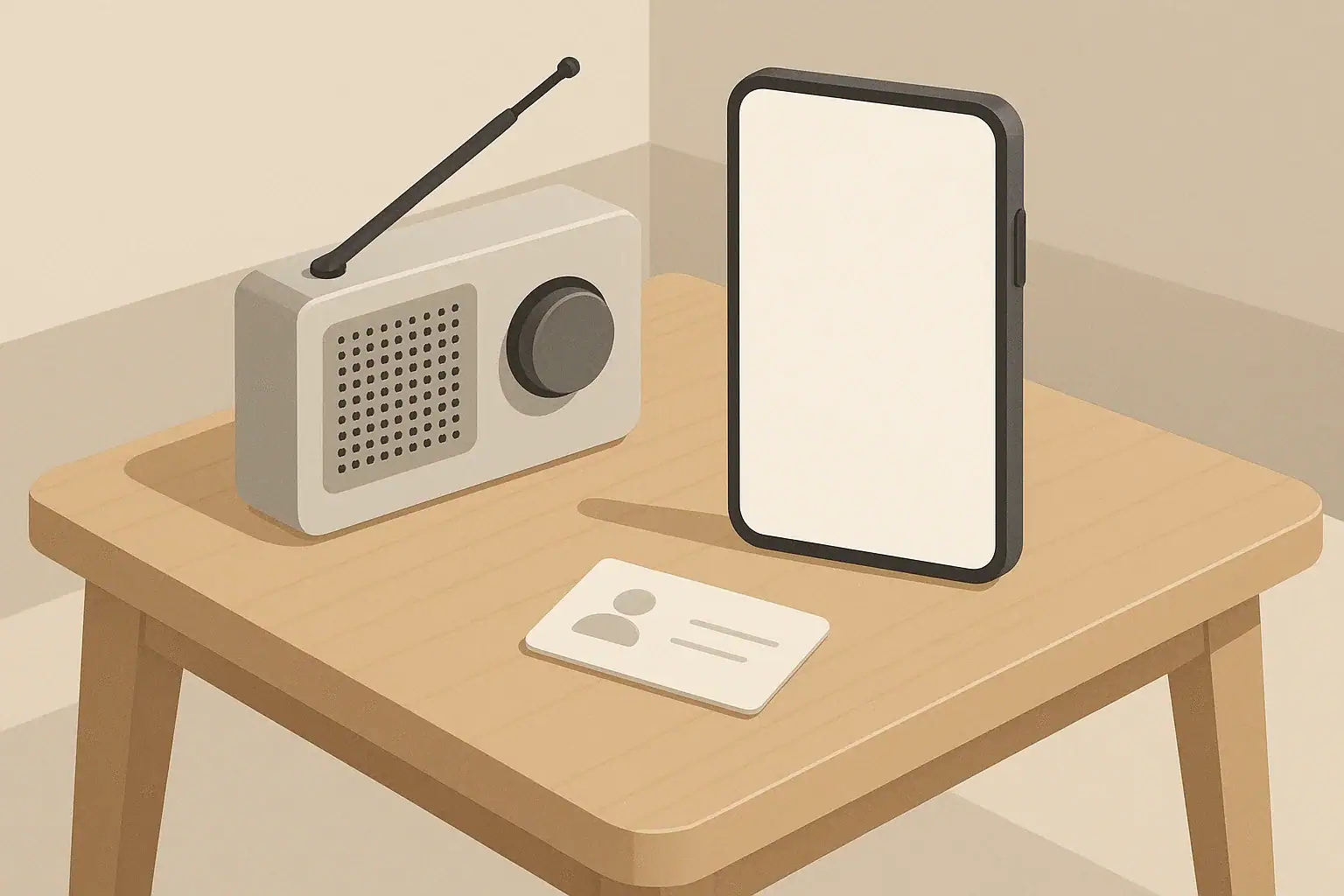
During storms, local outages, or regional emergencies, phone networks often become overloaded. Many people try to call at once, which can clog the system and drain batteries quickly. In these moments, text-first communication is one of the simplest ways to stay in touch without adding strain to already busy networks.
Text messages generally use less bandwidth than voice calls and do not require a continuous connection. If the signal is weak or the network is congested, a text may send successfully even when calls fail or drop. This makes texting especially useful in realistic home scenarios, such as:
- Checking on family across town during a winter storm or heatwave
- Coordinating with a neighbor when power is out in your apartment building
- Letting an out-of-area contact know you are safe after a local incident
Adopting a text-first mindset is not about expecting the worst. It is about using lighter, more efficient ways to communicate so that everyone has a better chance of getting messages through when networks are under pressure.
Why Text-First Communication Matters When Networks Are Busy
How Phone Networks Get Overloaded
Understanding why networks struggle during busy periods can help you plan calmly and realistically. Phone systems are designed for everyday use, not for nearly everyone calling at once. In disruptions, several things can happen at the same time:
- Voice calls tie up more resources: A phone call uses a continuous connection. When many people call, there may not be enough capacity to create new connections.
- Signal conditions may be poor: Heavy rain, high winds, or damage to infrastructure can weaken signals or temporarily reduce coverage.
- Backup power may be limited: Some network equipment relies on backup batteries or generators. If those run low, coverage can become spotty.
- Local congestion: A single neighborhood, stadium, or event area can overload nearby equipment even if the wider network is fine.
Because texts are small and do not require a constant connection, they can often slip through during brief openings in a busy or unstable network. Even if a text is delayed, it usually sends automatically when a connection becomes available, without you having to keep trying.
Example values for illustration.
| Situation | Recommended First Step | Fallback Option |
|---|---|---|
| Power out but phone has signal | Send brief text updates | Limit calls to urgent needs |
| Calls failing or dropping | Switch to SMS/text-only | Try a short call later |
| Very weak signal | Send a single status text | Move to a higher or open area |
| Multiple people to update | Text one out-of-area contact | Ask them to relay information |
| Battery running low | Turn on low-power mode and text | Power off between check-ins |
| Need emergency services | Call 911 if possible | Use text-to-911 where available |
Building a Simple Text-First Communication Plan
A basic communication plan does not need to be complicated or expensive. The goal is to decide who you will contact, how you will reach them by text first, and what information you will share. This helps reduce confusion and repeated calls when everyone is stressed and the network is busy.
Pick an Out-of-Area Contact
Choose one trusted person who lives in a different city or region. In some events, long-distance connections may work better than local ones.
- Share this person’s number with all members of your household.
- Agree that this person will be the primary relay for information.
- Ask them to text updates to the rest of your family or close friends, so you only have to send one update instead of many.
Agree on Short, Standard Messages
Before anything happens, decide on a few simple message formats. Clear, consistent messages reduce back-and-forth texting and preserve battery life.
Examples of simple message patterns:
- “I am OK.” – Use when you are safe.
- “Power out, I am safe.” – Quick power status and safety check.
- “Need help with [brief need].” – Short description only if help is needed.
- “Heading to [meeting place] by [time].” – For coordinating movement.
Keep messages short and focused on location, safety status, and basic needs. Avoid long conversations while networks are strained.
Keep Important Numbers Accessible
Do not rely completely on your phone’s contact list. A simple backup can help if your phone battery dies or you need to use another device.
- Write key numbers on a small card (family, out-of-area contact, close neighbor).
- Keep a copy in your wallet and another with your home emergency supplies.
- For kids and older adults, keep a copy in a familiar, easy-to-reach spot.
Best Practices for Texting During Outages and Emergencies
When networks are busy, small habits can make it easier for your messages to get through and help conserve limited resources like battery power.
Send Fewer, Clearer Messages
Instead of many short texts, aim for a single clear message when possible.
- Combine information: location + status + simple plan.
- Use group texting only if it will prevent several separate messages.
- Avoid sending photos or videos while networks are strained; they use more data and may fail to send.
Text Before You Call
If the situation is not life-threatening, try text first. Phone calls should be reserved for:
- Emergency services
- Urgent medical or safety concerns
- Brief check-ins only when texting is not working at all
Let family know ahead of time that you may not answer calls immediately during a disruption to preserve battery and keep lines open for urgent needs. Instead, agree that you will respond to texts when you can.
Use Simple Language and Standard Characters
Standard text characters are more likely to work reliably across different devices and networks.
- Avoid special symbols or long strings of emojis.
- Use plain language that is easy to read under stress.
- Confirm important details like addresses in a separate line to reduce confusion.
Space Out Your Check-Ins
Instead of constant messaging, agree on reasonable check-in intervals that fit your situation and comfort level, such as:
- Every few hours during a severe storm or outage
- Morning and evening if conditions are stable but services are limited
- Immediately if your safety status changes
This approach reduces network load and helps conserve power without leaving people completely in the dark about your status.
Managing Phone Battery Life When Power Is Out
Text-first communication pairs well with basic power management. In a short-term outage, your phone becomes one of your most useful tools, so stretching battery life is important.
Adjust Phone Settings Early
As soon as you notice an outage or unstable service, consider:
- Turning on low-power or battery saver mode.
- Reducing screen brightness.
- Turning off nonessential features like Bluetooth and background app refresh.
- Switching from vibrate to sound-only or silent to save power.
Limit Data-Heavy Activities
While networks are busy and power is out, focus on essential communication only.
- Avoid streaming video or audio.
- Postpone large downloads and app updates.
- Use text-based updates instead of video chats whenever possible.
Use Power Banks and Charging Wisely
If you have portable power banks or a backup power source:
- Prioritize charging one main phone that acts as the household contact point.
- Charge devices to a practical level (for example, around halfway) before rotating to the next device, so several devices have some charge.
- Keep devices in a cool, dry place while charging.
Plan for Shared Devices
In households with kids, seniors, or multiple adults:
- Decide which phone will be the primary device for sending and receiving updates.
- Share key contacts on that device ahead of time.
- If someone must travel, consider giving them the phone with the most battery and the clearest signal.
Coordinating With Family, Roommates, and Neighbors
Text-first communication works best when everyone around you knows the plan. A little coordination ahead of time smooths communication when networks are under stress.
Set a Household Messaging Routine
For families or shared apartments, discuss how you will use text during disruptions:
- Who sends the first update? For example, the first person home might text others to describe conditions.
- How often will you check in? Choose a schedule that balances reassurance with battery and network limits.
- What information is most important? Focus on safety, location, and any changes in plan.
Include Kids and Older Adults
Adapt the plan for different ages and abilities:
- Teach older kids how to send a short status text and who to send it to.
- For younger children, keep a contact card in their backpack or coat with your cell number and out-of-area contact.
- For older adults who are less comfortable with texting, consider preset text shortcuts or simple instructions taped near their usual sitting area or phone.
Coordinate With Neighbors in a Simple Way
In apartment buildings or close neighborhoods, you may be able to help each other.
- Exchange numbers with at least one trusted neighbor before any problem occurs.
- Agree that quick texts are the first step for checking on each other.
- If someone has better reception, they might act as a relay to the out-of-area contact.
Integrating Texting With Other Home Readiness Plans
Text-first communication fits naturally into broader home readiness, from power planning to meeting places. Thinking about it alongside your other plans makes it easier to remember and use.
Match Your Messages to Your Meeting Places
If you already have preferred meeting spots, include them in your standard messages.
- For example, “Meet at front lobby” for an apartment, or “Meet at corner store parking lot” for a neighborhood landmark.
- Use the same wording each time so everyone recognizes it quickly.
- Write these meeting places on your contact card along with phone numbers.
Practice During Minor Disruptions
You do not need a major event to test your plan. Practice during:
- Short power outages
- Planned maintenance that affects internet or phone services
- Local storms where you choose to stay home
Use these times to send simple status texts, check how well your battery settings work, and adjust your plan as needed.
Consider Backup Communication Tools
While texting on smartphones is the main focus, some households choose to add simple backup tools to their home kits, such as a basic radio-style device or other low-power options. These can help you receive information even if cell service is slow or unreliable.
Whatever tools you choose, the same principles apply:
- Keep messages short and clear.
- Decide who you will contact first.
- Practice when things are calm so habits are familiar when you need them.
Example values for illustration.
| Who to contact | Method | Fallback | Meeting point note |
|---|---|---|---|
| Out-of-area contact | Short status text | Voice call if texting fails | No meeting point, relay only |
| Household adults | Group text update | Individual texts if group fails | Home or agreed local spot |
| Neighbor contact | Brief check-in text | Knock only if safe and needed | Hallway or building lobby |
| Caregiver or sitter | Direct text with child status | Follow-up call if unclear | Pre-decided pickup location |
| Work or school contact | Single status text | Email when service returns | Follow official instructions |
| Emergency services | Call 911 for urgent danger | Text-to-911 where supported | Follow dispatcher guidance |
Keeping Text-First Communication Simple and Sustainable
Text-first communication is less about technology and more about habits. By choosing clear contacts, agreeing on short standard messages, and practicing during everyday disruptions, you make it easier to stay in touch when networks are under pressure.
Combined with basic battery-saving steps and a few written backups of important information, these small preparations support calm, practical home readiness for a range of realistic situations—from a brief power outage in an apartment to a multi-day storm affecting an entire neighborhood.
Authoritative sources
Safety recommendations can change. Confirm critical details with current official guidance and local authorities.
- CDC: Carbon Monoxide Poisoning Basics
- U.S. CPSC: Battery Safety
- CDC: Guidelines for Cleaning Safely After a Disaster
Frequently asked questions
When should I use text-first communication instead of calling?
Use a text-first approach when networks are congested or signal is weak and the situation is not immediately life-threatening, because texts often require less bandwidth and can send when calls fail. Reserve voice calls for emergencies, urgent medical needs, or when a live conversation is necessary to resolve an immediate danger.
How can I increase the chance my text gets through during a busy network?
Keep messages short and combine key details like location, safety status, and a brief plan in a single text; use standard characters and avoid photos or videos. Selecting an out-of-area contact and sending a single concise message rather than many repeated attempts also improves the chance your message is delivered.
What exactly should I include in a standard status text?
A useful standard status text includes your location (or a landmark), a short safety status (for example, “I am OK”), and any immediate need or next step, such as a meeting place or ETA. Put critical details on separate short lines so recipients can quickly scan the message.
How should I manage phone battery if I plan to rely on text-first communication?
Enable low-power or battery saver mode early, reduce screen brightness, and turn off nonessential features like background refresh to stretch battery life. Prioritize charging one main device, use power banks wisely, and limit data-heavy activities like streaming.
Are group texts or internet-based messaging apps better during outages?
Group texts can be efficient if they prevent many separate messages, but they may also increase traffic if everyone replies immediately; keep group communication concise. Internet-based messaging apps depend on data or Wi-Fi and may fail if those services are down, so SMS or simple text-first strategies are often more reliable during cellular congestion.
- Simple checklists and realistic planning
- Water, power, lighting, and pantry basics
- Family plans (kids, pets, seniors) and seasonal prep
Affiliate disclosure
As an Amazon Associate, we earn from qualifying purchases. Some links on this site may be affiliate links. If you buy through these links, we may earn a small commission at no extra cost to you. This helps support our content. Learn more.