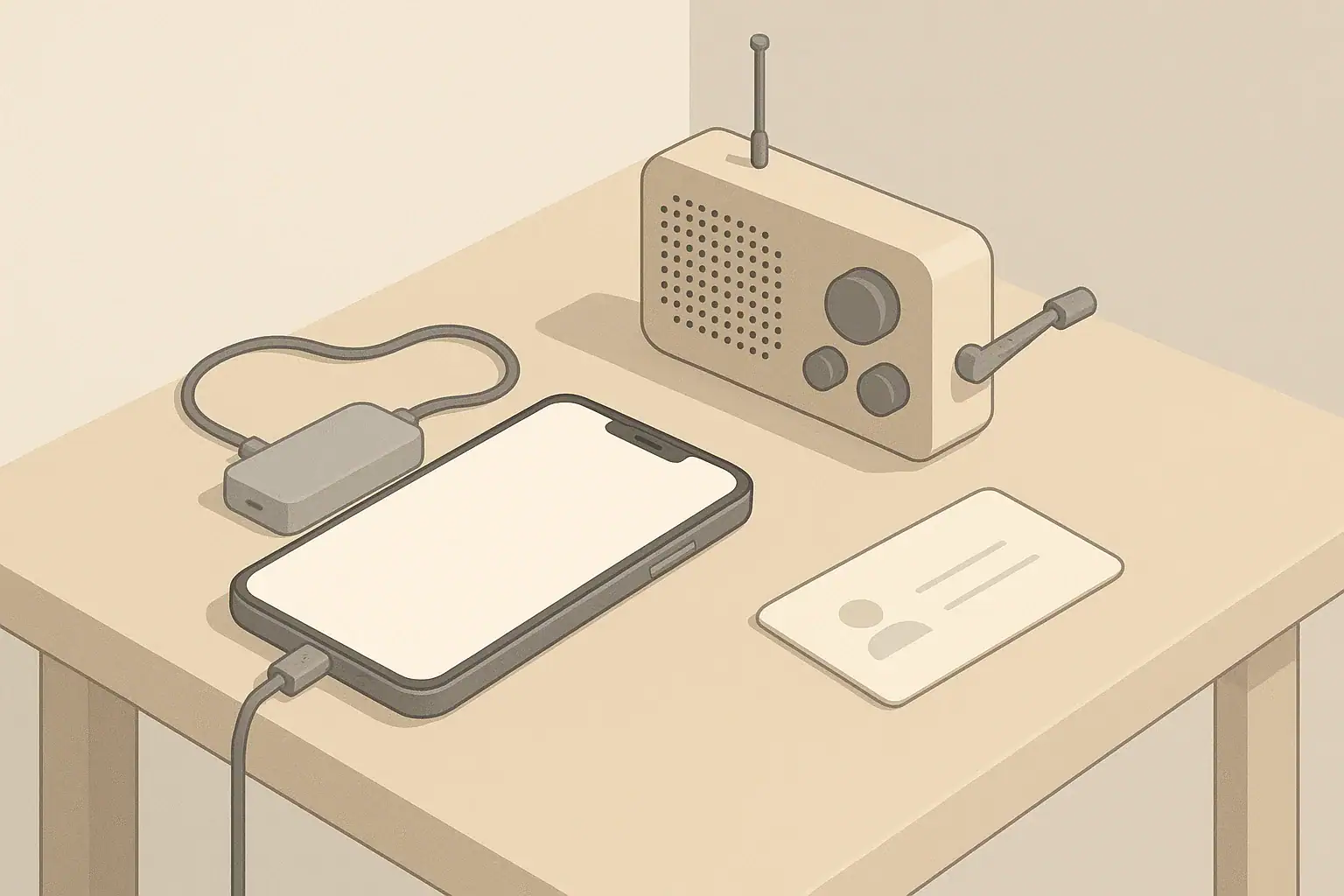
Why Phone Charging Matters in Short-Term Disasters
During power outages from storms, wildfires, heatwaves, or grid problems, a charged phone becomes a key tool. It helps you:
- Receive emergency alerts and weather updates
- Contact family, neighbors, or caregivers
- Call for help if safe to do so
- Access maps and offline information you saved earlier
Most short-term emergencies in the United States last hours to a few days, not weeks. That means you do not need a complex backup power system just to keep a phone running. A few basic powerbanks, some rotation habits, and smart use of your phone can cover many realistic scenarios in apartments, rented homes, and small spaces.
This guide focuses on simple, low-stress habits for keeping your phone and small devices going when the lights go out.
Understanding Your Realistic Phone Power Needs
Before buying equipment or changing habits, it helps to estimate what you actually need to power. For most households, critical devices during an outage are:
- Phones for every adult and older teen
- Possibly one shared tablet or small device for kids or information
- A basic light source (flashlight or small lantern) if battery-powered
Phone batteries vary, but many people can stretch a single full charge to a day or more by turning off nonessential features. For short-term disasters, the question is less about exact battery size and more about:
- How many charges you might want per person per day
- How many days you are planning for without wall power
- How many powerbanks you have and how often you rotate them
A simple planning target for many households is enough stored power to fully recharge each phone once a day for two to three days. This is not a hard rule, just a practical starting point for everyday readiness.
Example values for illustration.
| Task | Why it matters | Notes |
|---|---|---|
| Assign one main powerbank per adult phone | Makes planning simple and avoids sharing confusion | Keep a small shared spare for kids or guests |
| Label powerbanks by person or room | Reduces mix-ups and accidental overuse of one unit | Use colors or simple marks, not written personal data |
| Set a calendar reminder to top off monthly | Prevents discovering empty powerbanks during outages | Combine with other monthly home checks |
| Store powerbanks in a consistent, easy-to-reach spot | Saves time when outages happen suddenly at night | A drawer near main charging area works well |
| Rotate which powerbank you use for travel | Ensures each pack is used and tested regularly | Swap the one in your bag every few weeks |
| Check cables and adapters twice a year | Frayed or missing cables can make stored power useless | Test charging each phone from a powerbank |
Building a Simple Powerbank Rotation Plan
A powerbank rotation plan is just a routine way to keep your backup batteries charged and ready without extra stress. It should work for you whether you live in a studio apartment or a larger home.
How Many Powerbanks Make Sense?
You do not need a drawer full of powerbanks. Instead, think in terms of roles:
- Daily carry powerbank: Lives in your bag or car, used for normal life and also ready during unexpected outages away from home.
- Home backup powerbanks: Stored near your main charging area, used mainly when power is out.
- Optional shared pack: A spare for guests, kids, or a neighbor who may need help.
For many households, two to four powerbanks total is enough to cover phones and a small device or two for a couple of days.
Monthly and Seasonal Rotation Habits
Powerbanks slowly lose charge over time, even when not in use. Simple rotation habits keep them useful:
- Monthly: Plug each powerbank into a wall charger until full. This can coincide with paying bills, changing HVAC filters, or another existing habit.
- Every few months: Use each powerbank to charge a phone partially so you know it still works, then recharge it fully.
- Seasonally: Before seasons with higher outage risk in your area (such as summer storms or winter blizzards), double-check charge levels and cables.
When possible, store powerbanks at room temperature and out of direct sun. Extreme heat, like in a parked car in summer, can shorten battery life.
Special Considerations for Different Households
Your rotation plan may look different depending on who lives in your home:
- Families with kids: Consider one shared powerbank reserved for a tablet or entertainment device. This can help keep kids calm during long outages.
- Seniors or people with limited mobility: Store powerbanks and cables in a highly accessible spot, and consider a simple written reminder of how to use them.
- Roommates and shared housing: Agree on which powerbanks are for shared use and which are personal, so no one finds theirs unexpectedly empty.
Smart Phone Habits to Stretch Battery Life
How you use your phone during a disaster matters as much as how many powerbanks you own. A few small changes can significantly extend battery life.
Switch to Low-Use Mode During Outages
When the power goes out, switch your phone into a lower-usage pattern:
- Turn on any built-in battery saver or low power mode.
- Lower your screen brightness to the lowest usable level.
- Turn off Bluetooth, Wi-Fi, and location services when you do not need them.
- Close apps that constantly refresh data, such as streaming or gaming apps.
If cellular service is unstable, your phone may use more power trying to keep a signal. In that case, check if airplane mode with periodic manual checks for signal is practical for you while ensuring you can still receive important calls and alerts.
Limit Nonessential Use
During extended outages, treat phone use like a limited resource:
- Avoid long video calls and streaming from mobile data.
- Use text messages instead of voice calls when possible.
- Bundle tasks: check weather, messages, and maps in one session, then lock the phone.
- Turn off vibration if you can rely on sound or visual alerts.
Download maps, important documents, and emergency guides before storms or planned outages, so you do not need to rely on data-heavy connections later.
Use Your Phone as a Tool, Not a Flashlight
Phone flashlights drain battery faster than many small LED flashlights. When possible:
- Use a dedicated flashlight or small lantern powered by separate batteries for lighting.
- Reserve phone battery for communication and essential information.
- Keep a flashlight within reach of your main sleeping area and your powerbank storage spot.
Charging Safely During and After Disasters
Even during an outage, think about basic electrical and fire safety. Backup power is helpful, but it should not introduce new risks.
Safe Charging Locations
When charging phones from powerbanks or other backup sources:
- Place devices on a hard, nonflammable surface like a table or countertop.
- Avoid charging under pillows, on bedding, or on piles of paper.
- Keep cables away from walkways to prevent tripping, especially in low light.
For households with pets or young children, try to charge devices in a spot where curious hands or paws cannot easily tug on cords.
Using Cars and Vehicles as Backup Charging
A parked car can be a useful backup charging source if used carefully:
- Only run the engine in a well-ventilated outdoor area to avoid exhaust buildup.
- Use the vehicle’s built-in USB ports or a simple adapter to charge powerbanks first, then phones.
- Avoid sitting in a running car in an enclosed garage or near snow-blocked exhaust pipes.
Think of the vehicle mainly as a way to refill your powerbanks, which you then bring back inside.
Portable Power and Fire Safety
Most household-sized powerbanks and small portable batteries are designed for safe indoor use when handled correctly. As a general practice:
- Follow manufacturer instructions for charging and storage.
- Stop using any device that becomes unusually hot, swells, or smells odd.
- Do not place powerbanks directly on soft surfaces that trap heat while charging.
If you use larger portable power units, plug only as many devices as the unit is designed for, and keep it away from standing water or very damp areas.
Planning for Different Types of Outages
Your phone charging plan can flex a bit depending on the most likely events in your region. You do not need a separate kit for every scenario, but you can adjust priorities.
Winter Storms and Ice Events
Winter storms can cause multi-day outages in some areas. Consider:
- Keeping powerbanks and phones fully charged when storms are forecast.
- Storing powerbanks in rooms that stay above freezing when possible.
- Having at least one non-USB-powered light source as a backup.
If driving conditions are poor, you may rely more heavily on powerbanks and less on vehicle charging, so having an extra fully charged unit can be helpful.
Heatwaves and Grid Strain
During extreme heat, power outages may happen without much warning. To prepare:
- Avoid leaving powerbanks in hot cars; bring them inside.
- Charge phones and powerbanks early in the day when power is more stable.
- Use shades and fans to reduce screen brightness needs indoors.
Phones can overheat if used heavily in very hot environments. Try to keep them out of direct sunlight and off hot surfaces.
Hurricanes and Large Storm Systems
When large systems like hurricanes are forecast days in advance, use the extra time:
- Charge all devices and powerbanks to full well before the storm arrives.
- Download maps, evacuation routes, and important contacts for offline use.
- Set a family communication plan that does not rely solely on live calls.
Because damage can be widespread, phone networks may be crowded even when power returns. Text messages often go through when calls do not.
Wildfire Smoke and Air Quality Events
Wildfire smoke can linger even if your power stays on. Phone charging needs may focus more on staying informed:
- Ensure phones and powerbanks are charged in case conditions change and power is later affected.
- Keep charging equipment away from open windows where heavy smoke may enter.
- Consider downloading air quality apps or saving official information sources in advance.
Including Phone Charging in Your Family Communication Plan
Power is only one part of staying connected. A simple family communication plan reduces anxiety and helps you use battery power more efficiently.
Agree on Check-In Patterns
Instead of constant calls or messages during an emergency, agree ahead of time on:
- Who each person will check in with first (for example, one out-of-area relative).
- How often you will send updates if everyone is safe.
- Preferred methods: text first, then call if needed.
Having a standard routine reduces the urge to repeatedly check in, which saves battery and network capacity.
Write Down Important Numbers
Phones store many contacts, but if a phone dies or gets lost, it helps to have key numbers written on paper:
- Close family and friends
- One or two out-of-area contacts
- Work or school contact lines if appropriate
Keep this list in your stay-at-home kit and any go-bags. It is small, but it can make a big difference if a device cannot be charged right away.
Example values for illustration.
| Device type | Typical power use idea | Planning notes |
|---|---|---|
| Smartphone | Low power compared with other electronics | Several full recharges from a modest powerbank are often realistic |
| Basic cell phone | Generally lower power use than smartphones | Can often run multiple days on one charge with light use |
| Tablet or e-reader | Moderate use, especially for video or games | Plan separate powerbank capacity if used for kids’ entertainment |
| Small LED lantern | Very low power in efficient models | Often runs many hours from internal batteries; keep spare batteries or a dedicated powerbank |
| Laptop | Higher power draw than phones | Using laptops during outages can quickly drain backup power; prioritize if truly needed |
| Portable radio | Low to moderate power depending on design | Some run on replaceable batteries; keep a small stock on hand |
Putting It All Together in a Calm, Practical Way
Phone charging during disasters does not have to be complicated or expensive. Focus on the basics:
- A small set of reliable powerbanks matched to the number of people and devices in your home.
- A simple rotation habit so those powerbanks stay charged and tested.
- Smart phone use during outages to stretch each charge.
- Safe charging practices and a clear communication plan for your household.
By building these habits into everyday life, you increase your ability to stay informed and connected during short-term emergencies, without needing to think about it every day.
Authoritative sources
Safety recommendations can change. Confirm critical details with current official guidance and local authorities.
- U.S. CPSC: Battery Safety
- CDC: Guidelines for Cleaning Safely After a Disaster
- Ready.gov: Preparedness Tips for People with Disabilities
Frequently asked questions
How many powerbanks should I keep to cover a typical 48-hour outage?
A practical target for many households is enough stored power to fully recharge each phone once a day for two to three days. That often means one medium-to-large powerbank per person or two to four powerbanks for a small household, depending on phone sizes and how much you reduce usage during the outage.
How often should I rotate and top off powerbanks so they are ready when needed?
Top off powerbanks monthly to prevent self-discharge from leaving them empty, and every few months use each one to charge a phone to confirm it still works. Also check charge levels and cables seasonally before periods with higher outage risk.
Is it safe to charge phones from a parked car during a power outage?
Yes, a car can be a useful way to refill powerbanks or phones if you take precautions: only run the engine outdoors in a well-ventilated area, avoid enclosed garages, and use the vehicle’s USB ports or an adapter. For safety and convenience, many people charge powerbanks in the car and then bring them inside to charge phones.
What are the simplest habits to extend phone battery life during an outage?
Enable low-power or battery-saver mode, lower screen brightness, turn off Bluetooth/Wi‑Fi/location when not needed, and bundle tasks so you check messages and updates in short sessions. Favor text messages over voice or video calls and use a separate flashlight instead of the phone’s torch when possible.
Are powerbanks safe to store and charge indoors during emergencies?
Most small powerbanks are safe for indoor use when you follow basic precautions: charge on a hard, nonflammable surface, avoid soft surfaces that trap heat, and stop using any unit that becomes unusually hot, swollen, or emits a smell. Keep them dry, follow manufacturer guidance, and do not overload larger units beyond their rated device count.
- Simple checklists and realistic planning
- Water, power, lighting, and pantry basics
- Family plans (kids, pets, seniors) and seasonal prep
Affiliate disclosure
As an Amazon Associate, we earn from qualifying purchases. Some links on this site may be affiliate links. If you buy through these links, we may earn a small commission at no extra cost to you. This helps support our content. Learn more.