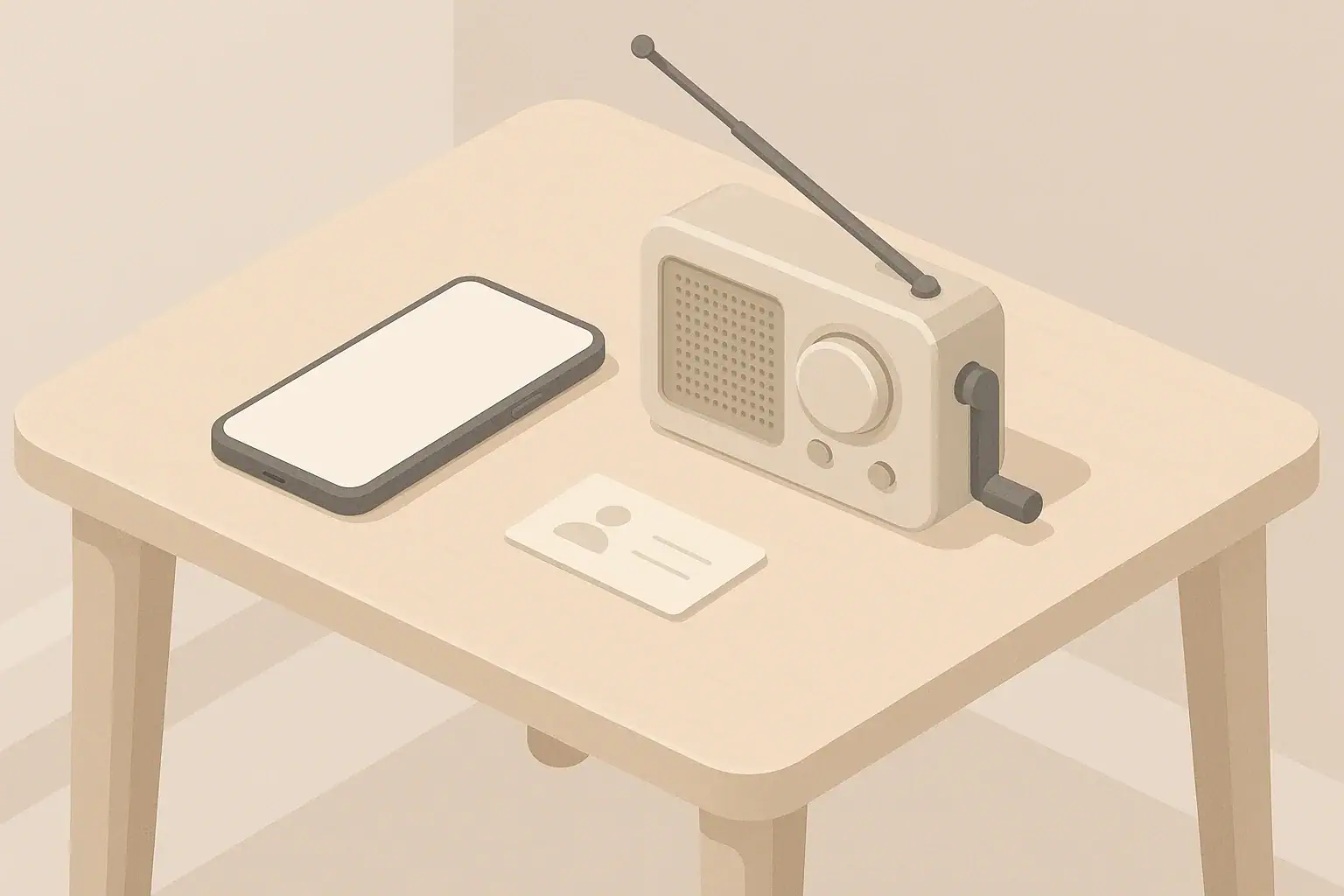
Why Emergency Alerts Matter for Everyday Households
Emergency alerts on your phone and other devices are a quiet backbone of modern home readiness. They are designed to reach you quickly when something serious is happening: severe weather, evacuation notices, missing children alerts, or rare national emergencies. Used well, they support calm, practical decisions at home without requiring you to constantly watch the news.
For most people in the United States, these alerts arrive through the national Wireless Emergency Alerts (WEA) system and local alert systems. You do not need a special app or paid service to receive the core alerts, and most modern phones support them by default.
Understanding what each alert means—and which settings to turn on—helps you:
- Sleep without constantly checking the news or weather
- React quickly when time-sensitive action is needed
- Distinguish between truly urgent alerts and informational notices
- Coordinate calmly with family members, kids, and neighbors
Types of Emergency Alerts You May See
Different alert types carry different urgency levels. Not every type is available in every area, and names can vary slightly between devices and local systems. The categories below reflect common alert types in the United States.
Presidential and National-Level Alerts
These are rare alerts authorized at the highest federal level. They are intended for national emergencies where broad, immediate communication is needed. On most phones, these alerts cannot be disabled. If one appears, treat it as a top priority and follow the instructions provided through official channels such as trusted news broadcasters or local authorities.
Imminent Threat Alerts (Extreme and Severe)
Imminent threat alerts warn about urgent dangers in your area where quick action may reduce risk. Depending on your location, they may include:
- Extreme weather alerts, such as tornado or flash flood warnings
- Severe storms with damaging winds or hail
- Fast-moving wildfires or other life-threatening conditions
Some devices divide these into “extreme” and “severe.” Extreme alerts usually mean immediate, life-threatening danger and often call for shelter-in-place or evacuation actions. Severe alerts are still serious but may allow more time to prepare. Both are worth keeping enabled on your phone, especially overnight.
Public Safety Alerts
Public safety alerts cover threats that may not fit the weather or national alert categories but still matter for local safety. Examples can include:
- Hazardous material incidents affecting air or water
- Urgent police or fire department notices in a specific area
- Boil water advisories or similar short-term local safety instructions
These alerts may be geographically targeted to specific neighborhoods or towns. They help you adjust everyday routines, such as using tap water, going outside, or driving through certain areas.
AMBER Alerts (Child Abduction Emergencies)
AMBER Alerts focus on helping locate abducted children. They typically include a basic description of the child, suspect, and vehicle, plus the last known area. These alerts can be loud and attention-grabbing because time is important in such cases.
While they may not involve direct danger to your home, they are an opportunity to help your wider community. If you see a matching vehicle or situation, follow the instructions in the alert for how to report it.
Test Messages and System Checks
You may receive occasional test alerts from national, state, or local systems. These are usually labeled as a test and are there to confirm that alert systems are working correctly. While they do not require action, it can be useful to open them and confirm:
- Your phone receives alerts as expected
- Your volume and vibration settings allow alerts to be noticed
- Family members’ devices also receive the test where appropriate
Example values for illustration.
| Alert type | Recommended setting for most households | Reason to keep it on |
|---|---|---|
| Presidential / national alerts | On (usually not optional) | Used rarely; reserved for major nationwide emergencies. |
| Imminent threat (extreme) | On | Time-sensitive lifesaving information such as tornado or flash flood warnings. |
| Imminent threat (severe) | On for most people | Helps you prepare early for serious but slightly less urgent hazards. |
| Public safety alerts | On for most people | Covers issues like boil water advisories or local safety instructions. |
| AMBER Alerts | On (optional) | Supports community efforts to locate missing children. |
| System tests | On or off based on preference | Helpful to confirm alerts work; not safety-critical. |
Where Emergency Alerts Come From and How They Reach You
In the United States, emergency alerts use a combination of national and local systems to reach phones, televisions, radios, and sometimes outdoor sirens. Knowing the sources helps you understand why different devices may alert at different times.
Wireless Emergency Alerts (WEA) on Mobile Phones
Wireless Emergency Alerts are short, location-based messages sent by authorized public safety agencies. They use nearby cell towers to reach phones in a specific area, even if the phone number has an out-of-area code.
Key features of WEA messages include:
- No subscription or sign-up needed for core alerts
- Delivery even when cellular networks are congested, as long as you have basic signal
- A distinct emergency sound and vibration pattern on most devices
- Support on most modern smartphones with up-to-date software
Emergency Alert System (EAS) on TV and Radio
The Emergency Alert System interrupts regular programming on broadcast radio, television, and some cable services. You may hear attention tones followed by a spoken message and visual text. EAS is especially useful when:
- You are already watching or listening to local stations during bad weather
- Your phone is charging in another room or turned off
- Multiple household members are gathered around one screen or radio
Local and Regional Alert Systems
Many counties and cities operate their own alert systems for more targeted notifications. These may use:
- Text messages, emails, or phone calls
- Local apps and web-based alerts
- Outdoor sirens or loudspeakers in some areas
Local alerts can provide more detailed, neighborhood-level information than national systems. If your area offers voluntary sign-ups for local alerts, consider registering with at least one contact method that you check regularly.
How to Enable and Adjust Alerts on Your Phone
Most smartphones sold in the United States have emergency alerts turned on by default, but it is worth checking your settings before you rely on them. Menus differ between operating systems and software versions, so look for words like “Emergency alerts,” “Government alerts,” or “Public safety alerts” in your main settings or notifications area.
Basic Steps to Find Alert Settings
While exact wording will vary, you can usually locate emergency alert settings by:
- Opening your phone’s main Settings menu
- Looking for a section related to Notifications, Sounds, or Safety
- Scrolling until you see options mentioning emergency, government, or public alerts
- Reviewing toggles for types of alerts (such as severe weather, AMBER Alerts, or public safety)
Take a moment to tap each category and read any brief explanations. Many devices allow you to turn specific types on or off, while others group them together.
Balancing Sleep and Safety
One common concern is being startled awake by an alert tone. It can help to remember that the most urgent alerts are intentionally designed to cut through silent or do-not-disturb settings. To balance rest with safety:
- Keep extreme and imminent threat alerts enabled, especially in areas prone to fast-developing hazards such as tornadoes or flash floods.
- Use do-not-disturb schedules for ordinary calls and non-emergency notifications, rather than disabling emergency alerts.
- Decide as a household which devices stay in the bedroom at night so that at least one phone can receive critical alerts.
Checking Alerts on Kids’ and Seniors’ Devices
If children or older relatives in your home have their own phones or tablets, review emergency alert settings with them. For shared safety:
- Ensure at least one device they use regularly has imminent threat and public safety alerts enabled.
- Show them what a typical alert looks like and how to read it calmly.
- Agree on simple steps they should take if they see an alert while you are not nearby, such as calling a caregiver or moving to an interior room for weather events.
What to Do When an Alert Arrives
Knowing your next steps in advance turns an unexpected alert from a jolt into a prompt for calm action. Most alerts are short and may link you to more details through official channels like local news or public agency announcements.
Step 1: Pause and Read the Entire Message
Resist the urge to react based only on the alert sound. Take a breath and read all of the following:
- The type of threat (weather, evacuation, missing child, etc.)
- The location and area covered
- Any time window given (for example, “until” a certain time)
- The recommended action (shelter, avoid travel, boil water, etc.)
Step 2: Match the Alert to Your Situation
Next, quickly compare the details to your actual location and household needs:
- Confirm whether your neighborhood, town, or county is included.
- Note whether the alert is a watch (conditions are favorable) or a warning (hazard is happening or imminent) if that distinction is provided.
- Consider any family members who are away from home, such as kids at school or relatives at work.
If you are unsure whether you are inside the affected area, follow the more cautious option until you can confirm.
Step 3: Take Simple, Pre-Decided Actions
Before an emergency, decide on a few basic responses for common alert types relevant to your region. For example:
- Severe weather warning: Move away from windows, gather in an interior room, and have flashlights ready in case of power loss.
- Evacuation or shelter-in-place alert: Follow instructions, grab any prepared go-bag or essentials, and account for pets and medications.
- Water advisory: Shift to bottled or stored water for drinking and cooking until authorities give updated guidance.
Keeping your response simple and repeatable reduces stress for everyone in the household.
Connecting Alerts to Your Home Readiness Plans
Emergency alerts are most useful when they trigger actions you have already thought about. A basic home readiness plan turns alerts into clear decisions rather than last-minute scrambling.
Alerts and Power Outages
Weather and grid-related alerts may give you minutes or hours of advance notice before a possible power interruption. Use that time to:
- Charge phones, small battery packs, and any medically important devices if safe to do so.
- Locate flashlights and place at least one in each main room.
- Reduce how often you open the refrigerator and freezer once the outage starts to preserve cold temperatures.
If you use a home backup power option, an alert can be your cue to top up its charge or stage extension cords before conditions worsen.
Alerts and Water Readiness
Boil-water advisories, contamination notices, or infrastructure alerts all affect everyday routines. When a water-related alert arrives, consider:
- Switching drinking and cooking to stored water if you have it ready.
- Setting aside a small amount of tap water for non-consumption uses if it is safe for tasks like cleaning or flushing.
- Checking that each person in your home knows where the stored water is and how to access it safely.
Regional alerts about approaching storms or flooding can also be a cue to fill clean containers ahead of potential disruptions.
Alerts and Staying or Leaving Home
Some alerts give guidance on whether to remain indoors, move to a safer area within your home, or leave the area altogether. To make these decisions smoother:
- Identify a small set of shelter areas in your home, such as an interior hallway or bathroom away from windows.
- Keep a modest go-bag or grab-and-go kit with basics like water, simple food, copies of important documents, and a flashlight in a consistent location.
- Agree on at least one meeting point outside your home in case you become separated while leaving quickly.
Coordinating Alerts Within Families, Apartments, and Neighborhoods
Alerts rarely affect only one person in a household. Coordinating in advance helps ensure that everyone, from small children to older adults, understands what to do without panic.
Household Communication Plans
When an alert appears, mobile networks can become busy, and power can fail. Before anything happens, create a simple communication plan that includes:
- One out-of-area contact you can all text or call if local lines are congested.
- Preferred group messaging method for quick check-ins.
- A basic order of operations during an alert: safety first, then check-ins as time allows.
During an event, short text messages often work better than repeated voice calls.
Considering Apartments, Renters, and Shared Buildings
If you live in an apartment or rented space, your response to alerts may involve shared hallways, stairwells, or parking lots. Think about:
- Alternative exits if the main stairwell or elevator is not usable.
- Safe interior areas away from large windows or glass walls.
- How you would move pets or mobility devices during a rapid evacuation.
Alerts may also arrive while you are in communal areas such as laundry rooms, gyms, or lobbies. Practice mentally how you would respond from these locations.
Checking on Neighbors and Vulnerable Household Members
Some people may not receive or understand alerts easily, including:
- Neighbors without smartphones
- People who are hard of hearing or who do not wake easily
- Residents who speak different primary languages
When it is safe, a quick knock on a door or a short message can help others respond appropriately. Within your own home, decide who is responsible for checking on young children, older adults, or pets during an alert.
Example values for illustration.
| Who to contact | Preferred method | Fallback method | Meeting point note |
|---|---|---|---|
| Household adults | Group text message | Voice call if safe | Primary meeting spot just outside home. |
| Older relatives nearby | Short phone call | Neighbor check-in | Agree on which family member will visit if needed. |
| Out-of-area contact | Text with brief status | Email when available | Serves as central point if local networks are busy. |
| Kids away from home | Text when allowed | School or caregiver landline | School dismissal point or pre-chosen nearby location. |
| Neighbors in same building | Door knock if safe | Simple note left at door | Shared outdoor area if evacuation is advised. |
| Workplace contacts | Company messaging system | Personal text or call | Follow employer’s designated safe gathering point. |
Keeping Perspective: Prepared, Not Alarmed
Emergency alerts are designed to be rare, targeted, and practical. Most days you will not see them at all, and that is a good sign. When they do arrive, they are an opportunity to act early rather than to panic. By choosing sensible settings, understanding the different alert types, and tying them into simple home readiness steps, you can respond with clarity and keep daily life running as smoothly as possible.
Authoritative sources
Safety recommendations can change. Confirm critical details with current official guidance and local authorities.
- US EPA: Emergency Disinfection of Drinking Water
- USDA FSIS: Keep Food Safe During Emergencies
- U.S. CPSC: Battery Safety
Frequently asked questions
Which emergency alerts on your phone should I always keep enabled?
Keep presidential or national alerts enabled (they are often non-optional) and enable imminent threat alerts—especially “extreme” warnings—for immediate life‑safety information. Public safety alerts and AMBER Alerts are also useful; many people keep public safety on and decide about AMBER based on personal preference and community priorities.
How do Wireless Emergency Alerts (WEA) on my phone reach me when cell networks are congested?
WEA uses a cell‑broadcast method that sends location‑based messages through nearby cell towers rather than individual text routing, so messages can be delivered when standard messaging is slow. Delivery still requires at least a basic cellular signal and a compatible device and software version.
Will emergency alerts on my phone wake me from Do Not Disturb or silent mode?
Life‑safety alerts are intentionally designed to override Do Not Disturb and silent settings on most devices so they can be noticed promptly. Less urgent notices or system tests may not bypass those modes depending on your device and its settings.
Can I opt out of AMBER Alerts or test messages without disabling life‑saving warnings?
Many devices let you toggle AMBER Alerts and test messages separately while keeping imminent threat and national alerts enabled. However, some national or presidential alerts cannot be turned off, and settings vary by device and region.
What should I do immediately after receiving an evacuation or shelter-in-place alert on my phone?
Read the full message, confirm whether your specific location is affected, and follow the recommended action (evacuate or shelter) right away. If evacuating, grab your pre‑prepared go‑bag, account for pets and medicines, and use official channels to confirm routes or shelter locations.
- Simple checklists and realistic planning
- Water, power, lighting, and pantry basics
- Family plans (kids, pets, seniors) and seasonal prep
Affiliate disclosure
As an Amazon Associate, we earn from qualifying purchases. Some links on this site may be affiliate links. If you buy through these links, we may earn a small commission at no extra cost to you. This helps support our content. Learn more.