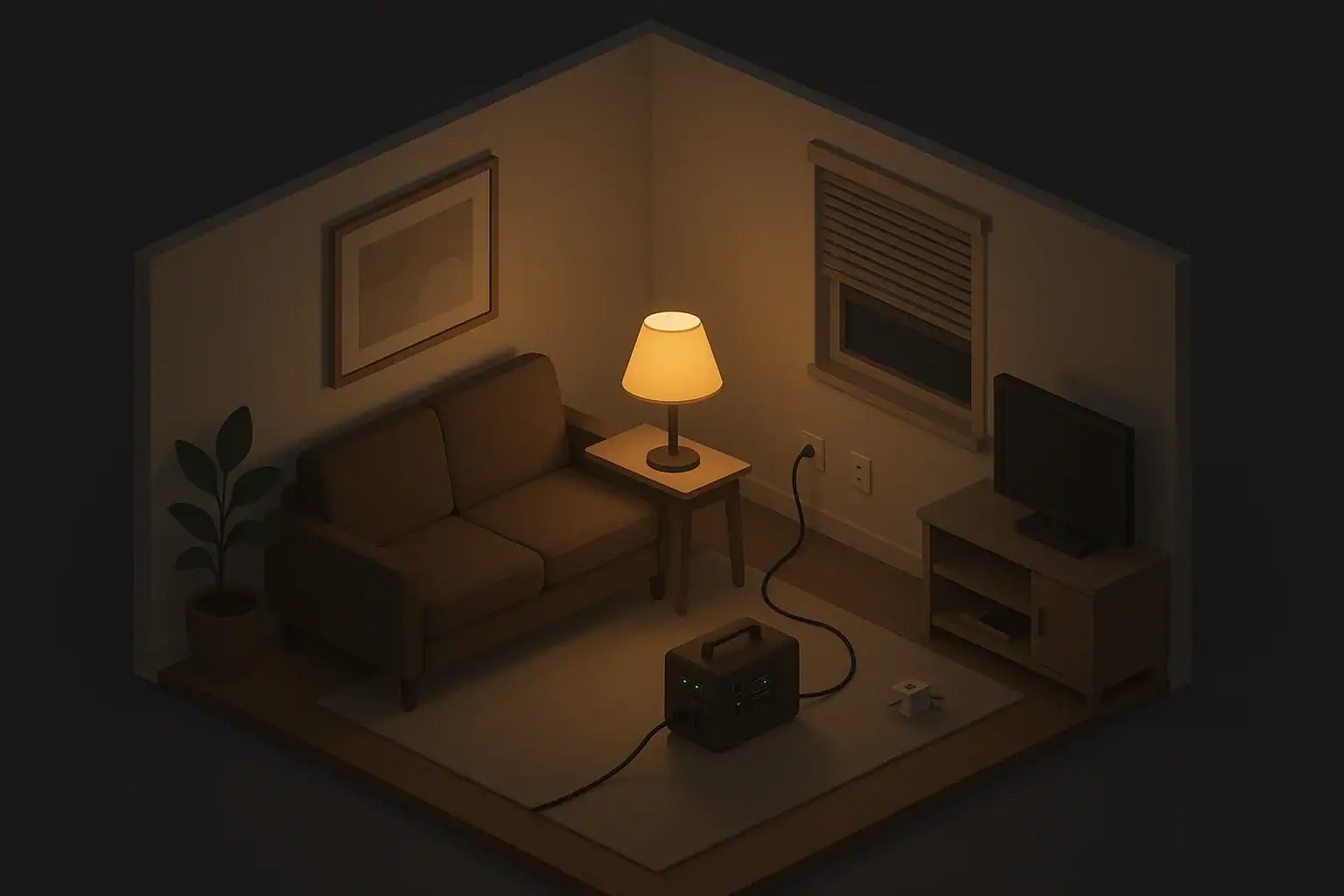
When the power snaps back on after an outage, most people rush to flip switches and restart everything at once. That seems harmless, but a sudden surge in demand can trip breakers, stress appliances, and even damage sensitive electronics. A simple restart sequence helps you bring your home back online in a controlled way.
This is especially important in typical U.S. homes and apartments where many devices were running when the lights went out: refrigerators, fans or air conditioners, computers, chargers, and entertainment systems. Restarting them in a thoughtful order protects your equipment, keeps the electrical load reasonable, and makes it easier to spot problems.
Having a plan also lowers stress. Instead of guessing what to plug in first, you follow a checklist that prioritizes food safety, basic comfort, and safe use of any backup power you might have used during the outage.
Why a Restart Sequence Matters After a Power Outage
When the power snaps back on after an outage, most people rush to flip switches and restart everything at once. That seems harmless, but a sudden surge in demand can trip breakers, stress appliances, and even damage sensitive electronics. A simple restart sequence helps you bring your home back online in a controlled way.
This is especially important in typical U.S. homes and apartments where many devices were running when the lights went out: refrigerators, fans or air conditioners, computers, chargers, and entertainment systems. Restarting them in a thoughtful order protects your equipment, keeps the electrical load reasonable, and makes it easier to spot problems.
Having a plan also lowers stress. Instead of guessing what to plug in first, you follow a checklist that prioritizes food safety, basic comfort, and safe use of any backup power you might have used during the outage.
Step 1: Safety and Quick Checks Before Plugging Anything In
Before you start plugging devices back in, take a few minutes for basic safety checks. These steps are the same whether you live in a house, condo, or apartment.
Check for obvious hazards
Walk through your home with a flashlight and look for anything that could make restarting unsafe, especially after storms, flooding, or strong winds.
- Look for water around outlets, power strips, or appliances.
- Check for a burning smell, scorch marks, or melted plastic near outlets or cords.
- Make sure extension cords are not pinched under doors, rugs, or furniture.
- Verify that major appliances are not sitting in standing water.
If you see water near electrical equipment, do not plug anything in and consider turning off power at the main breaker if it is safe and dry to access. In more severe situations, contact a qualified electrician or your building manager.
Reset breakers and switches carefully
If a circuit breaker has tripped, reset it before you turn devices back on:
- Switch all affected device switches to off.
- At the panel, move the tripped breaker firmly to off, then to on.
- If it immediately trips again, leave it off and seek help. There may be a fault on that circuit.
In apartments, you may have fewer circuits and shared infrastructure, so identifying which outlets belong to which breaker can help you avoid overload later.
Unplug or switch off nonessential loads
When the power first returns, you want as few things as possible drawing current. Before the service fully stabilizes:
- Unplug sensitive electronics like computers, game consoles, and TVs.
- Turn off or unplug space heaters and portable air conditioners.
- Switch off decorative lighting and nonessential lamps.
- Turn large power strips off at their switches.
This sets you up to plug in items in a chosen order rather than allowing everything to restart all at once.
Example values for illustration.
| Task | Why it matters | Notes |
|---|---|---|
| Walk-through for water and damage | Prevents shock and fire risk | Check around outlets, cords, and appliances |
| Confirm breakers and fuses are stable | Avoids repeated tripping | Reset once; stop if it trips again |
| Unplug nonessential electronics | Reduces surge on restart | Helps protect TVs, consoles, computers |
| Verify fridge and freezer doors are closed | Preserves cold air and food | Note outage duration if known |
| Check backup power devices | Ensures safe transition back to grid | Power down portable stations if not needed |
| Locate flashlights and battery lights | Prepares for flickers or second outage | Keep them handy for the next few hours |
| Plan the order of what to plug in | Prevents overload by staggering loads | Start with food safety and basics |
Step 2: Prioritize Food Safety and Critical Needs
Once it is safe to restart, the first things to address are usually food safety, basic lighting, and any medical or mobility equipment that depends on power.
Refrigerators and freezers
Refrigerators and freezers are high priority because they protect your food, but they also draw a strong surge of power when their compressors kick on. Bring them back online carefully:
- Plug in the refrigerator first on its own circuit if possible.
- Wait a few minutes to ensure it starts and runs without tripping a breaker.
- If you have a separate freezer, plug it in after the refrigerator is running steadily.
If the outage lasted a long time, inspect the food as you restart. When in doubt about safety, use local food safety guidance and common sense, especially for meat, dairy, and leftovers.
Medical, mobility, and comfort-critical devices
Next, prioritize devices that support daily living for people in your home:
- Powered mobility devices and chargers.
- Medical devices that must be plugged in to recharge batteries.
- Basic climate support such as a fan or a single room air conditioner, especially in extreme temperatures.
Try to restart one of these at a time. If you rely on backup batteries for critical equipment, plug those batteries in to recharge once your main loads are stable.
Essential lighting and communication
Secure a basic level of comfort and communication before turning on entertainment devices. Early in the restart:
- Turn on a few key lights in commonly used rooms.
- Plug in your phone and a backup battery pack to recharge.
- Plug in your home internet equipment if service has returned.
If the power is flickering or voltage seems unstable, keep at least one battery-powered light and a charged phone available in case the grid drops again.
Step 3: Bring Back Heating, Cooling, and Major Appliances
After food, medical needs, and basic lighting are covered, focus on heating and cooling, then major appliances. These often draw the most power and are most likely to cause overload if you restart them all at once.
Central heating and air conditioning
If your home uses central heating or air conditioning that was running when the outage started, give the system a short pause before restarting.
- Set the thermostat to off when the power first comes back.
- Wait 5–10 minutes to let the system stabilize.
- Switch back to heat or cool and observe for normal startup.
If the system repeatedly fails to start, cycles rapidly, or trips a breaker, leave it off and seek professional help or building maintenance support.
Window units and space heaters
In apartments and small homes, portable units may be your main source of comfort. Restart these carefully:
- Turn on one window air conditioner or space heater at a time.
- Avoid running them on the same circuit as the refrigerator or microwave if possible.
- Use low or medium settings first, then increase as needed.
If lights dim significantly when a unit starts, it may be on a heavily loaded circuit. Try another outlet on a different circuit if available.
Other major appliances
Large appliances like washers, dryers, and dishwashers can wait until everything else is stable. As a general rule:
- Delay laundry and dishwashing for at least an hour after power returns.
- Run these appliances one at a time to avoid sudden peaks.
- Skip optional high-heat settings if your home’s power has been unstable.
In shared laundry rooms or multi-unit buildings, expect many people to restart at once. Spreading out usage helps reduce strain on shared circuits.
Step 4: Safely Reconnect Electronics and Entertainment
Once the big energy users are stable, it is usually safe to reconnect electronics, home offices, and entertainment systems. This is your opportunity to add a bit of extra protection.
Use surge protection where possible
Power coming back after an outage can include brief voltage swings. Surge-protecting power strips and surge-protected outlets can help protect electronics from many common spikes.
- Plug computers, TVs, consoles, and networking gear into surge-protecting strips if you have them.
- If a surge strip’s status indicator shows it has failed, replace it before relying on it again.
- Avoid daisy-chaining multiple power strips.
Even with surge protection, giving the grid a little time to stabilize before plugging in sensitive equipment is a helpful extra precaution.
Order for reconnecting smaller devices
A simple sequence for smaller loads might look like this:
- First, plug in your modem and router.
- Next, plug in phone and tablet chargers.
- Then, reconnect computers or laptops.
- Finally, reconnect TVs, game systems, and audio equipment.
In apartments with limited outlets, use shorter, heavy-duty extension cords only when necessary and never overload a single outlet with too many high-draw devices.
Check for unusual behavior
As you restart electronics, watch for:
- Repeated rebooting or freezing.
- Unusual noises or smells from power bricks.
- Adapters or chargers that become excessively hot to the touch.
If a device behaves oddly after an outage, unplug it and give it time before trying again. In some cases, you may need professional repair or replacement.
How to Transition Off Backup Power Safely
If you used a portable power station, small generator, or a vehicle to power devices during the outage, you will need a careful transition back to grid power. This helps avoid backfeeding (sending power into lines where workers may be present) and protects your backup gear.
Portable power stations and battery banks
Small battery-based backup systems are common in apartments and rental homes because they do not require permanent installation. To transition off them:
- Turn off or unplug devices from the portable unit one by one.
- Power down the portable unit if recommended by the manufacturer before plugging it into the wall to recharge.
- Use a dedicated outlet for recharging, away from heavy appliances.
- Recharge slowly if your building’s power seems unstable, so you are not adding a big new load all at once.
Check any simple display or indicator lights on the unit to confirm it is charging normally and not signaling an error.
Small generators and safe disconnection
For homes using small generators, safe disconnection is essential. General good practices include:
- Turn off and unplug all devices from the generator.
- Shut the generator off and let it cool before refueling or moving.
- Only reconnect those devices to wall outlets after the generator is fully off and unplugged from the home.
- Use outdoor-rated cords and never run a generator indoors or in attached garages.
Permanent transfer switches and other hardwired systems should always be installed and checked by qualified professionals. If you are not sure how your system is set up, leave anything uncertain to a licensed installer or electrician.
Checking state of charge and planning ahead
After the outage ends, use the restart window to prepare for the next one:
- Recharge power banks, lanterns, and portable power stations to a suitable level.
- Replace or recharge batteries in flashlights and headlamps that were used heavily.
- Note how long your backup setup lasted so you can plan future upgrades or changes.
Keeping your backup gear topped up makes any future outage less stressful, especially if you live in an area with frequent storms or grid issues.
Example values for illustration.
| Device type | Typical watts (example range) | Planning notes |
|---|---|---|
| LED lamp | 5–15 watts | Low draw; good first choice for backup power |
| Phone charger | 5–20 watts | Minimal impact; recharge early for communication |
| Wi‑Fi router and modem | 10–30 watts | Plan to power if internet is critical for work |
| Refrigerator (running) | 80–200 watts | Short startup surge; high priority for food safety |
| Window fan | 30–70 watts | Helps with comfort; manageable draw for many systems |
| Small window A/C | 400–800 watts | Large load; often needs its own backup circuit |
| Portable space heater | 700–1500 watts | Very high draw; use cautiously and never overload |
Practice, Notes, and Making a Simple Household Plan
A restart sequence works best when everyone in the household knows the basics. You do not need a complicated manual; a short, written checklist stored with your flashlights or emergency kit is enough.
- List the order: safety checks, fridge and freezer, medical or mobility needs, basic lights and communication, heating/cooling, then entertainment.
- Note any special equipment in your home that needs extra care.
- Include a reminder to check backup power levels after each outage.
- Review the plan with family members or roommates about once a year, or before storm season in your area.
By following a calm, consistent restart sequence after an outage, you reduce the risk of overloads and equipment problems while getting your home back to normal as smoothly as possible.
Authoritative sources
Safety recommendations can change. Confirm critical details with current official guidance and local authorities.
- CDC: Carbon Monoxide Poisoning Basics
- USDA FSIS: Keep Food Safe During Emergencies
- U.S. CPSC: Battery Safety
Frequently asked questions
What should I plug in first after a power outage?
Start with basic safety checks (look for water, smells, or damage) and then prioritize food safety and critical devices. Plug the refrigerator first if possible, followed by any medical or mobility equipment, essential lighting, and communication devices, waiting a few minutes between larger loads to avoid overloads.
How long should I wait to plug in the refrigerator after power returns?
Plug the refrigerator in as an early priority but give it a few minutes to start and run steadily before adding other large loads on the same circuit. If the outage was long, check food temperature and follow local food-safety guidance before relying on items that may have warmed.
Can I run a portable generator and the grid at the same time when power is restored?
No. Never connect a generator directly to household wiring without a properly installed transfer switch, because backfeeding can endanger line workers and damage equipment. Shut down and disconnect the generator fully before reconnecting to grid power, and have permanent interlocks or transfer switches installed by a qualified professional.
How can I protect sensitive electronics from power surges when power returns?
Use surge-protecting power strips or surge-protected outlets for computers, TVs, and networking gear, and wait a few minutes after power is restored before plugging in sensitive devices. Replace surge devices if their status indicators show failure, and avoid daisy-chaining multiple power strips.
What should I do if a circuit breaker trips repeatedly after the power comes back?
If a breaker trips immediately or repeatedly, leave it off and unplug or switch off devices on that circuit. Repeated trips can indicate a fault or overload; contact a qualified electrician or building maintenance rather than continuing to reset the breaker.
- Simple checklists and realistic planning
- Water, power, lighting, and pantry basics
- Family plans (kids, pets, seniors) and seasonal prep
Affiliate disclosure
As an Amazon Associate, we earn from qualifying purchases. Some links on this site may be affiliate links. If you buy through these links, we may earn a small commission at no extra cost to you. This helps support our content. Learn more.