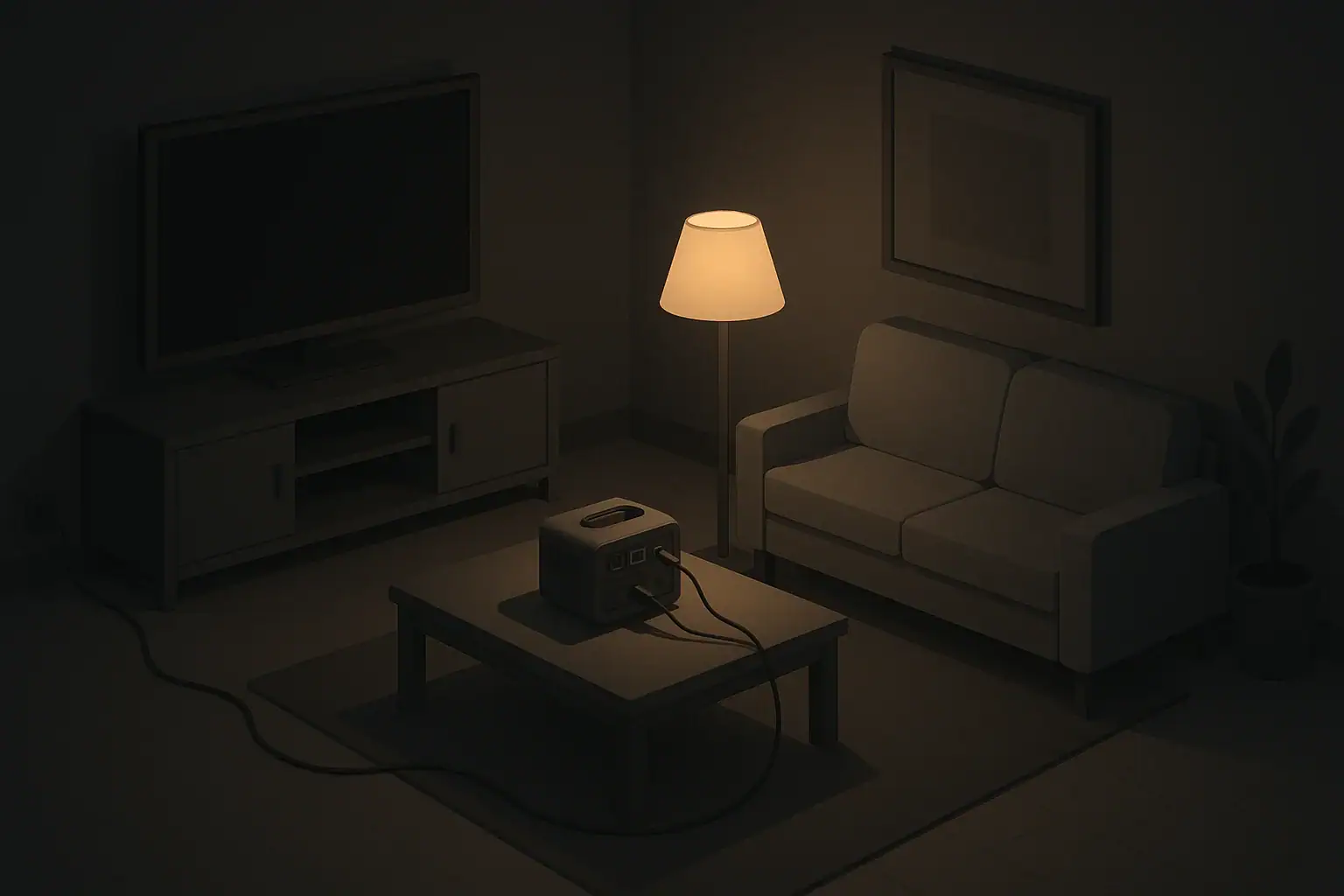
When electricity returns after an outage, lights flicker, appliances beep, and it can be tempting to turn everything on at once. That moment is also when your electronics are most vulnerable to power surges.
A power surge is a brief spike in voltage above the normal level supplied to your home. In the United States, most homes are wired for about 120 volts. During a surge, the voltage can jump higher for a very short time. Even if it lasts only a fraction of a second, that spike can stress sensitive components inside electronics.
Surges can happen at many points, including:
- When power is restored after a neighborhood outage
- During switching as utilities reroute power on the grid
- Inside your home when large appliances cycle on and off
- During storms if lightning strikes near power lines or transformers
Most surges are small and may go unnoticed in daily life. During restoration after an outage, though, the risk of larger spikes can be higher because many systems are turning back on at once.
For everyday home readiness, the goal is not to eliminate all risk, but to lower it with simple, realistic steps that fit your living situation, whether you are in an apartment, a rented house, or your own home.
Why Power Surges Happen When Electricity Comes Back
What Electronics Are Most at Risk After an Outage
Not every device in your home is equally sensitive to surges. Some equipment can handle minor spikes better than others. Knowing what is most at risk helps you prioritize protection when power returns.
High-risk, sensitive electronics
These devices contain delicate circuits, power supplies, and microprocessors that can be damaged or slowly degraded by repeated surges:
- Desktop and laptop computers
- Wi‑Fi routers and modems
- Smart TVs and streaming devices
- Game consoles and media centers
- Smart home hubs and connected speakers
- Network-attached storage and external hard drives
- Home office equipment like printers and scanners
These items are good candidates for surge protection during everyday use, not just during obvious storms or outages.
Appliances and equipment to treat with care
Larger appliances and systems may be less sensitive than a computer, but they are expensive and inconvenient to replace. Power events during restoration can stress:
- Refrigerators and freezers
- Window or central air conditioning units
- Furnaces and air handlers with electronic controls
- Washing machines and dryers with digital displays
- Microwaves and countertop ovens with electronics
These devices usually do not plug into small surge strips, but some homes use whole-house surge protection at the electrical panel as an extra layer. Even without that, there are simple steps you can take during and after an outage to reduce risk.
| Situation | If this is true… | Then consider doing this |
|---|---|---|
| Before an expected outage (storm, maintenance) | You know the timing in advance | Unplug nonessential electronics and shut down computers safely |
| Unexpected outage | Power went out suddenly | Turn off or unplug sensitive devices once it is safe and calm |
| Power flickering | Lights or devices cycle on and off repeatedly | Switch off main electronics and wait for steady power before using |
| Power just returned | Lights are back but may still be unstable | Wait several minutes before plugging in and powering sensitive items |
| Using a backup power source | Battery or generator is running | Only connect essential devices and avoid overloading the system |
| After the event | Power has been stable for hours | Review which devices need surge strips or better placement |
Example values for illustration.
Step-by-Step: What To Do During an Outage
How you handle electronics during the outage itself sets you up for a smoother, safer return of power.
1. Stay safe first
If power goes out suddenly, focus on basic safety before worrying about electronics:
- Use flashlights or battery-powered lanterns instead of open flames for light.
- Avoid wandering in the dark around cords, stairs, and clutter.
- If you hear unusual buzzing or see sparks at outlets or the breaker panel, keep away and contact a qualified professional once it is safe.
2. Turn off or unplug sensitive devices
Once you have light and can move around safely, you can reduce the risk of a surge damaging your equipment when power returns.
- Shut down computers properly using their operating system, then flip off the power strip or unplug them.
- Unplug home entertainment gear like TVs, game consoles, streaming boxes, and sound systems.
- Turn off small appliances with digital controls, such as microwaves or countertop ovens.
- Leave critical appliances plugged in if needed for safety or food protection, such as a refrigerator, but turn their controls to off if recommended in the manual.
In an apartment or small space with limited outlets, it may be easiest to switch off a few surge strips rather than pulling multiple plugs from the wall.
3. Protect against repeated flickers
Some outages do not happen all at once. You may see lights dim, come back, and fail again. These quick on-off cycles can be hard on electronics.
- If lights flicker more than once, turn off and unplug sensitive devices until power has been stable for a while.
- Avoid turning large appliances on and off rapidly; let them remain off until power is steady.
- Remind family members, kids, or roommates not to keep testing electronics while power is unstable.
When Power Returns: Safely Bringing Your Home Back Online
When the lights finally come back, it is natural to want everything running again quickly. A careful restart sequence lowers the risk of damage and helps you notice any problems early.
1. Check for obvious issues first
Before turning things on, take a quick look around:
- Walk through your home with a flashlight if needed and check for any burning smells, smoke, or unusual noises at outlets, the breaker panel, or appliances.
- Verify that extension cords and power strips are dry and not pinched under doors or furniture.
- Make sure any water leaks from storms or broken pipes are away from outlets and cords.
If something seems unsafe, turn off the breaker for that circuit if you can do so safely and seek help from a qualified professional.
2. Turn things back on in stages
Turning everything on at once can strain circuits and increase the chance of a surge or breaker trip. A simple staged approach works in most homes.
First stage: essentials
- Turn on overhead lights or basic lamps so you can see clearly.
- Verify that the refrigerator and freezer have power. If they were off, switch them on now.
- Restore power to heating or cooling equipment as needed for comfort and safety.
Second stage: communication and basics
- Plug in and power up your Wi‑Fi router and modem.
- Charge phones and basic communication devices.
- Turn on one or two key outlets or surge strips for small electronics.
Third stage: entertainment and nonessential devices
- Reconnect TVs, game consoles, and media devices.
- Plug in computers and home office gear, then turn them on one at a time.
- Finally, reconnect less-used appliances and gadgets.
This kind of sequence is helpful in both houses and apartments, especially where circuits are shared by many outlets.
3. Watch for lingering power quality issues
Even after power returns, it may not be perfectly stable right away. Some signs to watch for include:
- Lights dimming noticeably when appliances start.
- Electronics that reset or shut off unexpectedly.
- Breakers that trip repeatedly when certain items are used.
If you notice any of these, consider unplugging nonessential electronics until the utility confirms power is stable, and reach out to a qualified electrician if the problems continue inside your home.
Surge Protectors, Power Strips, and UPS Units: What’s the Difference?
Many homes use some combination of power strips, surge protectors, and uninterruptible power supplies (UPS). These devices can help reduce the risk from surges when power returns, but they serve different purposes.
Basic power strips
A basic power strip simply adds more outlets. It usually has an on/off switch and maybe a light, but it does not necessarily protect against surges. For everyday readiness:
- Use basic strips only for nonessential devices that are not sensitive, such as lamps or fans.
- Avoid daisy-chaining multiple power strips together.
- Do not overload them with high-wattage appliances.
Surge-protecting power strips
Surge protectors look similar to power strips but include components that help absorb some of the extra energy from voltage spikes. They do not make equipment indestructible, but they often reduce the impact of common household surges.
- Use them for computers, entertainment centers, routers, and game consoles.
- Look for a clear indicator that shows whether the surge protection is still active.
- Replace units that are old, damaged, or no longer show a working protection indicator.
For renters and apartment dwellers, surge strips are often the easiest way to add protection without changing building wiring.
Uninterruptible power supplies (UPS)
A UPS is a device with a built-in battery that provides short-term backup power and often includes surge protection. It can give you time to save work and shut down electronics safely during an outage.
- Use a UPS for desktop computers, network equipment, or essential home office gear.
- Plan for only a short runtime at reduced load, enough to shut down gracefully.
- Place UPS units where children and pets cannot easily tip them over.
In homes with frequent brief outages or flickers, a UPS can help smooth these events for critical devices.
Whole-home surge protection
Some houses have surge protection installed at the main electrical panel. This is usually done by a qualified electrician and is not a do-it-yourself project for most residents.
Even in homes with whole-home protection, it is common to still use surge-protecting strips for especially sensitive devices, since no single layer is perfect for every situation.
Using Backup Power Without Damaging Electronics
Backup power can keep essentials running during an outage, but it is important to connect electronics carefully to avoid new risks.
Portable power stations and battery banks
Battery-based backup options have become more common in homes and apartments. They generally provide cleaner power than many small generators, but still require good habits.
- Use them mainly for low to moderate power electronics like routers, phones, and laptops.
- Avoid plugging in high-wattage appliances that the unit is not designed to support.
- Charge them safely when utility power is available, following the manufacturer’s instructions.
Generators (portable or installed)
Generators introduce more complexity, especially around how their power is connected to your home.
- Never backfeed power into home wiring using improvised methods; this can create serious hazards.
- Use proper transfer equipment installed by a qualified professional if connecting a generator to house circuits.
- Keep portable generators outdoors and away from windows and doors to avoid dangerous exhaust buildup.
- Connect sensitive electronics to a good surge protector or UPS when using generator power, if appropriate for the equipment.
For renters or apartment residents, generator use may be restricted or impractical. In these situations, focus on smaller battery-based backup options and surge protection when normal power returns.
Family-Friendly Habits to Reduce Damage Risk
Beyond gadgets and hardware, simple household habits can greatly cut down the risk of surge-related problems over time.
Label and group important plugs
In many homes, the tangle of cords can make it hard to know what to unplug quickly. Consider:
- Grouping sensitive electronics (computer, monitor, router) on one clearly labeled surge strip.
- Separating high-draw appliances like space heaters from electronics where possible.
- Using color or simple tags to mark “unplug first” cords. Avoid adding written personal data.
Teach a simple outage routine
A calm, repeatable routine helps everyone in the household know what to do:
- Pick a phrase such as “lights out steps” to remind family members of the process.
- For older kids and teens, show them how to shut down devices safely and flip surge strip switches.
- Keep a small flashlight in a known location in each main room so people are not searching in the dark.
Consider seniors and mobility limitations
For seniors or anyone with limited mobility:
- Use easily reached surge strips on top of desks or tables rather than on the floor behind furniture.
- Keep essential chargers and small electronics on stable, waist-height surfaces.
- If unplugging devices is difficult, focus on good surge protection and staged power-up instead.
| Device type | Typical watts range (example) | Planning notes for short outages |
|---|---|---|
| Wi‑Fi router and modem | 10–30 watts | Often a priority for communication; can run on a modest UPS or small power station. |
| Smartphone charging | 5–20 watts | Battery banks can recharge phones several times; charge them when grid power is available. |
| Laptop computer | 30–90 watts | Use battery power first; backup power mainly for essential work or communication. |
| LED desk or task lamp | 5–15 watts | Very efficient; a small backup system can provide many hours of light. |
| Portable fan (small) | 10–40 watts | Helpful during heat; limit use to preserve battery capacity. |
| Network storage or backup drive | 10–40 watts | Use UPS mainly to shut down safely instead of running for long periods. |
Example values for illustration.
Quick Checklist: Before, During, and After an Outage
Having a simple checklist can make outages feel more manageable and help protect your electronics when power returns.
Before an expected outage (when you have warning)
- Save work and shut down computers and nonessential electronics.
- Flip surge strip switches to off or unplug entertainment devices and office gear.
- Charge phones, battery banks, and small backup power units.
- Make sure flashlights and lanterns are easy to find and have fresh batteries.
During the outage
- Focus on safety and lighting first.
- Once safe, unplug sensitive electronics or turn off surge strips.
- Limit use of backup power to the most important items.
- Check on neighbors, seniors, and anyone who may need help if conditions allow.
When power comes back
- Wait a few minutes to be sure the power is steady.
- Look and listen for signs of trouble at outlets, panels, and appliances.
- Turn devices back on in stages: lights and fridge first, then communication, then entertainment.
- Use or add surge protection where possible for sensitive equipment.
With a calm, planned approach, you can reduce the chance that a sudden surge will damage your electronics when the lights finally come back on.
Authoritative sources
Safety recommendations can change. Confirm critical details with current official guidance and local authorities.
- CDC: Carbon Monoxide Poisoning Basics
- USDA FSIS: Keep Food Safe During Emergencies
- U.S. CPSC: Battery Safety
Frequently asked questions
Should I unplug my devices during a power outage or is turning off surge strips enough?
Unplugging devices is the safest option because it completely removes them from the electrical circuit and prevents damage if a large surge occurs when power returns. Turning off a certified surge-protecting strip can offer similar protection if the strip is known to be functioning, but strips can degrade over time so unplugging is more reliable when practical.
How long should I wait after power is restored before plugging sensitive electronics back in?
Wait at least 5–10 minutes after power returns and watch for flickers or other instability, since utilities may still be rebalancing the grid. If you experience multiple restarts, unusual noises, or other signs of trouble, wait until the utility confirms stable power or have an electrician inspect the issue.
How can I tell if a surge protector is still working and when should I replace it?
Many surge protectors have a visual indicator that shows whether the protection circuitry is active; replace the unit if the indicator shows a fault. Also consider replacing protectors after a known large surge event or every few years, since the internal protective components wear out with use even if the strip looks undamaged.
Will a UPS protect my equipment from all types of power surges and fluctuations?
A UPS provides battery backup and typically offers some surge protection and line conditioning, helping with brief outages and small fluctuations, but not all units can handle extremely large spikes such as those from a nearby lightning strike. Choose a UPS with the appropriate waveform and surge rating for your sensitive equipment and remember its runtime is limited, so use it to shut down devices safely rather than as a long-term power source.
Do I still need whole-home surge protection if I use point-of-use surge strips and UPS devices?
Whole-home surge protection at the electrical panel provides a first layer of defense against large external surges and can reduce stress on downstream devices, while point-of-use protectors and UPS units handle smaller, localized spikes. Using both approaches together gives a more comprehensive protection strategy, and whole-home units should be installed by a qualified electrician.
- Simple checklists and realistic planning
- Water, power, lighting, and pantry basics
- Family plans (kids, pets, seniors) and seasonal prep
Affiliate disclosure
As an Amazon Associate, we earn from qualifying purchases. Some links on this site may be affiliate links. If you buy through these links, we may earn a small commission at no extra cost to you. This helps support our content. Learn more.