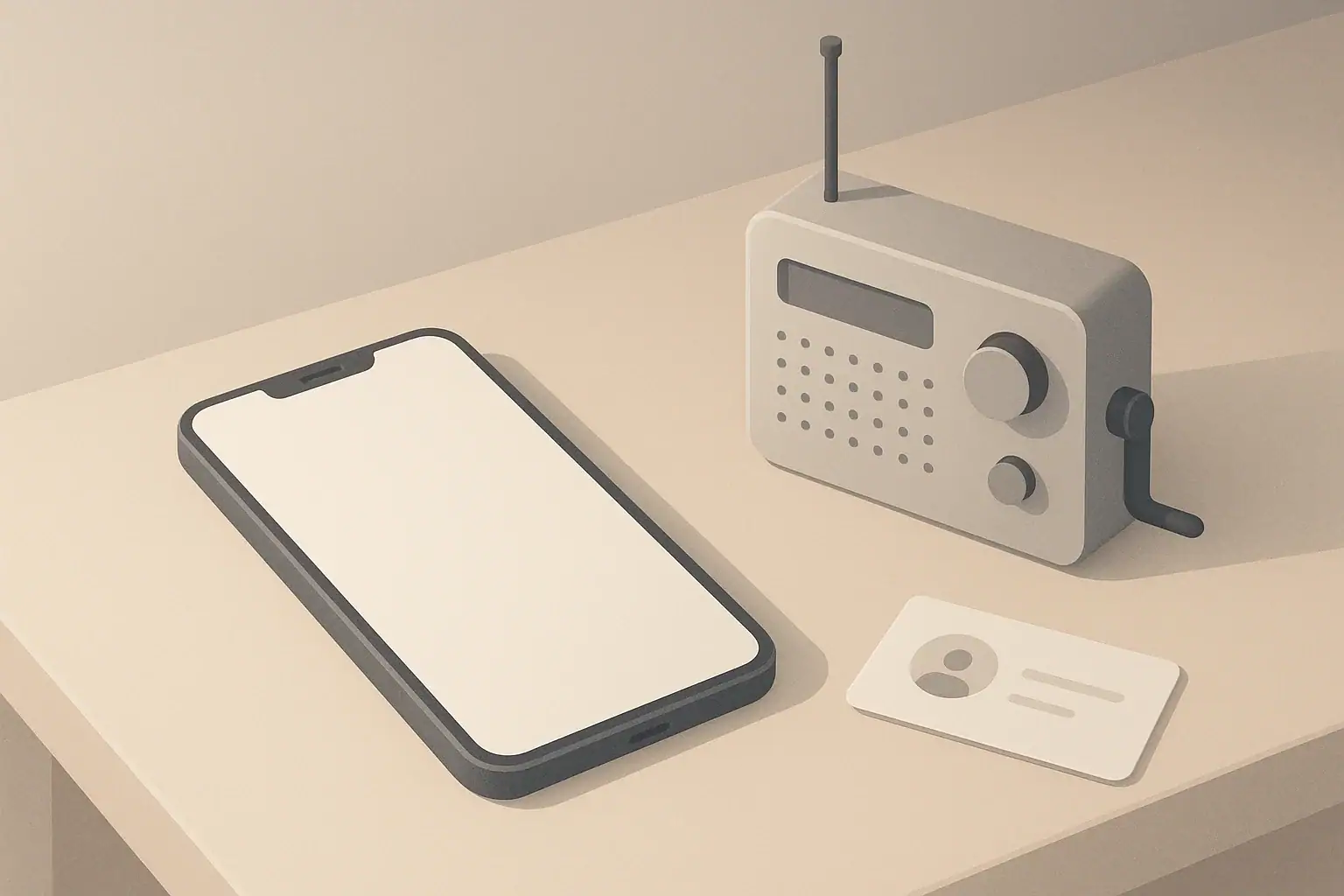
In Case of Emergency (ICE) contacts are people listed in your phone who should be reached if something happens to you. They support your overall home readiness plan the same way flashlights, stored water, and a basic kit do.
In many situations, rescuers or bystanders may not know who to call or how to reach your family. Clear ICE contacts help others quickly:
- Notify a trusted person if you are hurt or unable to speak
- Coordinate care for kids, seniors, or pets who depend on you
- Share critical information such as allergies or mobility needs
- Reunite family members during local disruptions or evacuations
ICE contacts are useful in everyday situations like traffic accidents, slips and falls, or sudden illness, as well as during short-term events such as power outages, winter storms, or heatwaves when communication can be harder.
Why ICE Contacts Belong in Every Phone
Who to List as ICE Contacts
Choosing the right ICE contacts is less about the number of people and more about reliability. Think about who can realistically answer, help coordinate, and stay calm.
Primary ICE Contacts
Most people start with one or two primary contacts who know them well and are easy to reach. Common choices include:
- Spouse or partner
- Parent, adult child, or sibling
- Trusted long-term friend
- Neighbor who is often at home
Ideally, your primary contact:
- Knows your general routines and typical locations
- Knows how to reach other family members or caregivers
- Can make calm decisions under stress
Backup and Out-of-Area Contacts
Phones die, networks go down, and people miss calls. Having backup contacts and at least one out-of-area person increases your chances of reaching someone.
- Local backup contacts: Someone nearby who can physically check on you, pick up kids, or help with pets if needed.
- Out-of-area contact: A relative or friend in another city or state who can act as a central point of contact if local networks are overloaded, such as after storms or wildfires.
Make sure your ICE contacts know they are listed, and confirm they are comfortable being called in an emergency.
Special Situations: Kids, Seniors, and Pets
Different households have different needs. Consider adding ICE contacts that reflect who relies on you and whom you rely on.
- Parents and caregivers: Add contacts who can pick up children from school or daycare if you are delayed or unable to get there.
- Seniors and adults with support needs: Include caregivers, home health aides, or close neighbors who regularly check in.
- Pets: List a neighbor, friend, or family member who can safely enter your home (if needed) to feed or shelter pets during disruptions or evacuations.
If you care for someone who may not be able to explain their situation clearly, make sure your ICE contacts know about this responsibility and how to help coordinate support.
Example values for illustration.
| Contact type | Why it matters | Notes |
|---|---|---|
| Primary partner or close family | Knows your routines and other family members | Often set as ICE1 or main emergency contact |
| Local backup adult | Can reach your home or kids quickly | Neighbor or nearby friend works well |
| Out-of-area contact | May be reachable if local networks are busy | Choose someone in another region or state |
| Child pickup contact | Authorized to collect kids from school/daycare | Confirm they are listed on school forms |
| Senior support contact | Helps coordinate care for older relatives | Can be a caregiver or trusted neighbor |
| Pet care backup | Checks on and shelters pets if needed | Provide spare key access plan separately |
| Work or building contact | Helps reach you if away from personal phone | Useful for apartments or shared buildings |
What Information to Include in ICE Contacts
Clear, organized information makes it easier for someone else to act on your behalf. Most people only look at the name and number, but adding a few details can be helpful.
Basic Details for Every ICE Contact
At minimum, each ICE contact should have:
- Full name (first and last)
- Relationship (for example, brother, neighbor, coworker)
- Mobile number
- Alternate number, if available (home, work, or landline)
- City and state (helps identify out-of-area contacts)
Many people add the word “ICE” directly into the contact name (such as “ICE – Maria – sister”) so it is instantly recognizable.
Helpful Notes to Add (Without Oversharing)
You can use the notes field in a contact to add practical, non-sensitive details, such as:
- “Knows how to reach my parents and siblings.”
- “Has spare house key.”
- “Authorized to pick up kids from school.”
- “Knows pet feeding routine and vet info.”
Avoid placing highly sensitive private information in contact notes. Instead, keep that information in a secure, separate location and let your ICE contacts know how to access it if needed.
Lock Screen and Emergency Features
Most smartphones have a built-in way to show emergency information without unlocking the phone. This might include:
- Designated emergency contacts accessible from the lock screen
- A basic medical or emergency info section
- An emergency call feature that displays contacts to responders
You can usually find these options in your phone’s settings under sections related to safety, emergency, or health. Set this up so that if your phone is locked, responders can still see who to call.
Organizing ICE Contacts for Different Living Situations
Your ICE setup can reflect your home, family, and routines. The arrangements for a single person in a studio apartment may look different from a multigenerational household in a house.
Apartment Dwellers and Renters
If you live in an apartment or rental unit, it often helps to highlight people who can physically reach your home if needed.
- Trusted neighbor: Someone on the same floor or nearby building who could check on noises, alarms, or pets.
- Property contact: The office number or building manager can be listed as a separate contact, clearly labeled.
- Roommates: If you share a place, list at least one roommate with a note like “Lives with me.”
Because rental arrangements can change, review these contacts when you move, gain a new roommate, or change your landlord or management company.
Families With Kids
For households with children, ICE contacts are closely tied to school, daycare, and after-school plans.
- Add at least one contact who is listed on school or daycare pickup forms.
- Include notes like “Authorized school pickup” or “After-school caregiver.”
- Make sure older children know who their ICE adults are and where numbers are written down at home.
For teens with their own phones, help them set up simple ICE contacts as well, and encourage them to keep those contacts consistent with family plans.
Households With Seniors or Support Needs
If you live with or regularly assist an older adult or someone with ongoing support needs, consider:
- Listing the main caregiver as ICE1 and a backup caregiver as ICE2.
- Adding a note about where written care instructions are kept in the home.
- Including neighbors who are familiar with any mobility equipment or home access needs.
For independent older adults, it may help to sit down together and add each other as ICE contacts, along with a trusted neighbor or out-of-area family member.
Coordinating Around Local Hazards
Your ICE setup can also reflect regional risks you are more likely to face:
- Winter storms: Prioritize contacts with reliable heat and shelter in case of long power outages.
- Hurricanes and coastal storms: Highlight out-of-area contacts and people on higher ground or away from flood zones.
- Heatwaves: Include contacts with access to air conditioning or cooler spaces.
- Wildfire smoke: Consider contacts in less-affected areas who could temporarily host you.
These do not need to be formal arrangements, but discussing them ahead of time makes ICE contacts more effective.
Backing Up ICE Contacts Safely
ICE contacts are only useful if you can recover them after a lost, damaged, or reset phone. Backups protect your planning the same way stored water and flashlights protect your home.
Use Cloud Backups and Sync
Most smartphones can automatically back up contacts to a cloud account linked to your device. When this is enabled, adding or updating ICE contacts is usually saved without extra steps.
Common practices include:
- Turning on automatic contact backup or sync in phone settings
- Using the same account across your phone and any tablets or computers you own
- Occasionally confirming that new contacts appear on another device or web interface
If you change phones, sign in with the same account and confirm that your ICE contacts appear correctly.
Keep an Offline Copy
Cloud backups help if your phone is lost, but an offline copy is helpful if networks fail or you temporarily have no device.
Simple offline options include:
- A small card in your wallet with 2–4 key ICE numbers
- A paper list in your home emergency folder or near your family communication plan
- A written list in your go-bag or stay-at-home kit
Keep offline records limited to the most important numbers, and store them in places you actually use and carry.
Use Export Files or Local Backups
Some people prefer an additional layer of backup beyond cloud services. Options may include:
- Exporting contacts to a common file format and saving that file on a home computer or external drive
- Using built-in phone backup tools to create periodic device backups
When exporting, label files clearly with the date so you know which list is current. Replace older files occasionally so you are not relying on outdated information.
Privacy and Security Considerations
When storing ICE contacts and other personal details, balance usefulness with privacy.
- Avoid sharing backups through public or shared links.
- Limit how much sensitive information you place in notes fields.
- Tell your ICE contacts what information you have listed for them.
A simple approach is usually best: useful enough to help in an emergency, but not so detailed that it reveals more than you are comfortable sharing if a phone or paper list is lost.
Keeping ICE Contacts Up to Date
Life changes quickly—people move, change numbers, or switch jobs. A short, regular review keeps your ICE list accurate when it matters.
Set a Simple Review Schedule
You can connect ICE updates to other routine checks you already do for home readiness, such as:
- Checking smoke alarm batteries
- Rotating stored water or pantry items
- Reviewing seasonal plans before winter or hurricane season
Once or twice a year is enough for most households. Look for:
- Disconnected or changed phone numbers
- Contacts who have moved far away or changed availability
- New neighbors, caregivers, or family members you rely on
Talk Through Expectations
An honest conversation makes ICE contacts more effective than a name alone
- Let contacts know they are listed and what that might involve.
- Share your home communication plan and where written details are stored.
- Agree on simple steps they would take if they get a call about you.
For families, consider reviewing ICE contacts along with other basic plans: where you would meet if you could not return home, who picks up kids in various scenarios, and how you would check in with each other.
Example values for illustration.
| Who to contact | Method | Fallback | Meeting point note |
|---|---|---|---|
| Primary ICE (partner or close family) | Call or text first | Leave brief voicemail | Confirm main home as default meeting spot |
| Out-of-area contact | Text if local calls fail | Email or messaging app | Serves as information hub for updates |
| Child pickup contact | Direct call | School or daycare office | School acts as temporary meeting point |
| Neighbor or building contact | Call or knock in person | Leave note at agreed location | Helps coordinate at apartment or house |
| Senior support contact | Call to check on older relatives | Ask out-of-area contact to follow up | May meet at their home if safer |
| Pet care backup | Call or text with key instructions | Leave simple written note at home | Agree on where pets would stay temporarily |
Integrating ICE Contacts Into Your Home Readiness Plan
ICE contacts are one part of a broader communication and readiness approach that can stay simple and calm.
- Keep a small written list of core ICE numbers in your wallet and at home.
- Add ICE contacts to your phone’s emergency settings so they are visible from the lock screen.
- Align ICE contacts with practical plans for kids, seniors, and pets.
- Review contacts along with other seasonal checks, such as testing flashlights or reviewing backup power options.
Once set up, ICE contacts require only occasional updates, but they can make a meaningful difference in how smoothly your household handles unexpected situations.
Authoritative sources
Safety recommendations can change. Confirm critical details with current official guidance and local authorities.
- USDA FSIS: Keep Food Safe During Emergencies
- U.S. CPSC: Battery Safety
- CDC: Guidelines for Cleaning Safely After a Disaster
Frequently asked questions
How many ICE contacts should I keep on my phone?
There is no strict rule, but a practical approach is to have one or two primary contacts plus two to three backups, including at least one out-of-area contact. This gives options if a primary contact is unreachable while keeping the list concise enough for quick reference.
What specific details should I include in each ICE contact entry?
At minimum, include a full name, relationship, mobile number, an alternate number if available, and city/state to indicate out-of-area contacts. You can add a short note for practical roles (for example, “authorized school pickup” or “has spare key”), but avoid placing highly sensitive information in the contact entry.
How can I make my ICE contacts visible from a locked phone?
Use your phone’s emergency or medical information feature to list emergency contacts so they are accessible from the lock screen without unlocking the device. Also consider adding “ICE” at the start of contact names so responders can quickly identify them during an incident.
What’s the safest way to back up ICE contacts without exposing private details?
Enable automatic contact sync to a secure cloud account and periodically export a dated contact file stored on a private device or external drive. Keep an offline paper list limited to the most essential numbers and avoid storing sensitive personal data in contact notes; use encrypted backups if available for added security.
How often should I review and update my ICE contacts?
Review contacts once or twice a year and whenever major life changes occur, such as moves, job changes, or new caregivers joining the household. Tying the review to seasonal home readiness tasks (like checking smoke alarm batteries) helps keep the list current with minimal effort.
- Simple checklists and realistic planning
- Water, power, lighting, and pantry basics
- Family plans (kids, pets, seniors) and seasonal prep
Affiliate disclosure
As an Amazon Associate, we earn from qualifying purchases. Some links on this site may be affiliate links. If you buy through these links, we may earn a small commission at no extra cost to you. This helps support our content. Learn more.