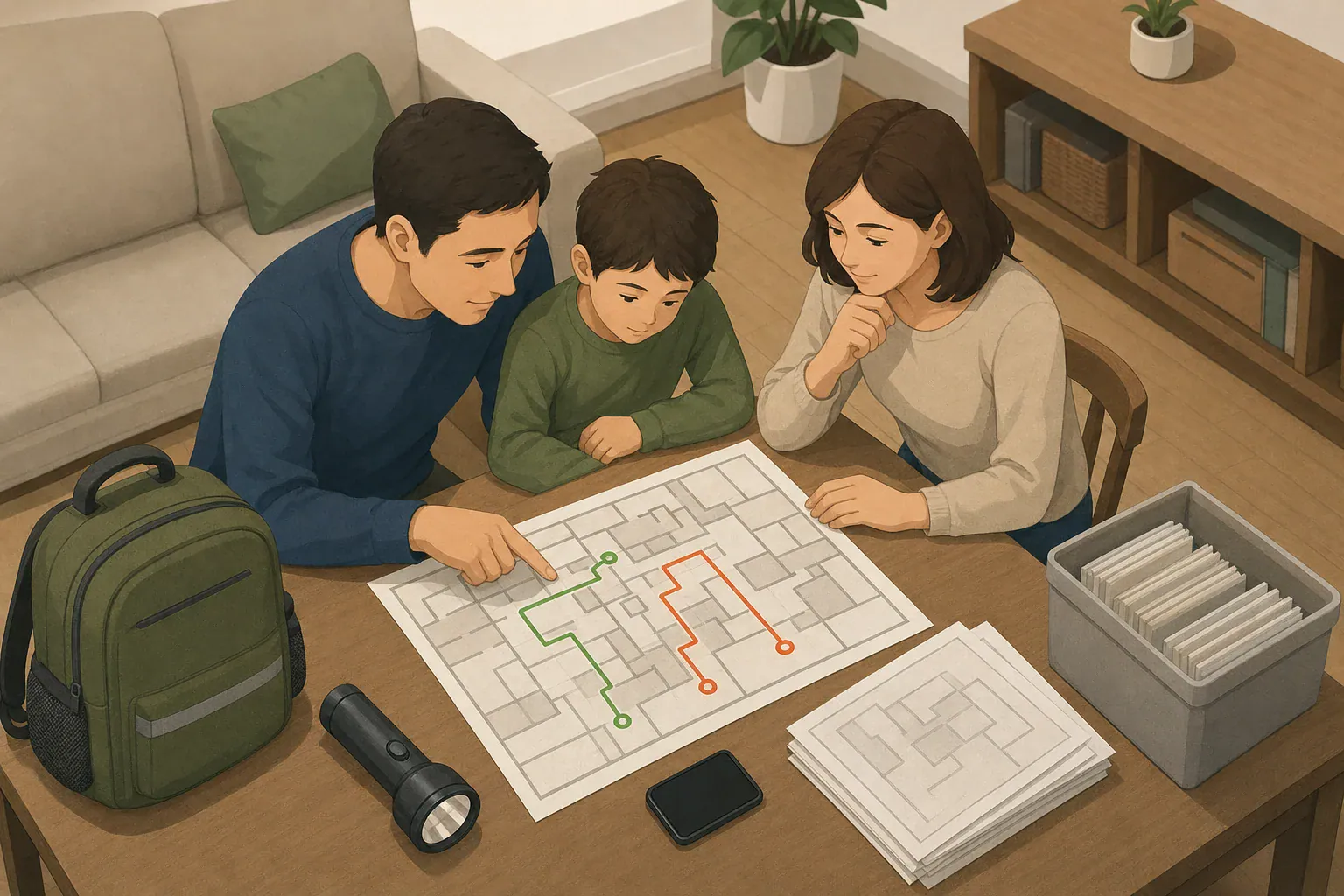
Quick answer: To find your local evacuation map, begin with your city or county emergency-management website and its official address lookup. If none is available, check the state emergency-management portal and relevant hazard authority. Save the zone, source, and map date, but follow current official orders over any saved map.
Where to find your official local evacuation map
Start with the website for your city or county emergency-management, public-safety, or emergency-services agency. Look for an evacuation-zone page, preparedness portal, or official address lookup. If your local agency does not provide one, check your state emergency-management portal, then the authority responsible for the relevant hazard.
For coastal tsunami planning, the National Weather Service advises checking local emergency-management resources, state hazard resources, and local NWS information for evacuation zones, routes, and assembly areas. See its tsunami preparedness guidance. Other hazards may use different agencies and map products.
- Search the local agency site first. Try “evacuation map,” “evacuation zone,” “know your zone,” or “address lookup.”
- Use the state emergency-management portal next. It may offer a statewide tool or direct you to the responsible local map.
- Check a hazard-specific authority when relevant. Depending on the risk, this may be a wildfire, geological, dam-safety, radiological, or coastal-hazard agency.
Enter your address only in a lookup tool you have confirmed belongs to the responsible government agency. If no zone appears, do not assume the address is outside every evacuation area. The area may not use preassigned zones, the tool may cover a different hazard, or the address format may need adjustment. Use the agency’s published nonemergency planning or public-information contact to ask which map applies.
How to read a local evacuation map
First, check the map title, issuing jurisdiction, and hazard covered. A hurricane map, for example, may not apply to a wildfire, tsunami, chemical release, or dam emergency.
- Zone ID: Record the complete letter, number, or name returned for the address.
- Legend: Use the definitions printed on that specific map. Zone letters, colors, and symbols do not have universal meanings across the United States.
- Boundaries: Zoom in enough to identify the street or parcel. If an address appears to sit on a boundary, ask the issuing agency rather than guessing.
- Route markings: Read the legend to learn whether a line indicates a suggested route, a direction of travel, or something else. A marked route is not a promise that the road will be open during an incident.
- Assembly areas: Confirm the symbol’s meaning and the hazard it serves. An assembly area is not necessarily an overnight shelter.
- Shelter references: Treat a map reference as planning information. Confirm through current official incident information whether a location is open and appropriate before going there.
- Issue or revision date: Save the date with the map. Update schedules differ by jurisdiction.
Planning maps, incident maps, and hazard maps are different
A static zone map helps you learn your zone before an emergency. It may not show an active warning, evacuation order, road closure, or changing incident boundary. The City of Yorba Linda’s evacuation-zone page, for example, distinguishes its planning map from incident-specific information.
When an incident is active, check the source and timestamp on official notices and maps. Follow the authority managing the incident, including responder directions and road controls, even when they differ from a saved planning map.
Hazard maps and evacuation maps can also serve different purposes. The National Weather Service’s explanation of tsunami evacuation and inundation maps distinguishes modeled inundation areas from evacuation maps, which may show areas to leave, routes, and assembly areas. Terminology may differ for other hazards, so read the local map legend.
What to do when evacuation maps conflict
- Check for an active incident. If an evacuation order or warning is in effect, use the latest official notice from the authority issuing it.
- Compare jurisdiction and hazard. Two valid maps may cover different cities, counties, or hazards.
- Compare dates and timestamps. A revision date identifies a planning-map version; an incident timestamp indicates when operational information was posted.
- Return to the original agency page. A screenshot, repost, or search result may be older than the version currently published by the agency.
- Do not average boundaries or infer a route. If official information remains unclear, use the agency’s published emergency-information contact. During an evacuation, follow responder directions.
Save paper and offline copies before an emergency
Download an official PDF when one is available. If you save screenshots, capture the title, complete legend, zone ID, issuing agency, and revision date—not only the colored area around the home. Keep the digital file in a phone folder that is available without a connection, and make a printed copy. For a broader system, see this guide to offline backups for home emergencies.
- Keep a printed copy where household members can reach it quickly.
- Save a copy on household phones or tablets that may be used during an evacuation.
- Store a copy with essential papers or evacuation supplies.
- Consider a vehicle copy if driving is part of the household’s plan.
- Use large print or another accessible format when someone cannot comfortably read the standard map.
Recheck the official source after moving, when the agency announces a map change, before the relevant local hazard season, and when reviewing your household plan. Replace outdated paper and downloaded copies rather than keeping several versions together.
Record map details in your household plan
Complete one row for each important address, such as home, work, school, or a caregiver’s home. A primary and alternate route are planning notes only; current road controls and official directions may require a different path. Include the official alert source in your plan as well; emergency alerts on your phone can complement, but not replace, local official information.
| Map source and URL | Issue or revision date | Address and zone | Primary route | Alternate route | Shelter reference—not guaranteed open | Offline-copy location |
|---|---|---|---|---|---|---|
| Home: | ||||||
| Work or school: | ||||||
| Other important address: |
Household evacuation-map checklist
- Look up home, work, school, and caregiver addresses.
- Write down each complete zone ID.
- Record the issuing agency, map date, and official alert source.
- Note a primary and alternate route without assuming either will stay open.
- Consider transportation, mobility, communication, and assistance needs.
- Make sure household members know where paper and offline copies are stored.
- Verify shelter locations and availability during the actual incident.
- Replace saved copies when the issuing agency publishes a revision.
Frequently asked questions
What if my address does not appear on an evacuation map?
Do not assume that no evacuation risk applies. The area may not use predetermined zones, the tool may cover a different hazard, or the address may need a different format. Contact the responsible local emergency-management agency through its published planning or public-information contact.
Does being in an evacuation zone mean I must leave every time?
No. A zone is a planning designation. During an incident, officials identify the zones or areas covered by current orders or warnings. Follow the current notice from the responsible authority.
Can I rely on a shelter shown on an old map?
No. A planning-map shelter reference is not confirmation that the location is open, available, or appropriate for the current incident. Verify shelter status through current official information.
- Simple checklists and realistic planning
- Water, power, lighting, and pantry basics
- Family plans (kids, pets, seniors) and seasonal prep
Affiliate disclosure
As an Amazon Associate, we earn from qualifying purchases. Some links on this site may be affiliate links. If you buy through these links, we may earn a small commission at no extra cost to you. This helps support our content. Learn more.