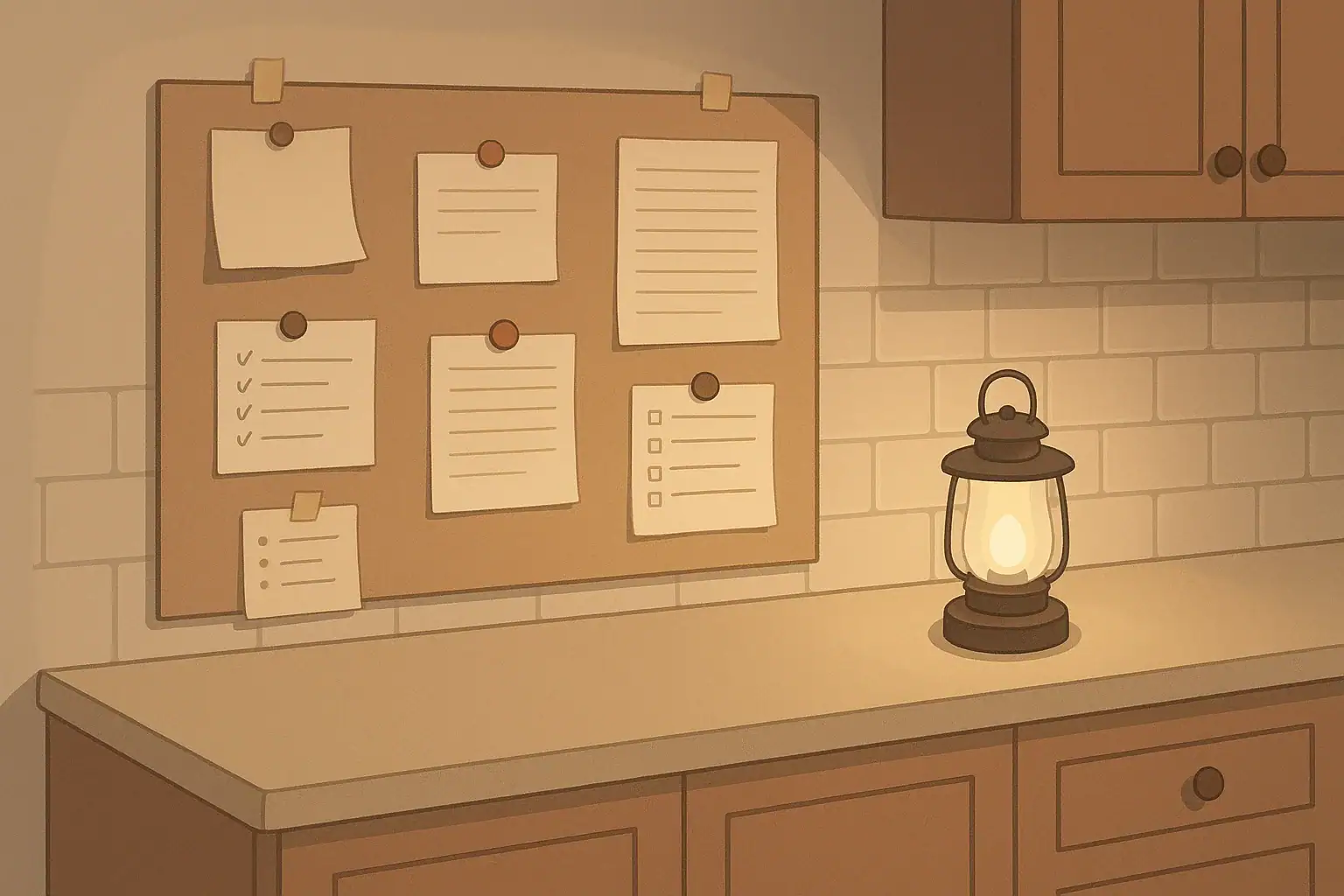
Why a paper message board matters during outages
When the power or internet goes out, phones may be low on battery, cell service can be weak, and group texts get confusing. A simple paper message board gives your household one clear place to share check-ins, tasks, and updates without relying on any electronics.
The goal is not perfection. You just want a visible, low-tech spot where anyone in the home can quickly see:
- Who is home and who is out
- What needs to be done next
- Important updates or changes in plans
- Key information like emergency numbers or meeting spots
You can set this up in a few minutes with basic supplies you probably already have.
Basic supplies for a home message board
You do not need a fancy system. Gather what you have and keep it in one place.
- Sturdy backing: a clipboard, piece of cardboard, poster board, or a section of wall or fridge
- Paper: printer paper, notebook paper, or an inexpensive pad
- Writing tools: at least two pens or pencils (plus a backup stored nearby)
- Attachment: tape, magnets, pushpins, or clips
- Light source: a flashlight or battery lantern stored close to the board so it can be read in the dark
If you already use a family calendar or whiteboard, you can add an “Outage” section to that instead of starting from scratch.
Where to put your outage message board
Choose a spot that is:
- Central: near the kitchen, main hallway, or another area everyone passes often
- Visible: not behind a door or inside a cabinet
- Safe to reach in low light: avoid high shelves or cluttered corners
- Dry and stable: away from sinks, stoves, and heaters
Once you pick the spot, tell everyone in the household, “This is our message board. During an outage, check here first.”
Simple layout: check-ins, tasks, and updates
Use one main sheet of paper as your template. You can redraw it quickly whenever it fills up. A simple layout might have three sections:
1. Check-ins: who is safe and where they are
This section helps you avoid confusion and repeated calls or texts. Draw a quick table or list with columns like:
- Name
- Last check-in time
- Location (home, work, neighbor’s, etc.)
- Notes (for example, “walking dog,” “went to get ice”)
Household members can update their own line when they leave, return, or move to a different room or neighbor’s house.
2. Tasks: what needs to be done and by whom
This section keeps important jobs from being forgotten or duplicated. Make a simple list with:
- Task (for example, “turn off power strips,” “fill water bottles,” “check on neighbor”)
- Who is responsible
- Deadline or priority (now, today, later)
- Done? with a checkbox or space to mark complete
Try to keep tasks short and specific. If a task is unsafe or unclear, write a note to wait for an adult, a neighbor with experience, or local authorities.
3. Updates: what has changed
Use this area for short, clear notes that affect everyone, such as:
- “Utility company expects power back by 8 p.m. (estimate)”
- “Boil-water advisory in effect – use bottled or treated water for drinking and cooking”
- “School closed tomorrow”
- “Moved frozen food to cooler with ice”
When you write an update, add the time and who wrote it. If information is based on a news report or official alert, note the source (for example, local news station or city alert system).
Adding essential information to the board
During an outage, people may be stressed or tired. Having key information written down reduces mistakes and saves time.
Consider adding a small, permanent section or separate sheet for:
- Emergency phone numbers: local emergency services, utility company outage line, poison control, and at least one out-of-area contact. The U.S. Centers for Disease Control and Prevention (CDC) offers guidance on preparing emergency contact lists in its plan ahead for emergencies materials.
- Household meeting spot: where to meet if you must leave the home or if you get separated nearby
- Medical notes: brief reminders such as “insulin in fridge,” “inhaler in go-bag,” or “spare glasses in bedroom drawer” (avoid full medical histories on a public wall)
- Utility shutoff reminders: short notes like “gas shutoff wrench in garage” or “main water valve in basement by front wall.” For detailed safety steps, follow your utility company’s instructions or resources such as the Federal Emergency Management Agency (FEMA) guidance on basic safety skills.
Keep any sensitive personal or medical details in a more private place, but note where that information is stored.
Using the message board during an outage
Once the lights go out or phones stop working well, bring the board into active use.
- Turn on a safe light source. Use a flashlight, headlamp, or battery lantern. Follow manufacturer instructions and keep open flames away from paper and other combustibles. The U.S. Consumer Product Safety Commission (CPSC) provides safety tips on using generators safely; if you use a generator for power, review their guidance and keep it outdoors and away from windows.
- Gather everyone who is home. Briefly explain how the board works and where to write updates.
- Do a quick roll call. Fill in the check-in section with who is present and who is away.
- List immediate tasks. Focus on safety and comfort first: checking on vulnerable household members, securing candles or lanterns, gathering flashlights, and confirming doors and windows are closed as appropriate for the weather.
- Update regularly. Encourage short, clear notes instead of long paragraphs. Cross out or clearly mark outdated information.
If you receive official instructions from local authorities (for example, a boil-water notice, evacuation order, or shelter-in-place guidance), write a short summary on the board and follow their directions. For water safety, the U.S. Environmental Protection Agency (EPA) offers information on emergency disinfection of drinking water. Always follow local public health instructions first.
Making the board easy for kids, older adults, and guests
A good outage message board should be usable by everyone in the home, not just the person who set it up.
- Use large, clear writing. Print in block letters and avoid crowded text.
- Add simple symbols. For example, a checkmark for “done,” a star for “urgent,” or a house icon for “everyone home.”
- Explain the system in calm times. Walk children and older adults through the board on a normal day so it feels familiar later.
- Give kids safe jobs. They might be in charge of adding checkmarks when tasks are finished or updating the time on the board.
- Help visitors. If guests are staying with you, show them the board and add their names to the check-in section.
Practice and keep it ready
The best time to set up your paper message board is before you need it.
- Draw your basic layout and hang it in your chosen spot.
- Store extra paper, pens, tape, and a flashlight or lantern nearby.
- Use the board during a planned “no screens” evening or a brief power outage to see what works and what does not.
- Adjust the layout based on what your household actually uses: you might add a small meal plan area, pet care notes, or a space for questions.
Even if you rely on apps and group chats most of the time, a simple paper message board gives your home a reliable backup when batteries, networks, or devices fail.
Frequently asked questions
How big should a home outage message board be?
Use whatever size fits your space and household. A single sheet of paper may be enough for one or two people. Larger families often find that a sheet of poster board or several pages clipped together works better so check-ins, tasks, and updates each have room.
How often should we update the board during an outage?
Update it whenever something important changes: someone leaves or returns, a key task is finished, or you receive new information from utilities or local authorities. In longer outages, a quick check every hour or two can help keep information current without becoming a burden.
What if someone forgets to use the board?
Expect that to happen sometimes. Gently remind people, “Please write it on the board,” when they mention leaving, finishing a task, or hearing an update. Over time, it becomes a habit, especially if the board is in a central, easy-to-see spot.
Can we combine the outage board with our regular family calendar?
Yes. Many households add an “Outage” or “Emergency” section to an existing calendar or whiteboard. Just make sure outage information stays clear and separate enough that it does not get lost among normal appointments.
- Simple checklists and realistic planning
- Water, power, lighting, and pantry basics
- Family plans (kids, pets, seniors) and seasonal prep
Affiliate disclosure
As an Amazon Associate, we earn from qualifying purchases. Some links on this site may be affiliate links. If you buy through these links, we may earn a small commission at no extra cost to you. This helps support our content. Learn more.