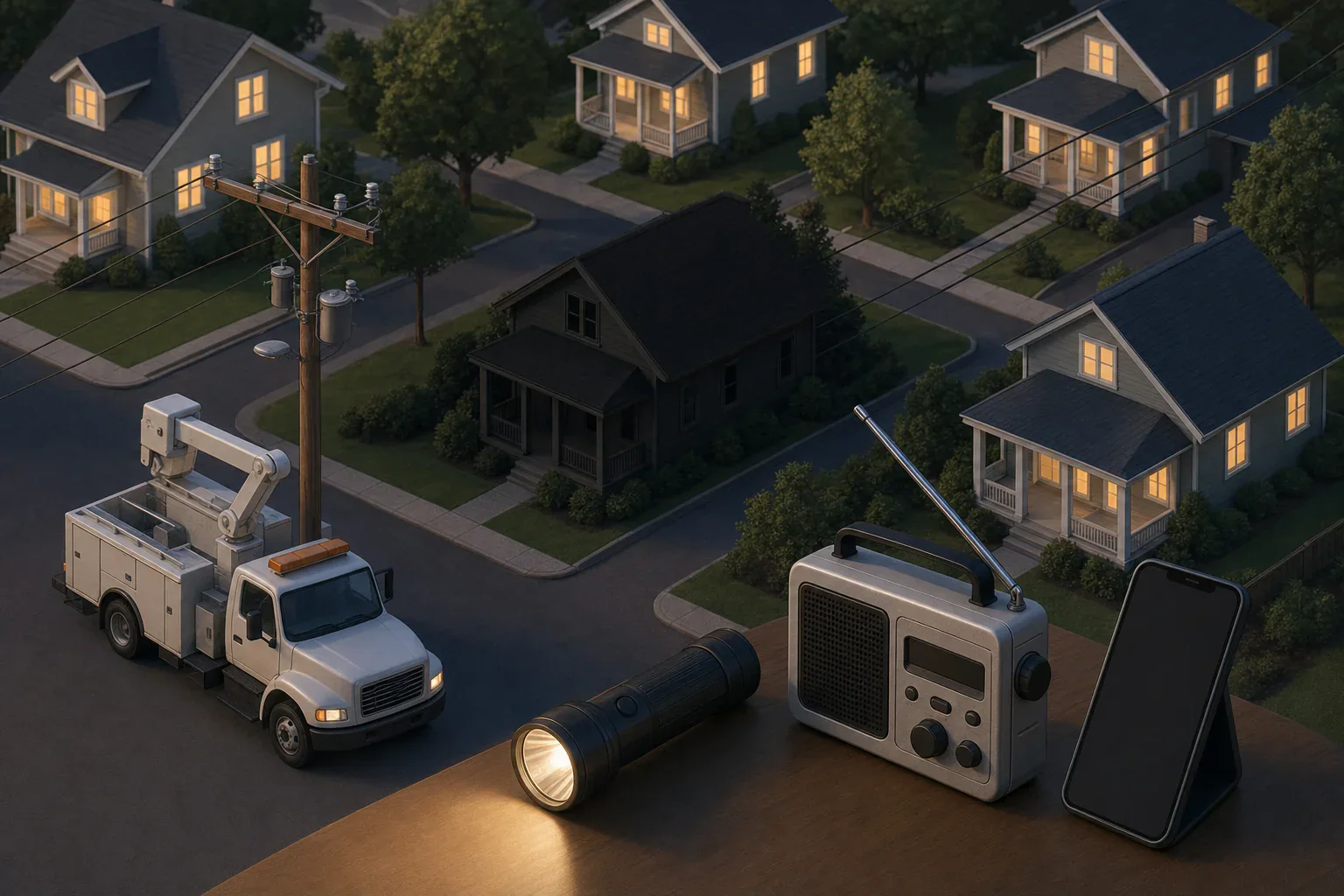
Quick answer: For power outages in my area, find the company that maintains the electric wires for your address on your bill, rental records, or state utility commission website. Check its official outage map, then report a missing address through the utility’s website, app, text service, or outage phone line.
Power outages in my area: check and report in four steps
- Identify the electric utility responsible for the wires serving your address. Check an electric bill or account record. Renters can ask a landlord or property manager.
- Open the utility’s official outage map or account-status page. Search by service address when that option is available; a city or ZIP search may show only a broader area.
- Report the outage through an official utility channel. Use the website, app, text service, or outage phone line, including when the map does not show your address.
- Keep the confirmation and monitor utility updates. Check weather and local emergency notices separately for hazards, road closures, shelters, evacuations, and other community instructions.
A national or statewide map can show the scale of an event, but it is not a household repair ticket. For address-specific outage and restoration information, use the utility that maintains the local distribution wires.
How do I find my electric utility?
Start with a recent electric bill or online account. Look for the outage phone number and the company name. In places with competitive electricity providers, the company that sells electricity may not be the same company that maintains the local wires and handles outages.
If you do not have a bill, try these steps:
- Ask the property owner, landlord, or property manager.
- Check move-in records or building emergency information.
- Visit your state public utility commission or public service commission website for utility contacts or a service-area viewer.
- Call a listed utility and ask whether it serves the address before sharing account details.
The California Public Utilities Commission advises customers to find utility contact information on their bills in its utility-contact guidance. State tools differ, and service-area maps may be approximate, so confirm with the utility if the provider is still unclear.
What if my address is missing from the outage map?
Report the outage directly. A missing marker does not establish that service is normal. Map updates can be delayed, and a marker may represent an area rather than an exact address.
Use your utility’s official reporting channel and enter the service address carefully. Save the report time and any confirmation or ticket number. Follow the prompts if the utility asks for account details or information about nearby outages.
Some utilities ask customers to report even when a nearby outage is already visible. For example, Unitil’s outage-map instructions tell its customers to report an outage even if it appears to have been reported already. That is a provider-specific instruction, so follow the process used by your own utility.
If the utility later lists the area as restored but your home remains without power, submit another report or contact the utility. If it determines there is no outside outage and the issue is limited to the property, contact the property manager or a qualified electrician as the utility directs. Do not handle damaged electrical equipment yourself.
Where should I verify restoration updates?
Check the serving utility’s account status, app, text alerts, outage map, or outage phone system. These are the channels most directly connected to its outage and repair information. Treat any restoration time as an estimate, not a guarantee, and note when it was last updated.
Map functions vary. FPL, for example, says its Power Tracker can accept an address, city, or ZIP search and may display information such as outage status, customers affected, cause, report time, and an estimated restoration time. It also notes that an outage icon may not sit on the affected address and that estimates can change. See FPL’s Power Tracker FAQs for that utility’s specific features.
State and local summaries can help with regional awareness but may not provide household-level restoration details. Massachusetts guidance directs residents to their electric company for outage reporting, causes, and restoration information: Massachusetts power-outage guidance.
| Channel | Best use | Main limitation |
|---|---|---|
| Official utility outage map | Area status and, when offered, a cause or restoration estimate | Markers can be grouped, delayed, or not address-specific |
| Utility app or text alerts | Updates tied to an address or account | May require enrollment, current contact details, and phone power |
| Utility outage phone line | Reporting a missing address or checking status without internet | Wait times or automated-system delays can increase during widespread outages |
| Local emergency notices | Shelters, roads, evacuations, and community resources | Usually not the source for a household restoration estimate |
| NWS or NOAA alerts | Current and approaching weather hazards | They do not track utility repair tickets |
Use weather and emergency notices for the right question
During storms, use National Weather Service forecasts and warnings for weather hazards, and use local emergency-management notices for community instructions. The National Weather Service’s thunderstorm safety guidance advises monitoring official weather information, including NOAA Weather Radio and local news. These sources explain conditions around the outage; they do not replace the utility’s restoration channel.
An outage report is not an emergency call. Use local emergency services when there is an immediate threat to life or property.
Save reliable update channels before the next outage
Finding the correct page can be harder when a phone battery is low or communications are busy. Save these details in advance:
- The utility’s official outage-map address
- The utility’s outage phone number
- Instructions for enrolling in utility app or text alerts
- Your service address and any account information needed for reporting
- Your city or county emergency-alert signup page
- A local NWS forecast page or other official weather-alert channel
Keep the information somewhere available without internet access, such as a printed household contact sheet.
Household outage-status checklist
- Utility name and official outage page confirmed
- Service address and needed account details available
- Outage reported through an official utility channel
- Confirmation or ticket number recorded
- Utility text or app alerts enabled, if available
- Latest restoration estimate checked and update time noted
- NWS and local emergency notices checked separately
- Address reported again if the utility lists the area as restored but the home remains out
Frequently asked questions
Should I use a national outage map to report my outage?
No. Aggregate maps can be useful for seeing a regional event, but report the outage through the serving utility’s official website, app, text service, or phone line. The utility’s channel is the appropriate place to submit an address-specific report and check its restoration updates.
Why does the outage marker not appear at my house?
Map markers may represent a larger area or several streets, and updates may not appear immediately. A missing or nearby marker does not settle whether your address has been recorded. Report your address through the utility’s official process and keep the confirmation.
- Simple checklists and realistic planning
- Water, power, lighting, and pantry basics
- Family plans (kids, pets, seniors) and seasonal prep
Affiliate disclosure
As an Amazon Associate, we earn from qualifying purchases. Some links on this site may be affiliate links. If you buy through these links, we may earn a small commission at no extra cost to you. This helps support our content. Learn more.