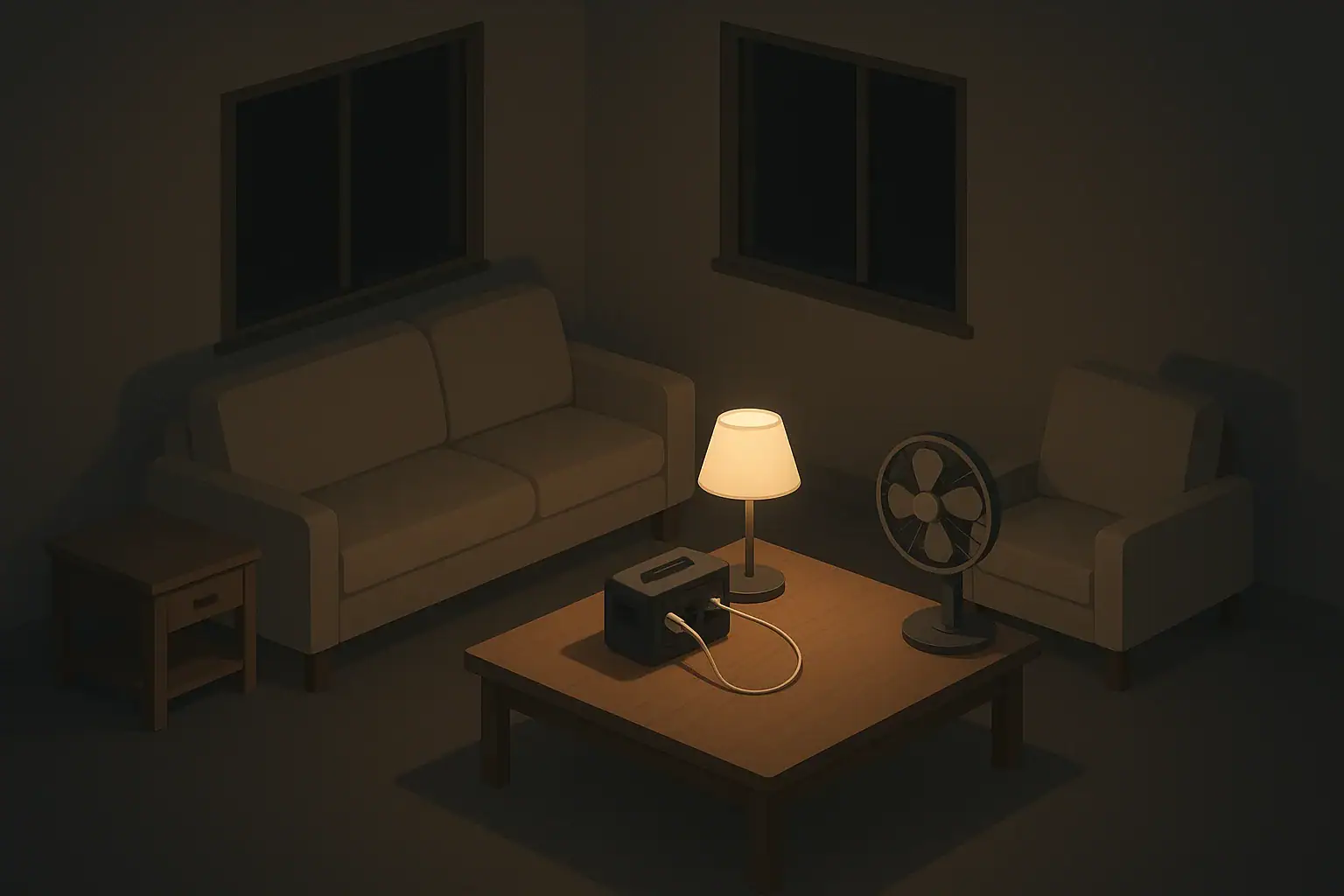
When the lights go out, every watt you save stretches the life of your backup power. Whether you rely on a small battery station, a generator, or just a stack of batteries and a cooler of ice, using less power buys you more time and flexibility.
Most homes are set up for convenience, not efficiency. Many devices stay plugged in, lights stay on in empty rooms, and high-wattage appliances run without much thought. In a power disruption, that normal routine quickly drains limited backup sources.
By making a few simple changes, you can:
- Keep critical devices powered longer (phones, medical equipment approved for home use, basic lighting)
- Reduce fuel use if you’re running a generator
- Lower the chance of overloading extension cords or circuits
- Stay more comfortable with the same amount of stored power
Why Reducing Power Use Matters During an Outage
Reducing power use is less about memorizing exact numbers and more about understanding which items are “power heavy” and which are “power light,” then planning around that difference.
Know Your Priorities: What Must Stay On and What Can Wait
Before an outage, it helps to decide what is truly essential if your home loses power for hours or a couple of days. Each home is different, but most people can sort devices into three groups: must-have, nice-to-have, and pause-until-grid-returns.
Must-have devices
Things many households choose to keep running include:
- Lighting in key areas (one room, hallway, or bathroom)
- Phone charging and possibly a small radio for information
- Router or hotspot if you rely on internet for communication (if network is available)
- Basic fans or a small space heater used cautiously, depending on season and safety guidance
- Refrigeration, at least enough to limit food spoilage
- Any power-dependent medical equipment that a healthcare professional has cleared for home backup use
These are the items to plan around first. Everything else should fit in only if there is leftover capacity.
Nice-to-have devices
These are useful but not strictly necessary for short-term outages:
- Laptop or tablet (for work, school, or morale)
- Entertainment devices with modest draw (a small TV instead of a large high-brightness one)
- Extra lights in nonessential rooms
- Small kitchen tools that run briefly, like a blender or electric kettle
Use these sparingly and in rotation, not all at once.
Devices that can usually wait
Some devices use a lot of power and are easier to do without for a day or two:
- Electric dryers and washing machines
- Dishwashers
- Large air-conditioning units or electric baseboard heaters (these can be very power hungry)
- Ovens and cooktops (electric models in particular)
- Large gaming systems and big entertainment setups
Planning to avoid these high-use items is one of the fastest ways to extend runtime from any backup power source.
Example values for illustration.
| Task | Why it matters | Notes for small homes or apartments |
|---|---|---|
| List must-have devices | Prevents overloading limited backup power | Prioritize phone, light, and one fan or heater zone |
| Identify high-wattage appliances | Biggest impact on runtime when turned off | Look at ovens, large AC, dryers, space heaters |
| Decide on one main room to power | Concentrates lighting and comfort in one space | Choose interior room if possible to keep temp steadier |
| Set a lighting limit | Keeps you from turning on all lights by habit | For example, one ceiling light or two small lamps |
| Plan phone charging schedule | Prevents constant topping-up that wastes power | Charge once or twice a day, not continuously |
| Agree on entertainment rules | Reduces conflict over TV and gaming use | Use shared devices in short time blocks |
Small Everyday Habits That Cut Power Use
Simple behavior changes make a big difference during a blackout and can even lower your normal utility bills. Many of these habits cost nothing and are easy for the whole household to learn.
Use one “live” room instead of the whole home
During an outage, try to concentrate energy use in a single room:
- Set up sleeping, reading, and relaxing in one space.
- Run a single lamp or small string of efficient lights in that room only.
- If it is safe and seasonally appropriate, use this room for your small heater or fan, not the whole home.
This “home base” approach keeps you comfortable with far fewer devices running.
Practice “lights off by default”
Train yourself and family members to treat lights as temporary tools, not background comfort:
- Turn on the light you need for the task, then turn it off immediately afterward.
- Teach kids to call out “lights off” when leaving a room.
- Use portable lights for short tasks instead of lighting a whole room.
In a real outage, this habit makes energy-saving feel routine rather than stressful.
Batch tasks that need power
Many devices use short bursts of power. Group those activities to avoid repeatedly starting and stopping equipment:
- Charge devices at set times instead of plugging and unplugging throughout the day.
- Prepare food that needs refrigeration all at once, then keep the fridge closed.
- If you run a generator, use its runtime to handle several chores at once (charging batteries, quick cooking, short laundry cycle if absolutely needed), then shut it down.
Batching reduces how often high-draw devices cycle on, which can significantly extend runtime.
Unplug stand-by loads
Many electronics draw a little power even when they look “off.” During normal life this may seem minor, but during an outage it adds up:
- Power strips, game consoles, large TVs, and desktop computers can each pull a trickle of power.
- Unplug them at the source when you switch to backup power.
- Only plug in devices you actively need at that moment.
If you are using a portable power station, a quick unplug of nonessential items can noticeably increase how long its battery lasts.
Managing Heating, Cooling, and Refrigeration Efficiently
Temperature control and refrigeration often use more energy than everything else combined. Making small adjustments here gives you some of the biggest gains in runtime.
Keep heat or cool air where you need it
Instead of trying to keep the whole home at a comfortable temperature, focus on a smaller area:
- Close doors to unused rooms to limit heat loss or gain.
- Use thick curtains or blankets over windows to reduce drafts or sun exposure.
- In cold weather, consider a smaller “warm room” where everyone gathers with blankets and layered clothing.
- In hot weather, aim for shade and ventilation rather than full-room cooling when possible.
Even without running large heating or cooling systems, these steps can keep your living area more stable and reduce the need for power-hungry equipment.
Use fans and clothing before high-wattage devices
Fans generally use far less power than large air conditioners, and extra layers use none.
- In warm weather, cross-ventilate when outdoor air quality is acceptable, using fans near windows.
- In cool weather, add socks, hats, and extra layers before turning on a space heater.
- If you do use a heater, run it on the lowest effective setting and only in a small, enclosed space, following all safety guidance.
This approach helps keep you comfortable while preserving your limited power.
Smart refrigerator use during a blackout
Refrigerators and freezers can keep food cold for a surprising amount of time if you manage them carefully:
- Keep doors closed as much as possible to trap cold air.
- Group items you expect to use first in one accessible area to avoid rummaging.
- Use a cooler with ice for frequently opened items so you do not keep opening the main fridge.
- If you are rotating a generator or battery to the fridge, run it periodically rather than continuously, following food safety guidance for your situation.
These steps reduce how often the compressor has to kick on, which can save a large amount of power over a day or two.
Lower-Power Alternatives for Everyday Needs
Planning low-power substitutes for common household tasks lets you stay comfortable without relying heavily on electricity. Many options work well in small spaces and for renters who cannot change permanent fixtures.
Lighting: from overhead to task-based
Overhead lighting can be convenient but often uses more power than needed. During outages, think in terms of “task lighting” instead:
- Use small battery-powered lamps or lanterns aimed at your activity area.
- Share one brighter light in the main room rather than many dim lights in different rooms.
- Keep a portable light in the bathroom and near entryways for safety.
Task lighting focuses limited power exactly where it helps most.
Cooking with less power
Cooking can consume a lot of energy, especially with full-sized ovens and cooktops. Consider alternatives that either use no electricity or run at lower wattage:
- Keep ingredients for no-cook meals (such as canned or shelf-stable foods that can be eaten at room temperature).
- Use manual tools where possible, like hand-operated can openers and grinders.
- If you have access to safe outdoor cooking (such as grills or camp stoves), use them to avoid running large electric appliances indoors.
- When using electric cooking devices on backup power, plan simple, one-pot meals that cook quickly.
Reducing cooking time and complexity saves both power and cleanup water.
Entertainment and communication with a small footprint
Staying informed and occupied is important, especially for children and older adults. You can do this with surprisingly little power:
- Prioritize phones, a small radio, or a single tablet for news and updates.
- Download content (books, shows, offline maps) ahead of storms or planned outages.
- Encourage low-tech activities like board games, drawing, and reading to reduce screen time.
This approach supports morale while keeping device-charging needs manageable.
Example values for illustration.
| Device type | Typical watts range (example) | Planning notes |
|---|---|---|
| LED lamp | 5–15 watts | Good candidate for continuous evening use |
| Phone charger | 5–20 watts | Charge in short sessions; avoid overnight charging |
| Small fan | 20–60 watts | Use in one room only; rotate among family members |
| Laptop | 30–60 watts | Use on battery first, then recharge during generator runs |
| Refrigerator (cycling) | 100–300 watts while running | Run intermittently; keep doors closed to reduce cycles |
| Microwave | 600–1200 watts while heating | Limit to very short bursts for reheating, not cooking |
| Space heater | 500–1500 watts | Use only if essential, on lowest setting, in small room |
Practice and Adjust Before You Need It
The best time to learn how to reduce power use is before a real outage. A simple home “drill” can show you what works for your household and where adjustments are needed.
Try a planned low-power evening
Pick one night and pretend you are on backup power only:
- Choose a single room as your main living area.
- Limit yourself to a few low-wattage lights and chargers.
- Avoid using large appliances or entertainment systems.
- Note which items you really miss and which you barely notice.
This short experiment helps you set realistic expectations and identify any gear you might want to add, such as an extra light or fan.
Make it family-friendly
For households with kids, seniors, or pets, practicing low-power living can be done gently and even playfully:
- Turn it into a “camp-in” with blankets, stories, and simple games.
- Talk ahead of time about which devices are off-limits during a real outage and why.
- Double-check paths to exits and bathrooms to make sure they are clear for safe movement in low light.
By practicing calmly, you help everyone feel more prepared and less anxious if an actual disruption happens.
Adjust for your space and region
An apartment in a warm climate has different needs than a large house in a cold region. Adapt these ideas to your situation:
- In hot, humid areas, prioritize shade, ventilation, and safe access to cool spaces.
- In colder regions, focus on keeping one room warm, reducing drafts, and having extra layers on hand.
- In wildfire smoke or poor air quality events, balance ventilation with keeping outside air and particles out, following local guidance.
Over time, you can refine your plan so that reducing power use becomes a straightforward, familiar routine rather than a stressful scramble.
Authoritative sources
Safety recommendations can change. Confirm critical details with current official guidance and local authorities.
- CDC: Carbon Monoxide Poisoning Basics
- USDA FSIS: Keep Food Safe During Emergencies
- U.S. CPSC: Battery Safety
Frequently asked questions
How do I estimate how long my portable power station will last after I reduce power use?
Estimate runtime by dividing the battery’s watt-hour (Wh) capacity by the combined wattage of the devices you plan to run. Allow for inverter inefficiency (often around 10–20%) and occasional startup surges from motors or compressors, and be conservative in your calculation to better predict real-world runtime.
Which household appliances most dramatically shorten backup runtime and should be avoided?
High-wattage appliances such as electric ovens, clothes dryers, large air-conditioning systems, and typical space heaters consume far more power than lights or small electronics. Avoid or limit use of these devices during outages and opt for lower-power alternatives when possible to extend runtime.
What quick steps provide the biggest immediate gains in extending runtime?
Unplug standby loads, concentrate activity in one “live” room, turn off nonessential lights and devices, and batch charging or chores so equipment runs less frequently. These actions reduce both continuous loads and frequent cycling, which together yield large improvements in available backup time.
How should I manage refrigeration to balance food safety and extending runtime?
Keep fridge and freezer doors closed to retain cold, group frequently used items for easy access, and use a cooler with ice for things you open often. If using a generator or battery, consider intermittent runs to limit compressor cycles and monitor food temperature with a thermometer to ensure safety.
Will practicing low-power habits before an outage actually help extend runtime?
Yes. Regular practice of “lights off” habits, scheduled charging windows, and planned low-power evenings reduces routine consumption and trains household members on what matters most during an outage. It also reveals gaps in gear or routines you can fix before an emergency.
- Simple checklists and realistic planning
- Water, power, lighting, and pantry basics
- Family plans (kids, pets, seniors) and seasonal prep
Affiliate disclosure
As an Amazon Associate, we earn from qualifying purchases. Some links on this site may be affiliate links. If you buy through these links, we may earn a small commission at no extra cost to you. This helps support our content. Learn more.