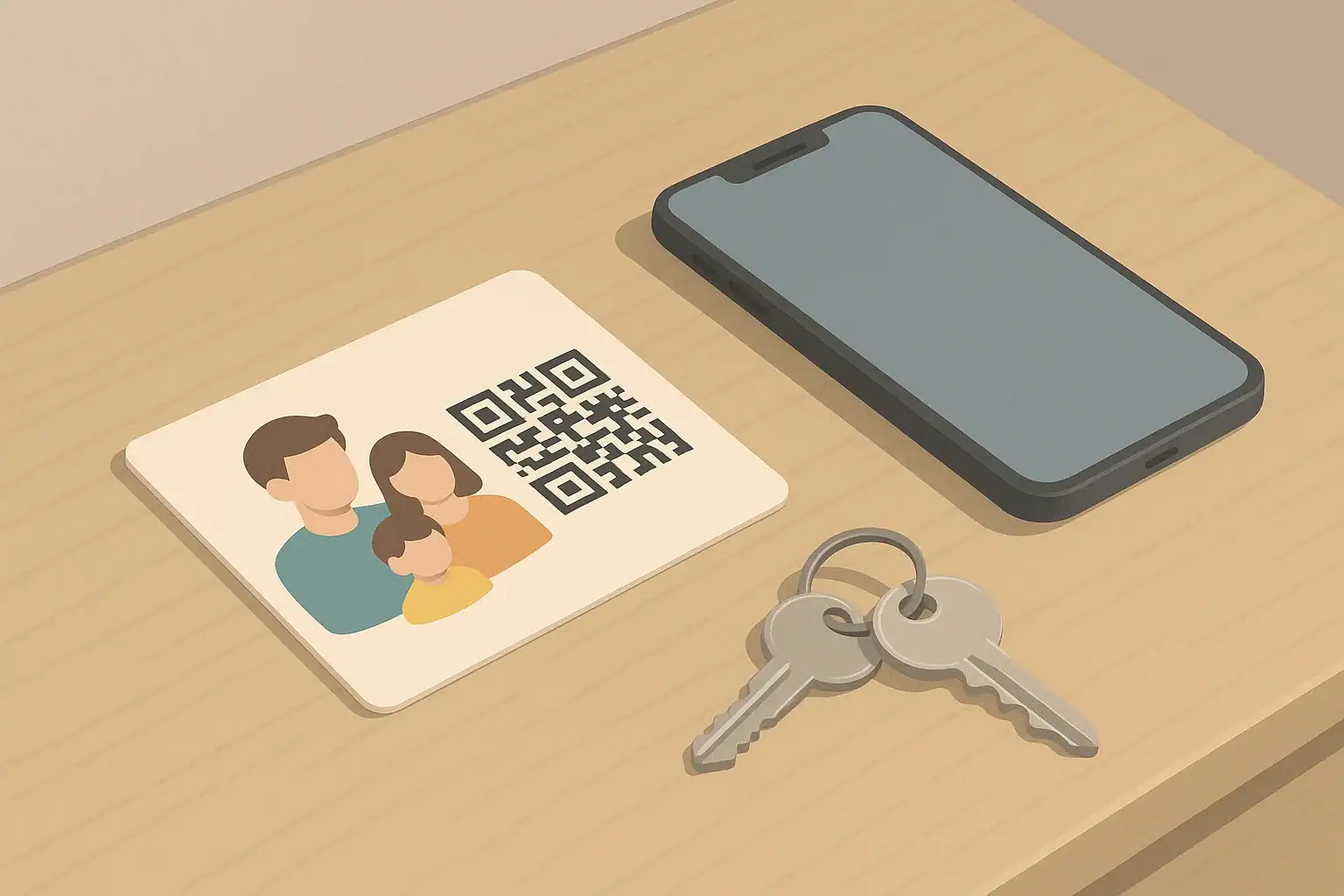
Why use a family emergency QR card?
A family emergency QR card is a small card with a QR code that links to key information about you and your household. When someone scans it with a phone, they can quickly see what you chose to share.
The main goal is speed and clarity in a stressful moment. A QR card can help:
- First responders or bystanders reach your emergency contacts
- Family members find each other’s medical or access needs
- Caregivers or neighbors know how to help children, older adults, or pets
The challenge is deciding what belongs online behind that QR code and what should stay offline on paper or in your own conversations. A good rule: share only what a reasonable stranger would truly need to help you in an emergency, and keep sensitive details offline.
Deciding what the QR code should link to
Your QR code needs a destination. Common options include:
- A simple private web page (for example, a hidden page you control)
- A secure note in a password manager that you share with trusted family (less useful for strangers)
- A shared online document with view-only access
For a card meant to be used by strangers in an emergency, a simple, easy-to-read web page is usually best. Make sure:
- The page loads quickly and works on mobile phones.
- The text is large enough and clear.
- No login is required for basic emergency info.
Do not rely only on a QR code. Phones can fail, networks can be down, or the code can be damaged. Always pair the QR code with printed information on the card itself.
Information that usually works well online
Think of the online page as a quick snapshot, not your full life story. Many households choose to include:
- Names and relationships
First names and how people are related (for example, “Alex – parent,” “Jordan – child”). - Primary emergency contacts
Names and phone numbers of 1–3 people who can make decisions or provide information. - Basic medical alerts
Short, plain-language notes like “severe peanut allergy,” “carries EpiPen,” or “uses insulin pump.” For medical emergencies, local emergency medical services and hospital staff should still follow their own protocols. - Communication and access needs
Examples: “nonverbal; uses communication app,” “hard of hearing; prefers text,” or “uses wheelchair; needs step-free access.” - Key household notes
Short items that help responders or neighbors, such as “indoor cat,” “service dog on site,” or “oxygen equipment in bedroom.” For oxygen or other medical devices, follow the manufacturer’s instructions and any guidance from your health care provider. - Preferred hospital or doctor contact
If you have a regular doctor or clinic, you can list their name and main phone number. This does not replace local emergency services; in a life-threatening emergency, people should still call 911 in the United States.
Keep the page short. Someone helping you should be able to scan it in under a minute.
What to keep offline or more tightly controlled
Some details are too sensitive or risky to put on a public or easily shared web page. These are better kept offline, in a secure app, or only shared directly with trusted people.
Personal identity and security details
- Full dates of birth
- Social Security numbers or other government ID numbers
- Banking or insurance account numbers
- Passwords, PINs, or security question answers
- Exact work schedules or travel plans
These can increase your risk of identity theft or unwanted attention if someone misuses the link.
Home and location details
- Door codes, alarm codes, or safe combinations
- Photos or maps that clearly show your home layout or security devices
- Exact locations of valuables, firearms, or medications
If you want responders to know about special hazards or equipment in your home, you can mention them in general terms (for example, “oxygen tanks in bedroom,” “generator in backyard”) without giving precise locations or access codes.
Detailed medical records
- Full medical histories or long lists of past procedures
- Scans of medical records with ID numbers
- Photos of prescriptions that show full personal details
For most emergencies, short, clear alerts are more helpful than long records. For medical decisions, licensed health professionals should rely on their own assessments and records. For general emergency medical preparedness guidance, you can review information from the American Red Cross on medical emergencies.
Designing the physical QR card
The physical card should still be useful even if the QR code cannot be scanned. Aim for something that fits in a wallet, on a backpack, or on a key ring.
On the front of the card, consider including:
- QR code, large enough to scan easily
- Household or family name (for example, “Garcia household”)
- Short line like “Scan for emergency contacts and needs”
On the back of the card, include key printed details:
- At least one emergency contact name and phone number
- Critical medical alerts (for example, “severe nut allergy”)
- Any must-know access notes (for example, “nonverbal; show simple yes/no choices”)
Use clear, high-contrast printing and avoid clutter. Laminate the card or use a durable holder so it survives daily use.
Different versions for kids, adults, and pets
You can adjust what you share based on who will carry the card.
Children
- Keep the physical card simple: child’s first name, parent or guardian names, and phone numbers.
- Use the QR link for extra details like allergies, communication needs, or pickup instructions.
- Talk with older children about when to show the card and that it is for emergencies, not casual sharing.
For general guidance on preparing children for emergencies, you can review the Ready.gov information on kids and disasters.
Adults
- Adults may want more detail on the QR page, especially if they have medical conditions or disabilities.
- Consider including a short note about decision-making preferences, such as who should be contacted first.
- If you have a legal document like a health care proxy or advance directive, keep that with your other important papers and let your emergency contacts know where it is.
Older adults and people with disabilities
- Highlight mobility, communication, or medical device needs clearly.
- Note if the person has a service animal and any basic instructions for that animal.
- Make sure caregivers and family know how to update the QR information if needs change.
For broader planning ideas, you can review the Ready.gov guidance for people with disabilities.
Pets
- On the physical tag: pet’s name, your phone number, and a brief note like “needs daily medication” if relevant.
- On the QR page: feeding instructions, vet contact, and behavior notes (for example, “fearful of loud noises”).
- Do not post your full address publicly if you are concerned about privacy; a phone number is usually enough for someone who finds your pet.
For more on pet preparedness, see the Ready.gov guidance on preparing pets for emergencies.
Keeping information current and private
A QR card is only helpful if the information is accurate and reasonably protected.
- Review at least once a year. Check phone numbers, medical alerts, and contacts.
- Limit who can edit the page. If you use a shared document, control editing rights and keep a backup.
- Avoid posting the link publicly. Treat it like a phone number: shared with people who need it, not posted on social media.
- Teach your household how it works. Show family members and caregivers where the cards are and what the QR code does.
In any emergency, local instructions from 911 operators, first responders, and local authorities should take priority over anything written on a card or web page. Your QR card is a tool to help them help you, not a replacement for professional judgment or official guidance.
Frequently asked questions
Do I need internet access for a QR card to work?
The QR code itself does not need internet, but the phone scanning it usually needs a data connection to open an online page. This is why it is important to print the most critical information directly on the card, in case the link cannot be reached.
Can I put my home address on the QR page?
You can, but it is worth weighing the privacy risk. Many people choose to list a city and state plus phone numbers instead of a full street address. If you do include your address, consider who might see it if the link is shared beyond an emergency situation.
Is a QR card a legal medical document?
No. A QR card is a convenience tool, not a legal document. It does not replace official forms like advance directives, health care proxies, or do-not-resuscitate orders. For those, follow your state’s rules and speak with your health care provider or a qualified legal professional.
What if my phone already has emergency info on the lock screen?
Many phones let you add emergency contacts and medical notes to the lock screen or a built-in emergency section. That is useful, but it only helps if your phone is with you and responders know how to access it. A physical QR card adds another layer that can be seen in a wallet, on a backpack, or on a key ring, even if your phone is lost or damaged.
- Simple checklists and realistic planning
- Water, power, lighting, and pantry basics
- Family plans (kids, pets, seniors) and seasonal prep
Affiliate disclosure
As an Amazon Associate, we earn from qualifying purchases. Some links on this site may be affiliate links. If you buy through these links, we may earn a small commission at no extra cost to you. This helps support our content. Learn more.