Why a satellite messenger matters in an evacuation
During an evacuation, cell networks can fail or overload. A satellite messenger gives you a way to send short messages and location updates using satellites instead of cell towers. That can help you:
- Let family know you are evacuating and where you are going.
- Share your location if you are delayed, rerouted, or separated.
- In some models, trigger an SOS to a monitoring center for help.
Think of a satellite messenger as a backup, not a replacement, for your phone. You still follow evacuation orders from local officials and use normal communication when it works. The messenger is there for when it does not.
How satellite messengers work in simple terms
Satellite messengers are small handheld devices that send and receive short data messages through a satellite network. Most pair with your smartphone via Bluetooth so you can type messages in an app. Some have basic screens and buttons so you can send preset messages without a phone.
Key points:
- Line of sight to the sky: They work best with a clear view of the sky. Dense trees, deep canyons, and tall buildings can block or delay messages.
- Not for voice calls: Most consumer satellite messengers are for text and location, not voice conversations.
- Battery powered: They run on rechargeable batteries. You need to keep them charged just like any other device in your go-bag.
- Subscription required: You usually pay a monthly or annual plan for service, similar to a phone plan but often with message limits.
Coverage basics: where satellite messengers usually work
Coverage depends on the satellite network your device uses. Manufacturers publish detailed coverage maps; check those before you buy or travel.
General patterns you will often see:
- Global or near-global coverage: Some networks cover most of the world, including oceans and remote areas, but may have gaps near the poles.
- Regional coverage: Some services focus on North America or specific regions.
- Obstructions matter: Even in a coverage area, heavy tree cover, canyons, or being inside a building or vehicle can interfere. Stepping outside with a clear view of the sky usually improves performance.
For household evacuation planning, coverage across the routes you are most likely to use is what matters. Look at:
- Major highways and alternate back roads you might take.
- Areas with limited cell coverage you already know from daily life.
- Places you might shelter (friends, relatives, or common regional shelters).
Match the device’s coverage map to those areas before you commit to a plan.
Plan types and costs to expect
Each brand has its own pricing, but most plans fall into a few patterns. When comparing, look at both the monthly fee and how you actually expect to use the device.
Common plan structures
- Monthly or annual subscription: A fixed fee for a set number of messages and tracking points per month.
- Tiered plans: Basic plans with fewer messages and tracking; higher tiers with more messages, faster tracking, or extra features.
- Seasonal or flexible plans: Some services allow you to activate only for certain months (for example, hurricane season) or pause off-season for a smaller fee.
- Overage charges: If you exceed your message limit, you may pay per additional message.
Features that affect price
- Two-way messaging: Being able to receive replies usually costs more than one-way “I’m OK” devices.
- Tracking intervals: More frequent automatic location updates can use more of your monthly allowance.
- SOS monitoring: Many plans include 24/7 emergency monitoring as part of the subscription.
- Family sharing or multiple devices: Some services offer discounts or shared plans for more than one device.
For most families focused on evacuation and check-ins, a lower-tier plan with limited messages but reliable SOS coverage is often enough, as long as you use short, purposeful messages.
Choosing a satellite messenger for family evacuation
When your goal is safe evacuation and simple check-ins, focus on reliability and ease of use over advanced features.
Key questions to ask
- Does it cover our region and likely routes? Check the manufacturer’s coverage map against your local evacuation routes and common travel areas.
- Is it simple under stress? Can every adult in the household send a basic “I’m safe” message and share location without digging through menus?
- Can it send SOS without a phone? If your phone dies or breaks, you still want to be able to trigger SOS from the device itself.
- How long does the battery last? Look for realistic battery life in tracking or standby modes, and plan to carry a power bank.
- Is it rugged enough? Water resistance, impact resistance, and an easy-to-grip shape matter when you are evacuating in bad weather.
One device or several?
- Single device: Works if your household usually travels together and you have a clear plan for who carries it.
- Multiple devices: Consider if adults often commute in different directions, or teens may evacuate from school or work separately.
Balance cost with the realistic chance that family members could be separated when an evacuation order comes.
Setting up your messenger before an emergency
A satellite messenger is only helpful if it is activated, charged, and familiar before you need it. Build setup into your normal preparedness routine.
- Activate and test the device: Follow the manufacturer’s instructions to activate service. Send a few non-emergency test messages to a trusted contact so everyone recognizes what they look like.
- Program preset messages: Many devices let you create canned messages such as “Evacuating now,” “Arrived at shelter,” or “Delayed but safe.” Set these up in advance to save time and message counts.
- Save key contacts: Add close family, out-of-area contacts, and anyone who should receive updates. Make sure they know what the messages mean.
- Learn the SOS procedure: Read the manual and practice the motions (without actually triggering SOS) so you know how to open covers, press and hold buttons, and cancel a false alarm if needed.
- Update firmware and app: Keep the device firmware and smartphone app updated during your main risk season (for example, wildfire or hurricane season).
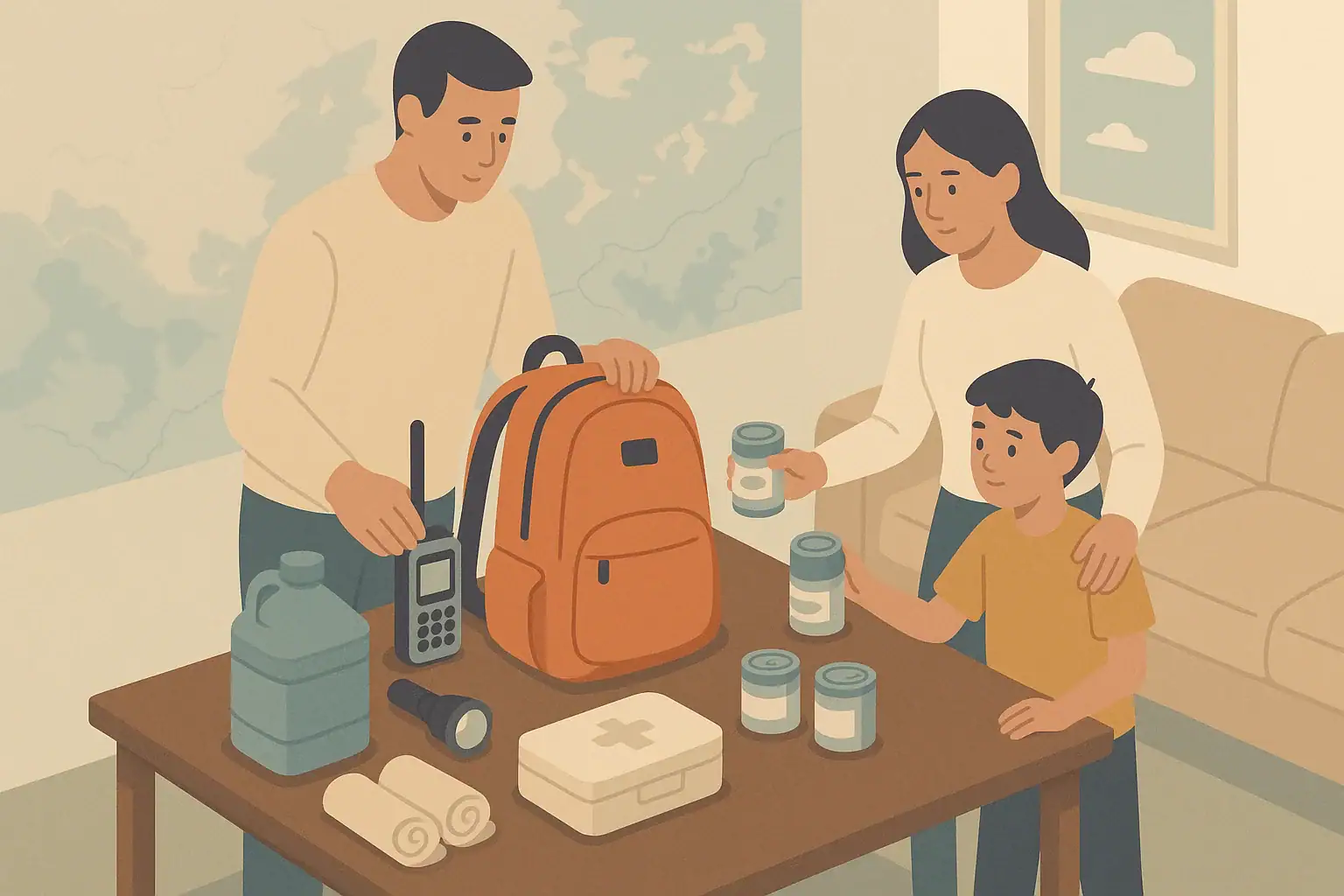
Include the device in your regular go-bag check, along with flashlights, batteries, and important documents. The Ready.gov evacuation guidance has a simple overview of what to pack and how to plan routes.
Simple family check-in plans using a satellite messenger
Technology only helps if everyone knows how you will use it. Create a short, written communication plan and share it with your household and one out-of-area contact.
Agree on message types and meanings
Decide in advance what certain messages mean so you do not waste characters explaining during an emergency.
- “EVAC START” – You are leaving home and heading to your primary route.
- “AT SHELTER A” – You have arrived at your first-choice shelter or friend’s house.
- “ROUTE B” – You had to switch to your backup route.
- “SAFE, DELAYED” – You are safe but stuck in traffic or waiting out conditions.
Use short, consistent phrases so everyone understands them and you stay within message limits.
Choose an out-of-area contact
Emergency planners often recommend picking someone outside your region as a central contact. You can send that person brief updates, and your wider family can check in with them instead of trying to reach you directly.
The Ready.gov family emergency communication plan has printable templates you can adapt to include your satellite messenger details.
Practice during calm times
- Send a test message from your driveway and from a nearby park or parking lot.
- Practice turning the device on, pairing it with your phone, and sending a preset message.
- Have each adult and responsible teen send at least one test message so they are comfortable with the device.
Using a satellite messenger safely during an evacuation
During an actual evacuation, your first priority is to follow instructions from local officials. Use the satellite messenger to support that, not replace it.
- Do not delay leaving to send messages. Start moving, then send a quick update once you are safely underway.
- Stop in a safe place before using the device. Do not handle it while driving. Pull over in a safe area or wait until you are parked.
- Protect the device from weather. Even rugged models can be damaged by prolonged soaking or extreme heat. Keep it in a pocket or pouch when not in use.
- Conserve battery. Lower tracking frequency if needed, dim the screen, and turn off Bluetooth when you are not actively using the phone app.
- Use SOS only for real emergencies. SOS is for serious, time-sensitive threats to life or safety when you cannot reach local emergency services by normal means.
Whenever you have cell coverage and it is safe to do so, call 911 or your local emergency number for immediate life-threatening emergencies. In the United States, FCC guidance on 911 from wireless phones explains how mobile calls are handled and why they are usually the fastest way to reach help when available.
Maintaining your satellite messenger as part of your go-bag
Include your satellite messenger in your regular household readiness checks.
- Charge it on a schedule: For example, top it off on the first weekend of each month and before major storms or fire weather.
- Store it with power: Keep it in your go-bag with a compatible charging cable and a charged power bank.
- Review your plan yearly: Update preset messages, contacts, and routes as jobs, schools, or common destinations change.
- Recheck coverage if you move: If you relocate or your main evacuation routes change, compare them again with the manufacturer’s coverage map.
For broader household readiness, including evacuation planning and go-bag basics, the American Red Cross family disaster plan guidance offers simple checklists and planning tips.
Frequently asked questions
Do I still need a satellite messenger if I have a cell phone and power bank?
A charged phone and power bank are important, but they still depend on working cell towers and networks. In large-scale disasters, networks can be damaged or overloaded. A satellite messenger gives you a separate path for short messages and location updates when local infrastructure is not reliable.
Can children or teens use a satellite messenger during an evacuation?
Older children and teens can usually learn to send basic preset messages and share their location, especially if you practice in advance. Make sure they know which buttons to press, what the preset messages mean, and that SOS is only for serious emergencies. For younger children, keep the device with the adult responsible for them.
Will a satellite messenger work inside my car or a building?
Sometimes, but not always. Metal roofs, reinforced walls, and vehicle structures can block satellite signals. For the most reliable connection, step outside with a clear view of the sky when it is safe to do so. If weather or safety conditions keep you inside, you may need to move near a window and be patient while the device tries to send.
Is a satellite messenger the same as a satellite phone?
No. A satellite phone is designed for voice calls and usually has higher costs and different hardware. A satellite messenger focuses on short text messages and location sharing, often with lower subscription costs and smaller devices. For most household evacuation plans, a messenger is enough to keep family updated and request help if needed.
- Simple checklists and realistic planning
- Water, power, lighting, and pantry basics
- Family plans (kids, pets, seniors) and seasonal prep
Affiliate disclosure
As an Amazon Associate, we earn from qualifying purchases. Some links on this site may be affiliate links. If you buy through these links, we may earn a small commission at no extra cost to you. This helps support our content. Learn more.