Why Compare Powerbanks and Power Stations for Home Readiness?
When you plan for short power outages or seasonal storms, backup power quickly becomes a key question. For most households, two common options come up:
- Small powerbanks (the kind that charge phones and small gadgets)
- Larger portable power stations (small battery boxes with outlets)
Both can be useful, but they do very different jobs. Understanding what each can and cannot do helps you avoid disappointment during an outage and invest only in what fits your space, budget, and real risks.
This guide focuses on practical, everyday home readiness in the United States—especially for apartments, renters, small spaces, and families who want to be reasonably prepared without going overboard.
What a Powerbank Can (and Can’t) Do
A powerbank is a compact battery pack designed mainly to recharge small electronics through USB ports. Think of it as a portable phone charger, sometimes with enough capacity to charge several small devices.
Typical Uses for a Powerbank
Most powerbanks are best for:
- Smartphones and basic cell phones
- Tablets and e-readers
- Small USB fans or clip-on reading lights
- Wireless earbuds and headphones
- Some small battery-powered radios (if they charge by USB)
- Portable battery packs for kids’ devices on trips
In a short power outage, a couple of charged powerbanks can keep your communication and small entertainment devices running for hours or even a day or two, depending on how often you use them.
What Powerbanks Usually Can’t Handle
Most consumer powerbanks are not meant to power larger or higher-wattage devices. In general, they:
- Do not power household appliances like fridges, microwaves, or coffee makers
- Cannot run space heaters, air conditioners, or large fans
- Usually cannot power CPAPs or medical devices safely or reliably
- Often cannot power laptops for long, or at all, unless specifically designed for that use
- Lack standard wall outlets, relying instead on USB or USB-C ports
They are best seen as a backup for communication, small lights, and light entertainment—not as a mini power system for your home.
Powerbank Pros for Everyday People
- Affordable: Lower cost than power stations for basic models.
- Very compact: Easy to store in a drawer, purse, backpack, or go-bag.
- Simple to use: Plug in by USB and charge.
- Travel friendly: Many are small enough for air travel and everyday commuting.
- Great for renters and small spaces: No special storage or setup.
Powerbank Limitations to Keep in Mind
- Limited capacity: They may charge a phone a few times, but not much beyond that.
- No AC outlets: Most cannot plug in lamps, routers, or appliances directly.
- Short runtime for larger devices: Even if they can charge a laptop, it may not last long.
- Charging takes planning: If you forget to keep them topped up, they are not helpful when an outage hits.
Example values for illustration.
| Situation | Better fit | Why |
|---|---|---|
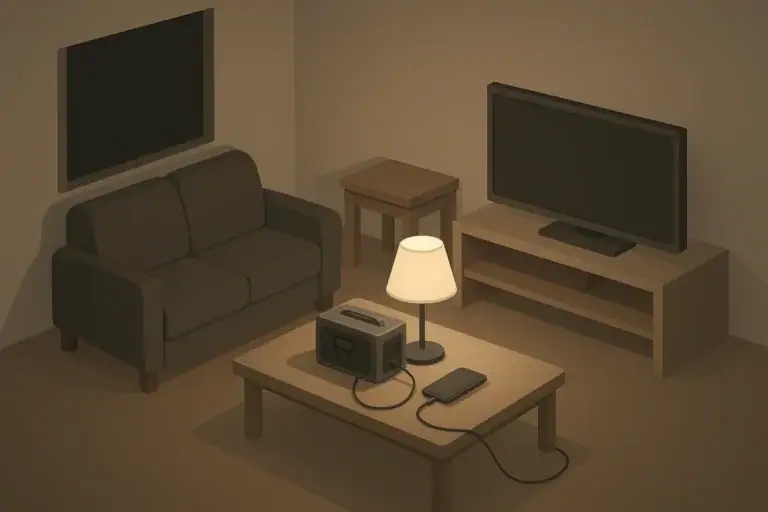
| Keeping phones charged for a short blackout | Powerbank | Small, inexpensive, easily handles multiple phone charges. |
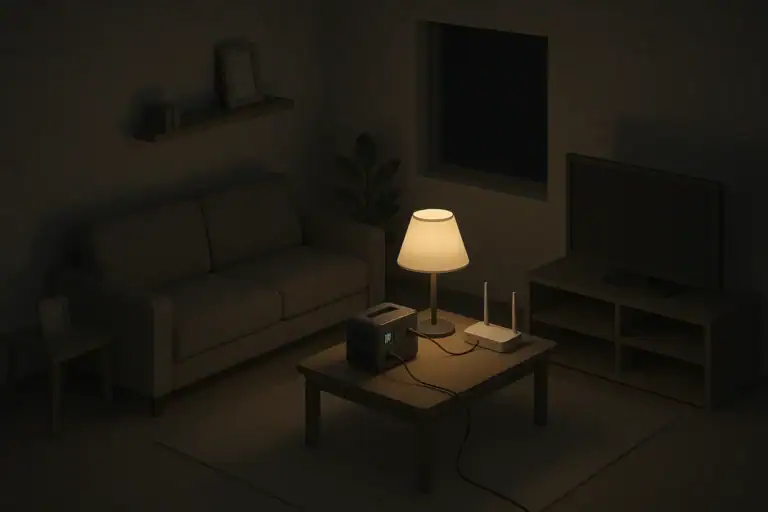
| Powering a Wi-Fi router and modem for a few hours | Power station | Likely needs AC outlets and more capacity than a simple powerbank. |
| Running a small lamp plus charging devices | Power station | Can plug in a lamp while charging phones via USB. |
| Lightweight option for a go-bag or car kit | Powerbank | Much lighter and smaller, enough for communication devices. |
| Supporting a fridge for a short time during an outage | Power station | Requires higher power output and larger battery capacity. |
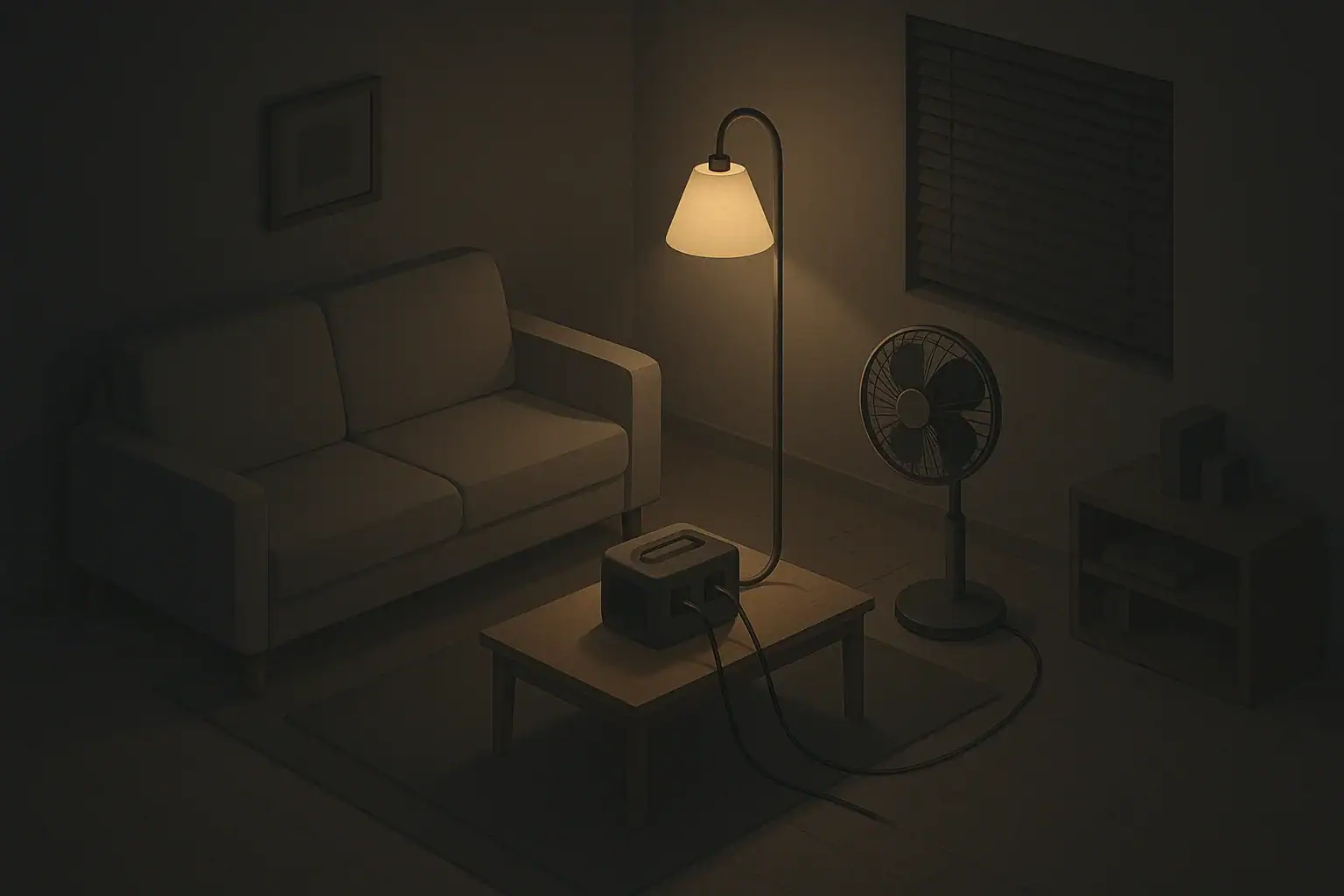
| Occasional camping with phones and a small fan | Either, depending on expectations | Powerbank for just phones; power station if you want lights and fans too. |
What a Portable Power Station Can (and Can’t) Do
A portable power station is a larger, self-contained battery system with multiple types of outlets. Many models include:
- Standard household-style outlets
- USB and USB-C ports
- Car-style 12V outlets
Think of it as a silent battery box that can power more than just your phone. It does not replace whole-home backup systems, but it can cover specific devices and rooms during an outage.
Typical Uses for a Power Station
Depending on size and design, many household-oriented power stations can:
- Charge multiple phones and tablets repeatedly
- Power a Wi-Fi router and modem for several hours
- Run a small LED lamp or two
- Power a laptop and small office setup for a limited time
- Run a small fan or low-wattage device to take the edge off heat
- Help keep a compact fridge or mini-fridge running for short periods (if the station is sized appropriately)
For apartment dwellers and renters, a portable power station can provide a middle ground between a tiny powerbank and a permanent generator. It can be stored in a closet and pulled out when needed.
What a Power Station Usually Can’t Do
Even though it feels like a small generator, a portable power station has real limits:
- Cannot power your whole home: It is not a full-house backup solution.
- Often cannot safely run high-draw devices: Space heaters, large AC units, electric ranges, and dryers may exceed its output.
- May not support all medical devices: Power needs and safety requirements can be complex.
- Limited runtime: Even with a decent capacity, running large loads drains the battery quickly.
The more you ask a power station to do at once, the faster it drains. In many cases, it is more useful to power a few critical items for longer rather than trying to run many things at once.
Power Station Pros for Home Readiness
- Versatile outputs: Can handle phones, laptops, lights, and some small appliances.
- Quiet and no fumes: Safer to operate indoors than fuel generators when used properly.
- Portable: Can move between rooms or vehicles as needed.
- Rechargeable multiple ways: Many accept wall charging, car charging, and sometimes solar panels.
- Good for renters: No need to modify wiring or store fuel.
Power Station Limitations and Trade-Offs
- Higher cost: Significantly more expensive than simple powerbanks.
- Heavier and bulkier: Some are easy to carry; others may be heavy for seniors or kids.
- Not maintenance-free: Still needs periodic charging and basic care.
- Requires realistic expectations: Planning which devices you will power and for how long is essential.
Key Differences: Capacity, Output, and Runtime
When comparing powerbanks vs power stations, three concepts matter most: how much energy they store, how much power they can deliver at once, and how long they can run your devices.
Battery Capacity: How Much Energy Is Available
Capacity is often labeled in watt-hours (Wh) or milliamp-hours (mAh). In simple terms:
- Powerbanks: Often designed for a few phone charges. For example, a mid-sized powerbank might charge a smartphone several times before needing a recharge.
- Power stations: Usually store much more energy. They might be able to run a small lamp and charge several devices for many hours, depending on size.
More capacity is helpful, but it also means more weight, size, and cost. For many households, a moderate-capacity power station plus a few powerbanks balances practicality and price.
Power Output: What You Can Plug In
Output is about how much power the device can deliver at once. In general:
- Powerbanks: Limited to USB-level power, fine for phones and small electronics.
- Power stations: Include AC outlets and higher wattage outputs, which allow small appliances.
If a device normally plugs into a wall outlet, you likely need a power station rather than a simple powerbank.
Runtime: How Long Things Will Actually Work
Runtime depends on both the size of the battery and how much power your devices draw. Some examples of practical thinking:
- Using a small LED lamp uses far less power than an older bulb, extending runtime significantly.
- Running a fridge continuously uses a lot of energy; opening doors less often helps conserve power.
- Charging phones slowly overnight may use less power than fast-charging multiple times in a row.
Planning is more important than exact math. Decide which devices are truly essential and estimate how long you hope to run them during a typical outage in your area.
Apartment vs House: Different Needs and Constraints
Your living situation shapes how useful each option is and how much backup power makes sense.
Considerations for Renters and Small Apartments
If you live in a small space or cannot install permanent equipment:
- Storage: Powerbanks fit in drawers; mid-sized power stations often fit in a closet or under a bed.
- Noise and fumes: Portable power stations run quietly and do not need fuel, so they are more practical than traditional generators in shared buildings.
- Stairs and elevators: Weight matters if you need to move your power station during outages.
- Priorities: Communication, basic lighting, and a small fan may matter more than running large appliances.
Many apartment households can do well with:
- One or two charged powerbanks for phones and small devices
- A modestly sized power station for a lamp, Wi-Fi, and occasional laptop or fan use
Considerations for Single-Family Homes
In a larger home, you may have more storage but also more devices and expectations:
- More outlets and appliances: It becomes tempting to power too many things; planning is key.
- Fridge and freezer: A right-sized power station can help protect food during shorter outages.
- Multiple family members: More phones, tablets, and lights compete for limited battery capacity.
- Alternative options: Some households add fuel generators or built-in systems alongside powerbanks and power stations.
Even in a house, small devices matter. A few powerbanks for individual phones plus a power station for shared items (router, lamp, fan) can help everyone stay more comfortable and connected.
Seasonal and Regional Outages: Matching Tools to Likely Events
Your region’s typical hazards influence how much backup power you may reasonably want.
Winter Storms and Ice
Cold-weather outages can raise concerns about heating, but most electric heaters draw too much for typical power stations. More realistic uses include:
- Keeping phones charged for weather updates and emergency calls
- Running battery-powered or low-wattage lights in key rooms
- Powering a router and modem while the internet provider’s network still has power
- Using a small fan on low to circulate warm air from non-electric heat sources
Warm clothing, blankets, and safe heating strategies often matter more than trying to run heaters from battery power.
Hurricanes and Severe Storms
Storm-related outages can last from hours to several days in some areas. In that context:
- Powerbanks are useful for keeping phones and small devices going for a couple of days.
- A power station can help with lights, fans, and possibly a small fridge or mini-fridge for limited periods.
- Solar panels (if compatible with your power station) may slowly extend runtime if you have safe outdoor space to use them.
Because outages may be prolonged, energy conservation becomes important: use only what you truly need and minimize idle power use.
Heatwaves and Wildfire Smoke
In hot weather and smoke events, comfort and air quality feel more urgent:
- Heatwaves: While typical home air conditioners are too large for most power stations, small fans can make a noticeable difference indoors.
- Wildfire smoke: Many standalone air purifiers and box fans draw less power than large appliances, but they still use more than phones and lights.
A power station may allow you to:
- Run one small fan or air cleaner at a time during critical hours
- Rotate between rooms instead of trying to cool or filter the whole home
Powerbanks alone are usually not enough for heat or smoke management, but they are still helpful for staying informed and in contact.
Practical Safety and Maintenance Tips
Both powerbanks and power stations are generally safe when used as directed, but a few habits can make them more reliable and safer during real events.
Safe Use Indoors
- Read the manual: Follow manufacturer instructions for charging, use, and storage.
- Avoid overloading: Do not plug in more or larger devices than the unit is designed for.
- Ventilation: Keep vents on power stations clear so heat can escape.
- Dry environment: Keep units and cords away from water sources and damp floors.
- Supervise use around kids and pets: Prevent cords from becoming trip hazards or chew toys.
Storage and Readiness
- Charge regularly: Top off powerbanks and power stations every few months or as recommended.
- Store at moderate temperatures: Avoid leaving units in hot cars or unconditioned attics.
- Label your cords: Keep matching charging cables with each unit so they are ready to go.
- Test before storm season: Plug in a lamp or phone briefly to confirm everything still works.
Planning for Vulnerable Household Members
If you live with seniors, young children, or people who rely on powered devices for comfort or mobility, consider:
- How they would call for help during a prolonged outage
- Whether they could safely move or operate a heavier power station
- How to keep essential communication devices powered
- Backup plans if power is out longer than expected
Powerbanks and power stations are helpful tools, but they work best alongside broader plans like checking on neighbors, knowing local cooling or warming centers, and understanding community resources.
Example values for illustration.
| Device type | Typical power range (watts) | Planning notes |
|---|---|---|
| Smartphone charger | 5–20 W | Low draw; several phones can usually share one power station. |
| LED table lamp | 5–15 W | Efficient lighting choice to extend battery runtime. |
| Wi-Fi router and modem | 10–30 W | Plan for a few hours of use during critical times. |
| Laptop computer | 30–90 W | Use on battery when possible; recharge during daylight hours. |
| Small box fan | 30–70 W | Run on low speed and in short intervals to conserve power. |
| Compact fridge or mini-fridge | 50–150 W | Can be feasible for a limited time on a right-sized power station. |
Building a Simple Backup Power Mix
For most households, the goal is not to be completely independent from the grid. Instead, it is to stay safe, informed, and reasonably comfortable during short outages. A balanced approach might look like this:
- One or two powerbanks dedicated to phones and small devices
- A portable power station sized for a lamp, router, and a few essentials
- Efficient LED lights and low-draw devices prioritized during outages
- Non-electric backups for heat, cooling, and cooking where practical and safe
By understanding what powerbanks and power stations can and cannot do, you can right-size your backup power, avoid overspending, and feel more confident facing routine storms and short-term disruptions.
Frequently asked questions
How many times can a typical powerbank charge a smartphone during an outage?
It depends on the powerbank capacity and your phone battery size. Small powerbanks (around 5,000 mAh) often provide one full charge, mid-size units (10,000–20,000 mAh) can provide two to four charges, and very large units provide more. Expect some energy loss during conversion, so plan for roughly 10–20% lower effective capacity than the rated value.
Can a portable power station run a refrigerator during a blackout?
A properly sized power station can run a small or compact fridge for a limited time, but full-size refrigerators require higher starting surges and more energy. Check the station’s continuous and peak (surge) watt ratings and total watt-hours to ensure it can handle the fridge’s startup and ongoing draw. For prolonged outages, a larger system or alternate backup is usually needed.
Is it safe to use a power station indoors instead of a fuel generator?
Yes — power stations are generally safer indoors because they produce no exhaust fumes and run quietly. However, you should still follow the manufacturer’s guidelines: avoid overloading, keep vents clear, store and operate them in dry, moderate-temperature areas, and use the correct charging equipment. These precautions help prevent overheating and electrical hazards.
Can I recharge a power station with solar panels during an extended outage?
Many portable power stations accept solar input and can be recharged by solar panels, extending runtime in multi-day outages. Charging speed depends on the panel wattage, sun conditions, and the station’s maximum solar input rating, so match the panel output to the station’s specifications. Solar can be a useful supplement but often provides a slower recharge than wall power.
Which is better for renters with limited space: powerbanks or a power station?
Renters often benefit from a combination: powerbanks for individual phones and small devices, plus a modest power station for shared needs like a Wi‑Fi router, a lamp, or occasional laptop charging. Choose units that fit your storage space and mobility needs, keeping weight, noise, and charging options in mind.
Recommended next:
- Blackout Plan (Apartment / House): Step-by-Step Checklist for the First 24 Hours
- Blackout Plan for Apartments: What to Do When the Power Goes Out
- Blackout Plan for Houses: What to Do When the Power Goes Out
- Backup Power Basics: Watts vs Watt-Hours and Why It Matters
- How to Estimate Runtime for Your Devices (Without Guessing)
- Load Priorities: What to Power First in an Outage
- More in Blackouts & Backup Power →
- Simple checklists and realistic planning
- Water, power, lighting, and pantry basics
- Family plans (kids, pets, seniors) and seasonal prep
Backup Power Costs Explained: One-Time Gear vs Ongoing Fuel and Batteries
Backup Power Maintenance: Monthly Checks and Seasonal Prep
Lighting Strategy for Outages: Zone Your Home for Safety and Comfort
Sump Pump Backup Options: Planning for Basement Flood Risk
Water and Power: What Stops Working in Most Homes During Outages
Can You Run a Microwave, Kettle, or Space Heater on Backup Power? Reality Check