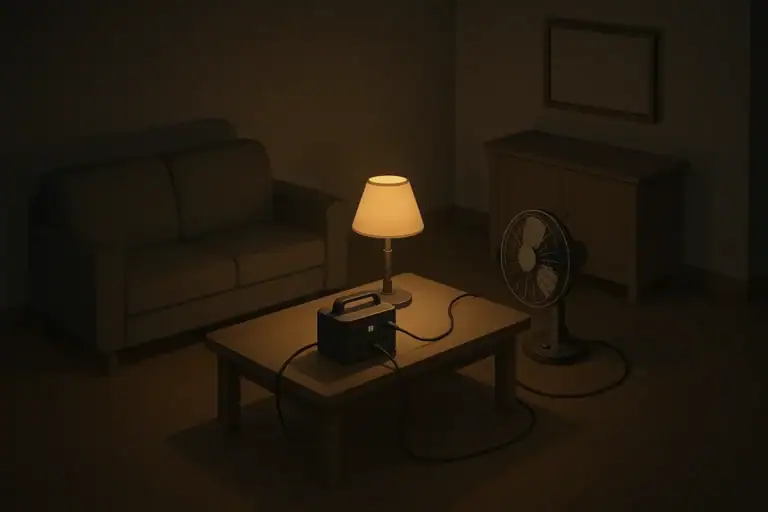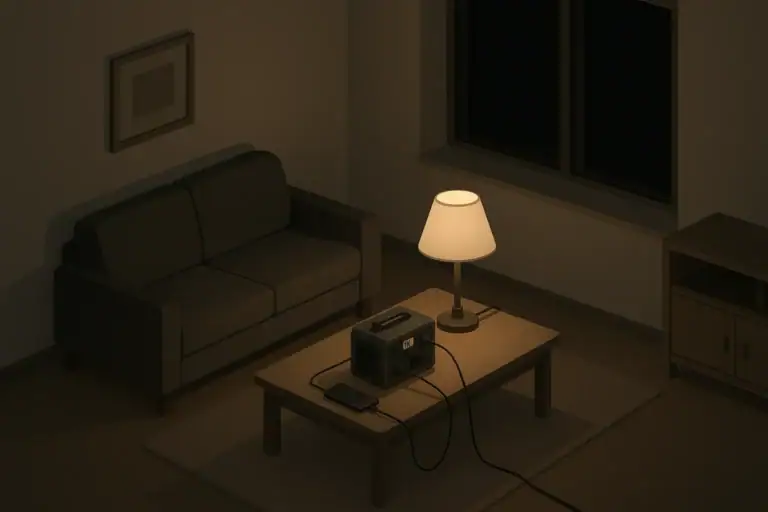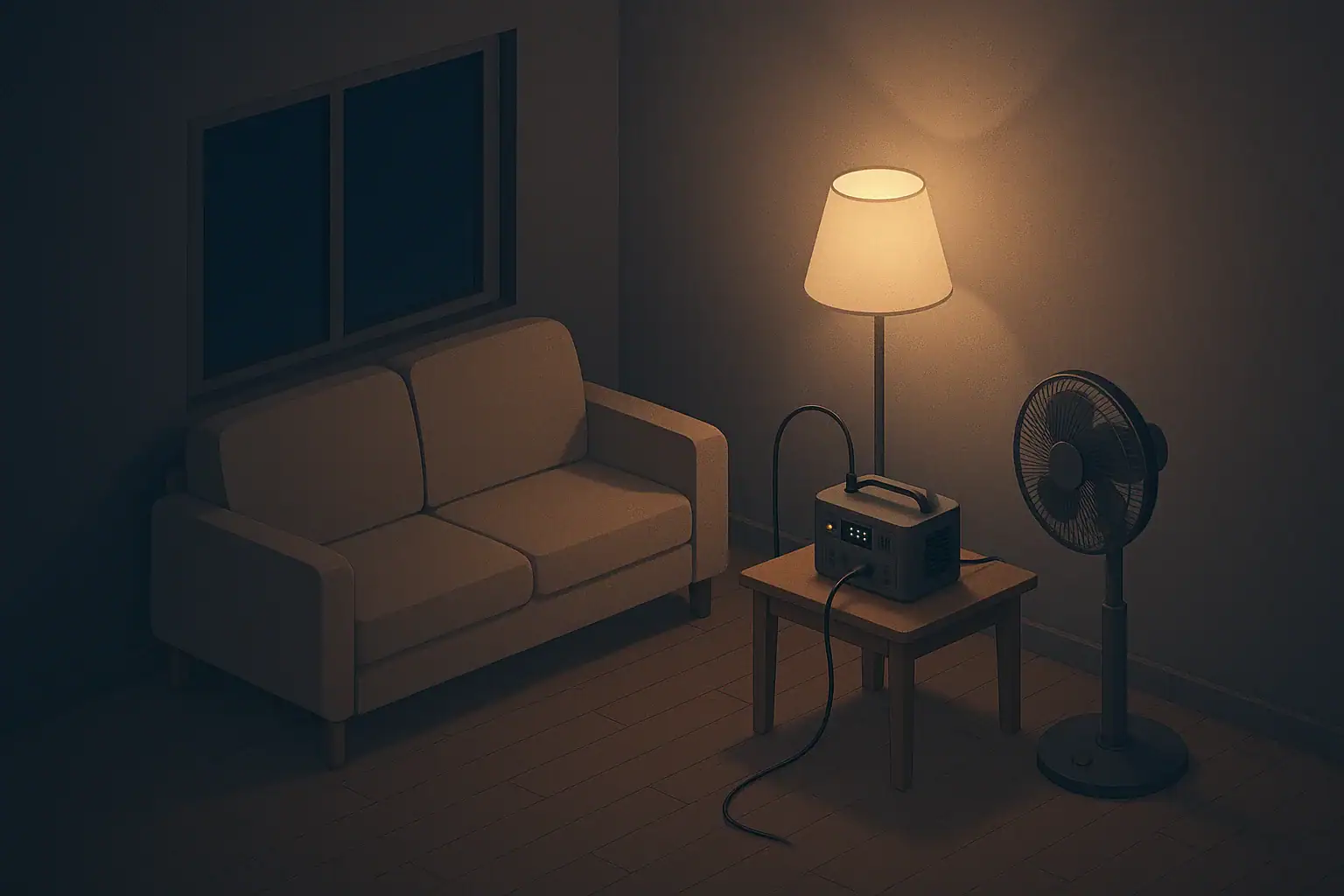
When the power goes out, most homes can only run a few things at once on backup power. Knowing your load priorities helps you decide what to power first so you stay safe, informed, and reasonably comfortable without overloading your system.
Whether you live in an apartment or a house, and whether you use a small battery pack, a portable generator, or vehicle charging, the basic idea is the same: match limited power to the most important needs.
This guide focuses on practical, everyday outages such as storms, heatwaves, and utility issues. The goal is calm, simple planning you can use for a few hours to several days without turning your home into a project.
Critical loads are the things that protect health, safety, and basic function of your home. These should be first in line any time you have limited power.
Why Load Priorities Matter in a Power Outage
When the power goes out, most homes can only run a few things at once on backup power. Knowing your load priorities helps you decide what to power first so you stay safe, informed, and reasonably comfortable without overloading your system.
Whether you live in an apartment or a house, and whether you use a small battery pack, a portable generator, or vehicle charging, the basic idea is the same: match limited power to the most important needs.
This guide focuses on practical, everyday outages such as storms, heatwaves, and utility issues. The goal is calm, simple planning you can use for a few hours to several days without turning your home into a project.
Step 1: Define Your Critical Loads
Life-Supporting and Medically Important Devices
If anyone in your home uses equipment that supports breathing, circulation, or other essential functions, those devices go at the top of your list.
Because every situation is different, talk with your equipment provider and healthcare team in advance about backup options and plans, including:
- What must stay powered at all times
- How long built-in batteries typically last
- Safe ways to recharge or switch power sources
Document run-time estimates and backup steps somewhere easy to find, like a printed sheet near the device.
Home Safety Essentials
Next, consider items that help prevent accidents and keep your home secure:
- Battery-backed smoke and carbon monoxide alarms: Test regularly and keep spare batteries on hand so they remain functional even without house power.
- Stairway and hallway lighting: Use battery lights or a low-wattage lamp on backup power where people walk, especially for seniors or kids.
- Garage or building access: Know how to open automatic doors or gates manually so you are not trapped in or out.
- Security basics: If you rely on powered door locks or minimal outdoor lighting, consider a small backup for at least one main entry.
Communication and Information
Staying informed and reachable can prevent small problems from becoming bigger ones. Plan to power:
- Phones: Prioritize at least one charged phone per household, using battery banks or careful charging from a generator or power station.
- Simple radio: A small battery or hand-crank radio helps you get local updates when the internet or TV is down.
- Home internet: If feasible, a modem and router on backup power can keep you connected, but these are lower priority than phones.
Once you understand your critical loads, you can make better choices about what else to power and what to leave off.
| Priority level | What to power | Why it matters | Notes |
|---|---|---|---|
| 1 | Essential medical devices | Support critical health needs | Plan run time and backups in advance |
| 1 | Smoke/CO alarms | Maintain fire and gas safety | Use fresh batteries; test regularly |
| 2 | Basic lighting in key areas | Reduce trips, falls, and confusion | Favor efficient LED lights |
| 2 | Phone charging | Enable calls and messaging | Charge to moderate levels, not 100% every time |
| 3 | Fridge or small cooler | Help preserve food longer | Run in cycles to save power |
| 3 | Fans or small heater (if safe) | Support basic comfort | Use low settings and close off unused rooms |
| 4 | Entertainment devices | Help with morale and boredom | Limit time and screen brightness |
Example values for illustration.
Step 2: Separate Needs from Comforts and Nice-to-Haves
Once critical loads are clear, sort everything else into two buckets: comfort items that strongly affect daily living, and purely optional items you can usually skip during an outage.
Comfort Loads That Often Come Next
Comfort loads can make a multi-hour or multi-day outage more manageable, especially for kids, older adults, and pets. These often include:
- Lighting for main living areas: Small LED lamps or lanterns use little power and help everyone move around safely and feel less stressed.
- Fans in hot weather: A small fan can feel more effective than trying to cool an entire room. Close curtains and windows during the hottest part of the day if heat is an issue in your area.
- Small space heater with safety features: In cold regions, if you use a heater, follow manufacturer safety instructions and never run fuel-burning devices indoors without proper ventilation.
- Minimal cooking appliances: A low-power electric hot plate, small slow cooker, or electric kettle can help you prepare simple meals if they are compatible with your backup system.
Every home is different. For example, in a high-rise apartment without cross-breeze, fans may be more important. In a cold-climate house with another heat source, fans may be less critical but a kettle or cooktop may be more valuable.
Loads You Can Usually Skip or Limit
With limited backup power, certain devices are rarely worth running except in special cases:
- Clothes dryer and dishwasher: These use a lot of energy and are usually not essential during short outages.
- Electric oven and large cooktop: Consider shelf-stable, no-cook meals or small, efficient cooking devices instead.
- Large entertainment systems: Big TVs and gaming systems can drain batteries quickly. Prioritize small devices or shared activities like board games.
- Multiple large appliances at once: If you must run a heavy load, try to do it alone, not alongside other devices.
By clearly separating needs from comforts, you can quickly decide what to plug in or switch on when the lights go out.
Step 3: Plan by Home Type and Living Situation
Load priorities look a bit different depending on whether you rent or own, and what kind of space you live in. Here is how to think about it in a few common situations.
Apartment and Condo Dwellers
In apartments and condos, space is limited and you may not be allowed to use certain backup systems, such as gas generators on balconies or shared roofs. Focus on:
- Small, efficient loads: LED lighting, phones, a small fan, and a radio.
- Elevator and stair planning: If you live on an upper floor, assume elevators may be out. Keep some supplies in a backpack in case you need to use stairs.
- Shared building systems: Be prepared for loss of lobby access, intercoms, or building-wide Wi-Fi.
- Noise considerations: Be mindful of neighbors if you use any backup power source that makes sound.
For many apartment residents, the most realistic plan is a modest battery setup plus careful use of phone charging and lights.
Single-Family Homes
In houses, you may have more options but also more systems to consider:
- Well pumps: If your water depends on an electric pump, decide whether it belongs in your critical load list and how to run it safely.
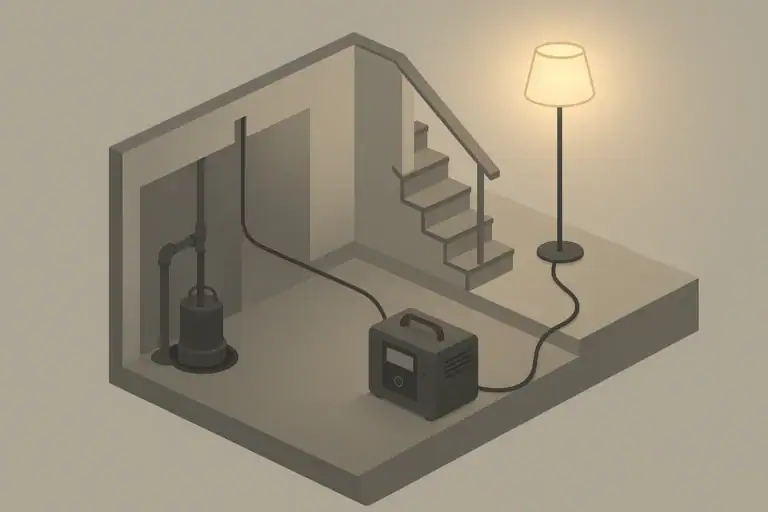
- Sump pumps: In flood-prone areas or basements, a sump pump can be a top priority during storms.
- Refrigeration: Full-size refrigerators use more power than a compact fridge or cooler, so think about running them in cycles rather than continuously.
- Home office gear: If you work from home, prioritize one efficient device (like a laptop) instead of multiple screens and printers.
Fuel-burning appliances are common in houses for heat or cooking; follow manufacturer instructions and local guidance for safe use during outages and avoid using outdoor devices indoors.
Families with Kids, Pets, or Seniors
Load priorities also shift based on who lives in your home:
- For kids: Extra nightlights, a small fan or heater in their room (if safe and supervised), and one or two low-power entertainment options like an e-reader or tablet.
- For older adults: Strong emphasis on lighting in hallways, bathrooms, and bedrooms; powered medical equipment as needed; and simple communication options.
- For pets: Consider a small area with stable temperature, lighting for nighttime care, and ability to keep their food and water accessible.
Include these needs in your written priority list so you are not trying to remember them during a stressful moment.
Step 4: Think in Watts and Run Time, Not Just Devices
To avoid overloading your backup system, think in terms of total power instead of just counting plugs.
Estimate Power Use in Simple Terms
You do not need exact numbers for every device, but having rough awareness helps. Many appliances have a small label that lists watts. You can use that to rank items:
- Low draw: phones, LED lamps, radios, small fans
- Medium draw: laptops, modem/router, compact fridge
- High draw: microwaves, full-size fridges, space heaters, electric kettles
When planning, ask yourself: If I can only power one or two high-draw devices for short periods, which ones matter most?
Cycle Heavy Loads Instead of Running Them Nonstop
Some appliances do not need full-time power. For example, you might:
- Run the refrigerator for 20–30 minutes every few hours to help maintain a safe temperature, keeping doors closed as much as possible.
- Use a microwave briefly to heat meals rather than an oven or cooktop.
- Boil a batch of water at once for hot drinks or basic cooking and store it safely in a thermally insulated container.
This kind of cycling helps stretch limited fuel or battery capacity without giving up key functions.
Step 5: Priorities for Different Outage Scenarios
Load priorities also depend on why the power is out and how long it may last. Here are some ways to adjust based on common situations.
Short Outages (Up to a Few Hours)
For brief outages, focus on staying safe and avoiding unnecessary battery drain:
- Use flashlights or small lanterns instead of turning on many lights.
- Charge phones just enough to stay reachable, not to full every time.
- Avoid opening refrigerators or freezers more than necessary.
- Skip running large appliances entirely unless there is an urgent need.
In many short outages, you may not need to run any major appliances at all.
Longer Outages (Many Hours to a Few Days)
As outages stretch into a day or more, priorities can shift:
- Food preservation: Decide whether to power a fridge, use a cooler with ice, or focus on pantry foods that do not require refrigeration.
- Temperature management: For hot weather, prioritize fans, cool clothing, and shaded areas. For cold weather, use safe heat sources and close off unused rooms.
- Routine: Include some low-power entertainment or lighting to keep a normal routine, especially for children.
- Rotation: Take short breaks from certain loads (like internet equipment) to conserve power.
Revisit your priority list each day of a longer outage as conditions change and as fuel, battery capacity, or charging opportunities shift.
Seasonal and Regional Considerations
Different regions have different outage risks. Tailor your load priorities accordingly:
- Winter storms: Focus on safe heating, hot drinks, and preventing pipes from freezing where relevant. Lighting hours are longer due to early sunset.
- Hurricanes and coastal storms: Plan to be without power for days. Emphasize refrigeration planning, phone charging, and fans if it is warm afterward.
- Heatwaves: Prioritize fans, cool showers if water is available, and closing curtains to reduce indoor heat.
- Wildfire smoke days: If utilities are affected or you limit window opening, consider how to power basic filtration fans or at least one closed-off “cleaner air” room using available devices.
Write down a version of your priority list that matches the most likely event in your area and keep it with your emergency notes.
| Device type | Typical watts (example range) | Planning notes |
|---|---|---|
| LED lamp | 5–15 watts | Low draw; good for long, steady use |
| Phone charger | 5–20 watts | Charge in short sessions to conserve power |
| Small fan | 20–50 watts | Helpful in heat; run only in occupied rooms |
| Laptop | 30–90 watts | Use lower screen brightness to extend run time |
| Compact fridge or cooler | 50–150 watts | Run in cycles; keep door closed when off |
| Full-size refrigerator | 100–300 watts | Short, periodic runs can help maintain temperature |
| Microwave | 600–1200 watts | Use briefly for heating, not long cooking |
| Space heater (electric) | 800–1500 watts | Very power-intensive; use with great care |
Example values for illustration.
Step 6: Turn Your Priorities into a Simple Home Plan
A written plan makes it much easier to act quickly during an outage, especially in the dark or when everyone is asking questions at once.
Create a One-Page Priority List
On a single page, write down:
- Top three critical loads: For example, medical device, one main light, and phone charging.
- Next five comfort loads: Such as fan, fridge cycling, and a small cooking appliance.
- Devices to avoid: List high-draw appliances you plan not to use under backup power.
- Household notes: Needs of kids, older adults, and pets; how to open garage doors; where flashlights are.
Keep this page with your emergency kit, near your main breaker panel, or taped inside a cabinet so it is easy to find.
Walk Through a Short Practice “Blackout”
Try a simple practice session when it is convenient:
- Turn off nonessential lights and some circuits if it is safe and you know how.
- Use only the devices on your critical and comfort lists for an hour or two.
- Note which outlets you would use with your backup power source.
- Adjust your list based on what worked and what did not.
This kind of calm, low-pressure practice helps you discover small issues ahead of time, such as extension cord lengths, outlet access, or which devices draw more power than expected.
Update as Your Home and Needs Change
Revisit your load priorities once or twice a year, or when things change in your home:
- New baby, new roommate, or older family member moving in
- Change in climate or frequent weather patterns where you live
- New major appliances, medical devices, or work-from-home setups
A few minutes of planning now can make the next outage less confusing and more manageable, turning a disruptive event into something you and your household can handle with a clear, steady plan.
Frequently asked questions
How do I determine which appliances are top load priorities in a power outage?
Start by identifying critical loads that protect health and safety—medical devices, smoke and CO alarms, and at least one charged phone. Next, estimate wattage for other needs and prioritize low-draw essentials like LED lights and communication gear before medium- and high-draw appliances. Write down your top three critical items and planned run times so you can avoid overloading your backup source.
Can I run a refrigerator and heating or cooling equipment at the same time on a small generator or battery system?
Often not; refrigerators have moderate continuous draw with higher startup surges, while space heaters and air conditioners are very high draw and can quickly exceed small generators or batteries. If you must run both, operate heavy loads one at a time or cycle the refrigerator and check your generator’s continuous and surge ratings to ensure capacity. During extreme temperatures, prioritize heating or cooling for vulnerable household members.
How do I estimate how long a battery power station will run my essential devices?
Battery capacity divided by the total watts of the devices you plan to run gives a rough runtime; then reduce the result by about 10–20% to account for inverter and conversion losses. For example, a 1000 Wh unit powering a 50 W load would run roughly 16–18 hours after losses. Always allow a safety margin and test your setup in a non-emergency situation.
What safety steps should I take when using fuel-burning generators or space heaters during an outage?
Operate fuel-burning generators and heaters outdoors or in well-ventilated areas only, keep them away from open windows and vents, and never run them inside living spaces to avoid carbon monoxide poisoning. Ensure working battery-backed CO and smoke alarms, follow manufacturer instructions for clearances and refueling, and store fuel safely away from the house. When possible, prefer electric or battery-powered options and consult local safety guidance.
How should households with infants, seniors, or medical equipment adjust their load priorities in an outage?
Place medical and mobility devices first, ensure lighting in key walkways and bathrooms, and keep at least one reliable communication method powered. Prepare a written one-page priority list with device wattage, required run times, and emergency contacts, and coordinate backup plans with caregivers or neighbors if relocation may be needed. Review and practice the plan regularly so everyone knows what to power first.
Recommended next:
- Blackout Plan (Apartment / House): Step-by-Step Checklist for the First 24 Hours
- Blackout Plan for Apartments: What to Do When the Power Goes Out
- Blackout Plan for Houses: What to Do When the Power Goes Out
- Backup Power Basics: Watts vs Watt-Hours and Why It Matters
- How to Estimate Runtime for Your Devices (Without Guessing)
- Phone Charging Strategy During Outages: Save Power and Charge Smarter
- More in Blackouts & Backup Power →
- Simple checklists and realistic planning
- Water, power, lighting, and pantry basics
- Family plans (kids, pets, seniors) and seasonal prep
Backup Power Costs Explained: One-Time Gear vs Ongoing Fuel and Batteries
Backup Power Maintenance: Monthly Checks and Seasonal Prep
Lighting Strategy for Outages: Zone Your Home for Safety and Comfort
Sump Pump Backup Options: Planning for Basement Flood Risk
Water and Power: What Stops Working in Most Homes During Outages
Can You Run a Microwave, Kettle, or Space Heater on Backup Power? Reality Check