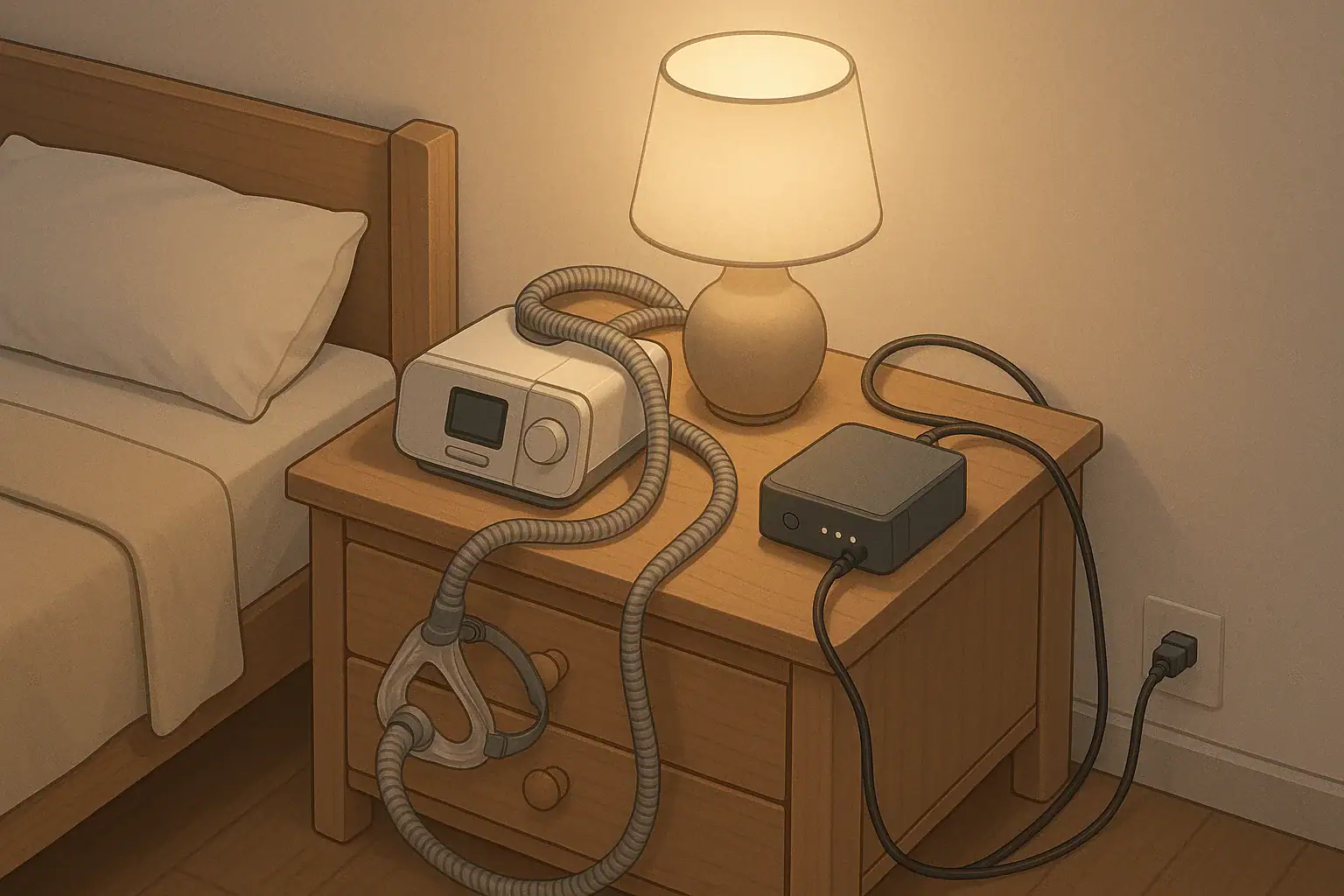
Why a CPAP backup power plan matters
If you rely on a CPAP, even a short power outage can mean a sleepless night or a medical concern. A simple backup power plan can keep your machine running long enough to get through most brief outages or to give you time to move somewhere with stable power.
The core of your plan is three things:
- How long you need your CPAP to run (runtime)
- How big a battery you need to reach that runtime (battery size)
- How you will charge and store that battery safely (safe charging)
You do not need to be an engineer to figure this out. With a few numbers from your CPAP label and some simple choices, you can build a realistic, safe backup plan.
Step 1: Decide how much runtime you actually need
Start with the minimum runtime that will make a real difference for you, not an ideal scenario.
Common goals:
- 4 hours: Enough to get through the rest of the night if the power goes out after you are already asleep.
- 8 hours: A full night of sleep on battery alone.
- 12–24 hours: For people in areas with frequent or longer outages, or who cannot easily relocate.
Think about:
- Your local outage history: Are most outages under 4 hours, or do you sometimes lose power overnight?
- Your flexibility: Can you go to a friend’s house, a hotel, or a community shelter if the power stays out?
- Medical advice: If your doctor has told you that skipping CPAP is high risk, aim for longer runtime and a more robust plan.
Write down a clear goal such as “I want at least 8 hours of CPAP runtime without grid power.” That target will guide your battery choice.
Step 2: Find your CPAP’s power use
Next, find how much power your CPAP actually draws. This is usually on a label or in the user manual.
Look for one of these:
- Watts (W): For example, “Power: 60 W.”
- Volts (V) and Amps (A): For example, “Output: 24 V, 2.5 A.” You can multiply volts × amps to get watts (24 × 2.5 = 60 W).
Important details:
- Heated humidifier and heated hose can double or more your power draw.
- Many people choose to turn off humidification during outages to stretch battery life.
If your manual lists different numbers with and without the humidifier, note both. For planning, it is usually safer to assume you will run without heat to extend runtime, unless your clinician has told you not to.
Step 3: Estimate battery size and runtime
Most backup batteries and “power stations” list their capacity in watt-hours (Wh). Roughly speaking:
Runtime (hours) ≈ Battery capacity (Wh) ÷ CPAP power draw (W)
This is a rough estimate. Real runtime is usually lower because of conversion losses and other factors.
Example runtimes (approximate)
These examples assume a CPAP drawing about 40 W with humidifier off and 80 W with humidifier on, and a battery used only for the CPAP.
- 300 Wh battery
- Humidifier off (40 W): 300 ÷ 40 ≈ 7.5 hours (real-world may be closer to 5–7 hours).
- Humidifier on (80 W): 300 ÷ 80 ≈ 3.75 hours (real-world may be closer to 2.5–3.5 hours).
- 500 Wh battery
- Humidifier off: 500 ÷ 40 ≈ 12.5 hours (maybe 9–11 hours in practice).
- Humidifier on: 500 ÷ 80 ≈ 6.25 hours (maybe 4–6 hours in practice).
- 1,000 Wh battery
- Humidifier off: 1,000 ÷ 40 ≈ 25 hours (maybe 18–22 hours in practice).
- Humidifier on: 1,000 ÷ 80 ≈ 12.5 hours (maybe 8–11 hours in practice).
These are not guarantees. Different CPAP models, pressure settings, and batteries behave differently. Use them as ballpark figures while you compare options.
Choosing a backup power option
There are three common approaches for CPAP backup power at home:
1. CPAP-specific battery pack
Some CPAP manufacturers or third parties sell batteries designed for specific models.
Pros:
- Usually plug-and-play with the right cable.
- Often tested with that CPAP model.
- May support airline rules for travel if sized appropriately.
Cons:
- May be more expensive per watt-hour than general batteries.
- Often only powers the CPAP, not other household items.
- Capacity can be limited.
2. Portable power station
These are box-style batteries with built-in AC outlets and DC ports.
Pros:
- Can power CPAP plus phone chargers, a small light, or a router.
- Often show remaining battery percentage and estimated runtime.
- Can usually be charged from wall power, car, or solar panels (follow manufacturer instructions).
Cons:
- Heavier and bulkier than CPAP-specific batteries.
- Inverter losses (AC conversion) reduce runtime compared with a direct DC connection.
- Need careful attention to safe use and charging.
3. Deep-cycle battery with inverter (advanced users)
This setup uses a separate battery (often lead-acid or lithium) plus an inverter to create AC power.
Pros:
- Can be scaled to large capacities.
- May be integrated with other home backup systems.
Cons:
- More complex to size, wire, and protect.
- Higher risk if wired incorrectly or used in unsafe locations.
- Usually best handled by people familiar with electrical systems or by qualified professionals.
For most households, a CPAP-specific battery or a reputable portable power station is the simplest and safest starting point.
Safe charging and everyday use
Any backup battery is only useful if it is charged, stored safely, and used correctly.
Follow manufacturer instructions first
- Read both your CPAP manual and your battery or power station manual.
- Use only the recommended chargers, cables, and adapters.
- Check whether your CPAP manufacturer recommends DC power, AC power, or a specific adapter for battery use.
Charging safety basics
- Charge batteries on a hard, dry, nonflammable surface with space around them for ventilation.
- Avoid covering a battery with blankets, pillows, or clothing while it is charging or in use.
- Do not charge near flammable materials such as solvents, fuel, or stacked paper.
- Unplug and stop using a battery that becomes very hot, smells unusual, swells, leaks, or shows damage. Contact the manufacturer for guidance.
The U.S. Consumer Product Safety Commission provides general guidance on safe use of electrical products and batteries. You can review their information on battery and charger safety when planning your setup.
Where to place the battery at night
- Keep the battery on the floor or a sturdy surface, not on your bed.
- Ensure cords are not a tripping hazard if you get up at night.
- Keep ventilation openings on the battery unobstructed.
- Do not place batteries in enclosed cabinets or under piles of bedding while in use.
Routine maintenance
- Top off the battery according to the manufacturer’s schedule (for example, every 1–3 months if stored).
- Label the purchase date and test the setup a few times a year to confirm it still works as expected.
- Replace batteries that no longer hold a useful charge or that the manufacturer says are past their service life.
Integrating CPAP backup into your household plan
Your CPAP backup works best as part of a broader household readiness plan.
- Talk with your clinician: Ask what to do if your CPAP cannot be used for a night and whether you have any special risks that call for longer backup or faster relocation.
- Register with local utilities if eligible: Some utilities maintain lists of customers who rely on electrically powered medical devices. This does not guarantee faster restoration, but it may affect outreach or planning. Check your utility’s website or call customer service for their medical needs program.
- Know your relocation options: Identify friends, family, or nearby hotels that usually keep power during local outages. In longer emergencies, local emergency management or public health agencies may open shelters. The U.S. Department of Health and Human Services describes considerations for people using CPAP and other medical devices in emergencies.
- Include basics: Keep an extension cord, spare CPAP tubing and mask parts, and a small flashlight near your bedside so you can set up quickly in the dark.
For broader planning, Ready.gov guidance for people with disabilities and access needs includes tips that can be adapted for anyone who depends on medical equipment.
Testing your setup before an outage
Do not wait for a storm to find out whether your backup plan works.
- Pick a time when you can safely experiment, such as a weekend night at home.
- Fully charge your battery or power station.
- Connect your CPAP exactly as you would during an outage (with or without humidifier, same cables).
- Use it for several hours and note how much battery capacity is left afterward.
- Adjust your plan based on the results. If you only get 3 hours but you need 8, consider:
- Turning off humidification or reducing settings (if your clinician agrees).
- Using a larger battery.
- Planning to relocate if the outage looks like it will be long.
If you are unsure about changing CPAP settings, ask your sleep clinic or equipment provider for guidance before you test.
When to seek professional help
Consider getting help from a qualified professional if:
- You plan to connect your CPAP to a whole-house backup system or a custom battery bank.
- You are not comfortable interpreting electrical ratings or wiring diagrams.
- You have other medical devices that also need backup power.
Local electricians, durable medical equipment providers, and your sleep clinic can help you design a setup that fits your medical needs and local electrical codes. In any conflict between general advice and your clinician’s instructions, follow your clinician and local authorities.
Frequently asked questions
Can I use a gas or diesel generator to power my CPAP?
Many people do run CPAP machines from generators, but there are important safety rules. Portable generators must be used outdoors only, far from doors, windows, and vents, to avoid deadly carbon monoxide buildup. The U.S. Centers for Disease Control and Prevention explains these hazards in its guidance on carbon monoxide poisoning during power outages. If you plan to use a generator, follow the generator manufacturer’s instructions and local codes, and consider having a qualified electrician review any permanent connections.
Is it safe to sleep with my CPAP plugged into a battery every night?
Some people use a battery nightly as a built-in backup, while others keep it for emergencies only. Whether this is appropriate depends on the battery design and manufacturer instructions. Check your battery manual for guidance on continuous use, charging cycles, and placement. If the manual is unclear, contact the manufacturer’s support line and discuss your plan with your equipment provider.
How often should I replace my CPAP backup battery?
Battery life depends on chemistry, quality, and how often you cycle it. Many manufacturers give an expected number of charge cycles or years of typical use. As capacity drops, you may notice shorter runtimes. When your tested runtime no longer meets your minimum goal, or when the manufacturer’s recommended service life is reached, plan to replace the battery even if it still works somewhat.
What if I cannot afford a large battery system?
If a large battery is not realistic, focus on lower-cost steps: talk with your clinician about the risks of missed CPAP nights, register with your utility’s medical needs program if available, identify friends or family with more reliable power, and learn where local shelters may be opened during longer outages. In some areas, social services, nonprofit groups, or hospital social workers may know about assistance programs for people who rely on medical equipment.
- Simple checklists and realistic planning
- Water, power, lighting, and pantry basics
- Family plans (kids, pets, seniors) and seasonal prep
Affiliate disclosure
As an Amazon Associate, we earn from qualifying purchases. Some links on this site may be affiliate links. If you buy through these links, we may earn a small commission at no extra cost to you. This helps support our content. Learn more.