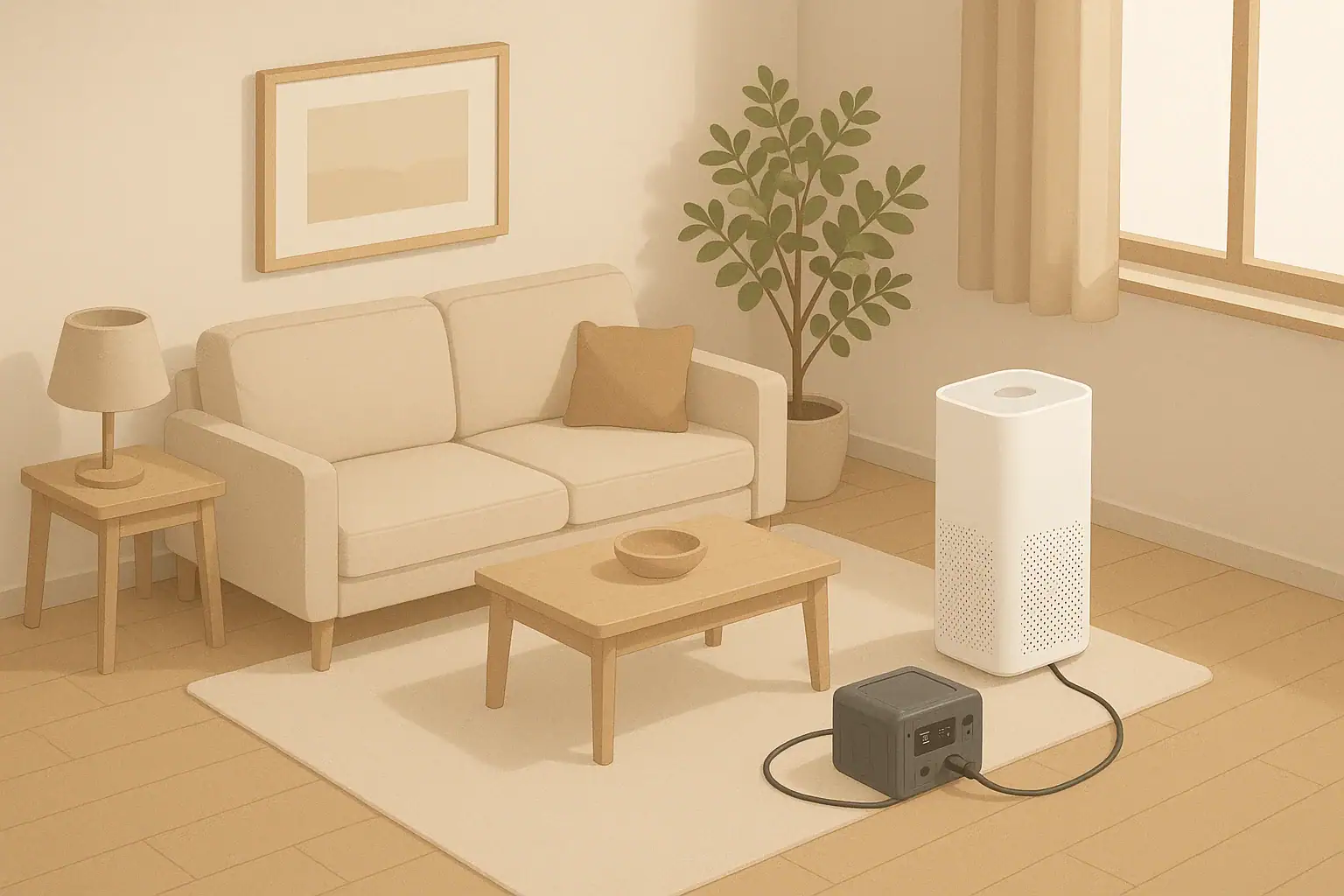
How to keep an air purifier running during an outage
Most people searching this topic want to know one thing: how big a battery they need, and how long their air purifier will run on backup power during a short outage or smoky day.
The basic idea is simple:
- Find how many watts your air purifier uses on the setting you care about.
- Choose a battery or power station with enough watt-hours (Wh) for the runtime you want.
- Expect real runtime to be lower than the math because of efficiency losses.
If you already know your purifier’s watt draw, you can estimate runtime like this:
Estimated runtime (hours) ≈ battery watt-hours ÷ purifier watts ÷ 1.2
The “÷ 1.2” is a simple way to account for typical losses in inverters and electronics.
Step 1: Find your air purifier’s power draw
You need a realistic watt number, not just the maximum printed on the box.
Check these places:
- Label on the purifier (usually near the cord or on the bottom).
- User manual under “Electrical specifications” or “Power consumption.”
- Manufacturer website for your exact model.
You may see power listed as watts (W) or amps (A). If it shows amps and voltage, you can convert:
Watts ≈ volts × amps (for example, 120 V × 0.6 A ≈ 72 W).
Many purifiers have multiple fan speeds. Power use can change a lot between low and high. If the manual does not list power by speed, you can:
- Assume the printed wattage is the maximum (highest fan speed).
- Use a simple plug-in power meter if you want more accurate numbers.
For planning, decide which fan speed you want to run during an outage and use that watt number.
Step 2: Decide how many hours you really need
For short household readiness, it helps to think in realistic chunks instead of “as long as possible.” Ask:
- Are you planning for brief outages (1–4 hours) or half a day or more?
- Do you need the purifier all day, or mainly while people are sleeping or in one room?
- Is this for seasonal smoke, dust allergies, or just general comfort?
For many homes, a practical goal is something like:
- 4–8 hours on low or medium in one main room, or
- Enough runtime to sleep through the night in a closed bedroom.
Longer runtimes are possible but usually require larger, heavier, and more expensive batteries.
Step 3: Estimate runtime from a battery or power station
Most backup options list capacity in watt-hours (Wh). That is the key number for runtime.
Use this simple formula:
Estimated runtime (hours) ≈ battery Wh ÷ purifier watts ÷ 1.2
The 1.2 factor is a rough way to account for inverter and other losses. Actual performance will vary by product and conditions.
Example runtimes
These examples are only to show the math. Always check your own purifier’s wattage and your battery’s ratings.
- Example 1: 50 W purifier on low, 300 Wh battery
Runtime ≈ 300 ÷ 50 ÷ 1.2 ≈ 5 hours - Example 2: 80 W purifier on medium, 500 Wh battery
Runtime ≈ 500 ÷ 80 ÷ 1.2 ≈ 5.2 hours - Example 3: 40 W purifier on low, 1000 Wh battery
Runtime ≈ 1000 ÷ 40 ÷ 1.2 ≈ 20.8 hours
If your purifier has a very high watt draw, runtime will drop quickly. In that case, consider:
- Running on low speed during outages.
- Using one purifier in a smaller, closed room instead of trying to clean the whole home.
Step 4: Size a battery for the runtime you want
If you know how long you want to run the purifier, you can work backward to a rough battery size.
Rearrange the earlier formula:
Needed battery Wh ≈ purifier watts × hours of runtime × 1.2
Example battery sizing
Say your purifier uses 60 W on low, and you want 8 hours of runtime.
- Needed Wh ≈ 60 × 8 × 1.2 ≈ 576 Wh
- You would look for a battery or power station with at least around 600 Wh of usable capacity.
For a 12-hour overnight goal with the same purifier:
- Needed Wh ≈ 60 × 12 × 1.2 ≈ 864 Wh
- So you would look for something in the 900 Wh or higher range.
These are estimates. Real runtime can be lower due to:
- Battery age and temperature.
- Inverter efficiency.
- Other devices plugged into the same battery.
Choosing a backup power option
For most households, there are three common ways to power an air purifier during an outage:
1. Portable power stations
These are self-contained battery units with AC outlets and USB ports.
Pros:
- Simple to use: plug in like a wall outlet.
- Often show remaining battery percentage or estimated runtime.
- Can also power phones, small lights, and other low-watt devices.
Considerations:
- Check the continuous watt rating is higher than your purifier’s watt draw.
- Check the capacity (Wh) against your runtime goal using the formulas above.
- Charge and store it according to the manufacturer’s instructions.
2. Standalone batteries with an inverter
Some people use a deep-cycle battery plus a separate inverter to create AC power.
Pros:
- Can be flexible and expandable if set up correctly.
- May be useful for other low-voltage uses.
Considerations:
- This setup is more technical and can be unsafe if wired incorrectly.
- Follow the inverter and battery manufacturer instructions carefully.
- If you are not comfortable with electrical setups, consider a ready-made power station instead.
3. Generators (with caution)
Some households already have a fuel-powered generator. An air purifier usually has a low enough watt draw to run on even a small generator, but there are important safety rules.
The U.S. Consumer Product Safety Commission warns that portable generators can produce deadly carbon monoxide if used improperly. See their guidance on portable generator safety for details.
Key points include:
- Never run a generator indoors or in enclosed spaces, including garages.
- Keep generators far from doors, windows, and vents.
- Use properly installed carbon monoxide alarms in your home.
If you are unsure how to use a generator safely, follow the manufacturer’s instructions and local building or fire codes, or consult a qualified professional.
Practical tips to stretch runtime
Once you have a backup power source, a few habits can make your limited watt-hours go further.
- Use the lowest effective fan speed. Lower speeds usually use much less power.
- Close doors and windows. Focus on cleaning one room or a small area instead of the whole home.
- Seal gaps as you can. Simple weatherstripping or towels at the bottom of doors can help reduce outside air leaks during smoke events.
- Limit other loads on the same battery. Every extra device shortens runtime.
- Pre-run the purifier before an expected outage (for example, before a planned utility shutoff) so the room starts cleaner.
For wildfire smoke or other air quality emergencies, local public health agencies may have specific guidance on creating a cleaner air room and using portable air cleaners. The U.S. Environmental Protection Agency has general information on air cleaners and air filters in the home.
Safety and maintenance notes
- Follow manufacturer instructions. Use only the power sources and cords recommended by the purifier and battery makers.
- Do not overload outlets or power strips. If you are unsure, ask a qualified electrician.
- Store batteries safely. Keep them dry, away from extreme heat, and out of reach of children and pets. Follow any storage and charging limits in the manual.
- Maintain filters. A clogged filter can reduce airflow and may change how the purifier behaves. Replace or clean filters on the schedule in your manual.
- Plan for vulnerable household members. If anyone in your home has serious breathing or heart conditions, ask their healthcare provider how to prioritize air quality during outages and follow local health authority advice.
Frequently asked questions
Can I plug my air purifier directly into a car outlet or USB port?
Most full-size home air purifiers need standard household AC power and cannot run directly from a car 12 V outlet or USB port. Some vehicles have built-in AC outlets, but you must check that the outlet’s watt rating is higher than your purifier’s draw. Always follow the vehicle and purifier manuals; if either warns against that use, do not do it.
Is it okay to run an air purifier all night on a battery?
Electrically, it is similar to running it from the wall, as long as the battery and inverter are used within their ratings and instructions. The main limits are runtime and safe placement. Keep the purifier and battery on stable surfaces, away from water and flammable materials, and where cords will not be tripping hazards. If you notice unusual heat, smells, or noise from any device, turn it off and unplug it.
Will a UPS (battery backup for computers) work for an air purifier?
Some uninterruptible power supplies (UPS) can run a small purifier for a short time, but many are designed mainly to let you shut down electronics safely, not to power appliances for hours. Check the UPS’s watt and volt-amp ratings, its battery capacity if listed, and the manufacturer’s guidance on what types of loads are allowed. Do not exceed its ratings.
How often should I test my air purifier backup setup?
It is reasonable to test your setup occasionally so you know what to expect. A simple approach is to run the purifier from the battery for an hour or two when you are home and can watch it, then note how much the battery level drops. Follow any testing or cycling guidance in the battery or power station manual, and avoid fully draining batteries unless the manufacturer says it is acceptable.
- Simple checklists and realistic planning
- Water, power, lighting, and pantry basics
- Family plans (kids, pets, seniors) and seasonal prep
Affiliate disclosure
As an Amazon Associate, we earn from qualifying purchases. Some links on this site may be affiliate links. If you buy through these links, we may earn a small commission at no extra cost to you. This helps support our content. Learn more.