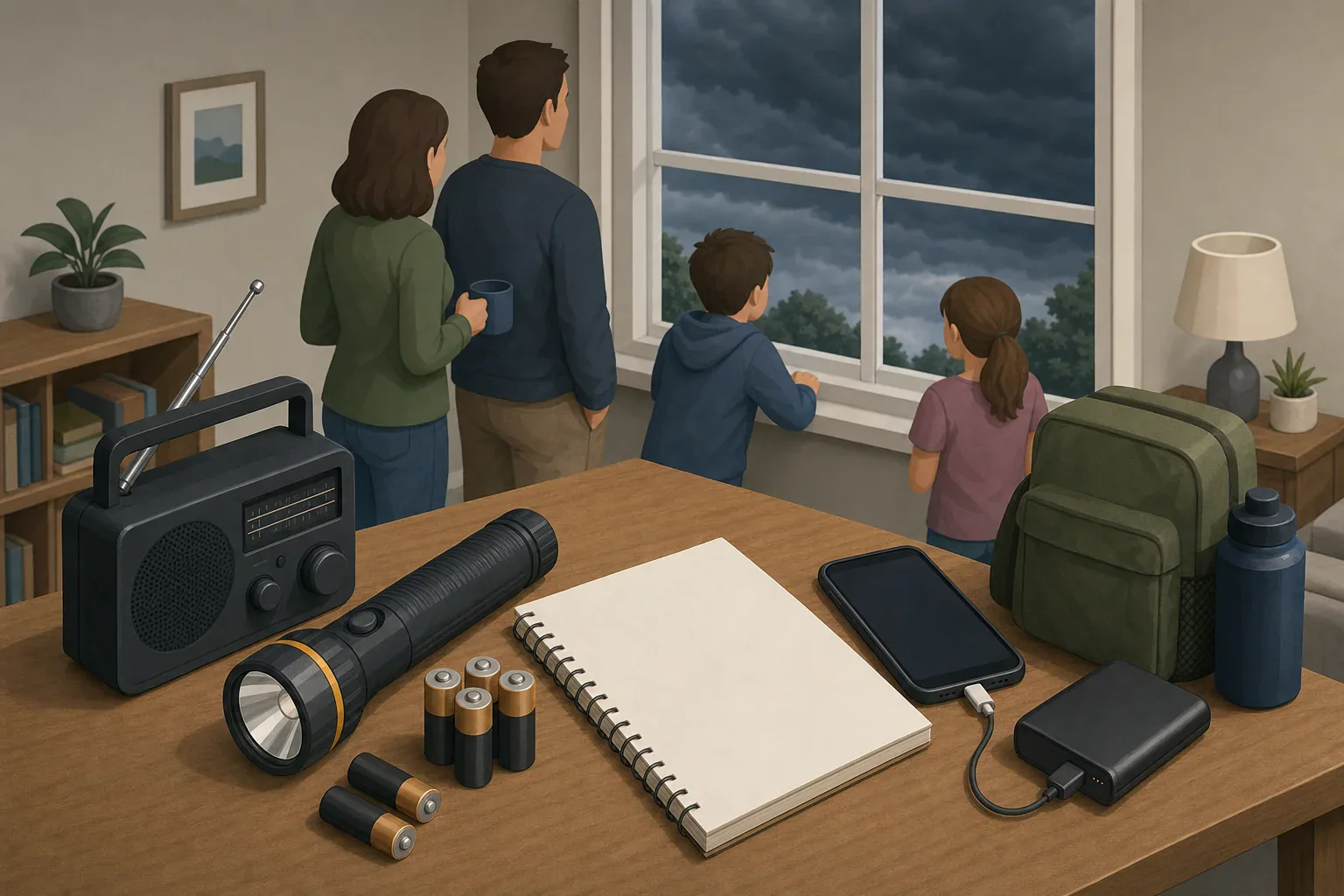
Quick answer: Use a storm tracker as a decision tool: confirm the location and update time, read the official forecast and full alerts, note the hazard, area, timing, impacts, and instructed action, then set a recheck point. Treat radar as context and follow local instructions.
A six-step storm tracker workflow
- Confirm the location. Make sure the forecast or map is centered on the correct address, town, or county. Check the time zone if you are traveling or monitoring someone elsewhere.
- Check the source and timestamp. Note when the information was issued or updated. Do not assume an open app is showing current data.
- Open the official forecast and alerts. Enter your location at the National Weather Service forecast site. Read every active alert, not just a map color or notification headline.
- Write down the decision details. Record the hazard, affected area, start and end times, expected impacts, and protective action in the alert. FEMA guidance identifies details such as hazard, location, timeframe, source, and protective behavior as useful parts of a warning message.
- Set the next check. Use the next update time stated by the official source when one is provided. Keep the alert services you rely on enabled between checks.
- Act on official instructions. Follow alert text and local emergency-management directions. Use radar to understand recent movement, not to overrule a warning or local order.
The NWS notes that its national overview map may display only one event for a forecast zone even when several are active. Open the local forecast page and full alert text to find all relevant notices. See the NWS weather map help page for that limitation.
What to monitor with a storm tracker
- Official point forecast: Look at the current forecast, hourly trend, and stated timing for your location.
- Complete alert text: Check whether your location is included and what action the alert recommends.
- Local official messages: Watch for evacuation routes, shelter information, road conditions, school changes, or other instructions that a national map may not show.
- Radar timestamp and movement: A loop can show recent direction and development, but it is not a live ground-level view.
- Changes since the previous check: Note shifts in timing, affected area, hazards, expected impacts, or official instructions.
Radar colors and app-generated storm tracks do not establish what is happening at your home. The NWS Weather Watcher Quick Start Guide advises users to verify the radar time and location and cautions against relying on app-generated hail, rotation, or tornado predictions.
How a watch or warning changes your actions
Terminology and protective actions can vary by hazard and locality. In general, the NWS watch and warning guidance describes a watch as the time to prepare and a warning as the time to act.
| Status | What it means | Calm household response |
|---|---|---|
| Forecast or outlook | A hazard may develop later. | Verify the location and timing, review the relevant household plan, and set the next check. |
| Watch | Conditions favor the hazard, but it may not occur everywhere in the watch area. | Prepare to act. Bring household members into the communication plan, ready the appropriate shelter or transportation steps, and maintain more than one warning path. |
| Warning | Dangerous weather is occurring, imminent, or expected in the warned area. | Read and follow the protective action immediately. Do not delay because a personal radar view appears reassuring. |
| Local order | Local officials direct evacuation, sheltering, or another action. | Follow the instruction. Local hazards, road conditions, and response operations may not be visible on radar. |
A watch does not always become a warning. Conversely, do not wait for a warning to begin an evacuation or other action when local officials have already told you to act.
Choose a recheck point without guessing
There is no universal safe interval for checking a storm. Update schedules differ by hazard, source, and event. Use the next-update time in the forecast or alert when available, and check sooner if a new warning arrives or local conditions change.
- Write down the time of your last check.
- Record the next scheduled official update if one is listed.
- Keep alert services and a second warning method available.
- Assign one person to monitor updates, with a backup person if practical.
- Share meaningful changes with the household instead of repeatedly sharing unverified map images.
Keep receiving information if internet or power fails
No single app, device, or connection is guaranteed to work throughout a storm. NWS recommends having more than one way to receive warnings.
- NOAA Weather Radio: Use a receiver that works in your area and follow its manual for power options, alert settings, channel selection, and testing. Features and reception vary by model and location.
- Battery-powered AM/FM radio: Identify local stations that carry emergency broadcasts and keep suitable batteries with the radio.
- Mobile alerts: Keep phone emergency alerts and any local government alert service enabled. A charged power bank can extend phone use while cellular service remains available.
- Printed information: Keep local radio frequencies, emergency-management contact information, household contacts, and meeting locations on paper.
- Local Emergency Alert System broadcasts: Listen for official instructions through available radio or television service.
Test equipment according to its manual before severe weather is nearby. A radio’s reception, battery runtime, charging features, and alert behavior should not be assumed from another model.
One-page storm monitoring checklist
Copy or print this checklist and keep it with your household plan.
- ☐ Exact location being monitored
- ☐ Current date, time, and time zone
- ☐ Information source and update timestamp
- ☐ Official point forecast checked
- ☐ Every active alert opened and read
- ☐ Hazard and affected area recorded
- ☐ Alert start and end times recorded
- ☐ Expected arrival or peak period noted, if officially provided
- ☐ Main hazards and likely impacts noted
- ☐ Protective action from the alert recorded
- ☐ Local emergency-management message checked
- ☐ Radar timestamp verified
- ☐ Changes since the previous check noted
- ☐ Next official update or recheck point recorded
- ☐ Alert services remain enabled
- ☐ Backup radio or receiver tested according to its manual
- ☐ Spare batteries or backup power available
- ☐ Primary and backup monitoring person identified
If official alert text, local instructions, radar, and an app disagree, prioritize the official alert and local emergency-management direction. Conditions and safe actions can differ within short distances.
- Simple checklists and realistic planning
- Water, power, lighting, and pantry basics
- Family plans (kids, pets, seniors) and seasonal prep
Affiliate disclosure
As an Amazon Associate, we earn from qualifying purchases. Some links on this site may be affiliate links. If you buy through these links, we may earn a small commission at no extra cost to you. This helps support our content. Learn more.